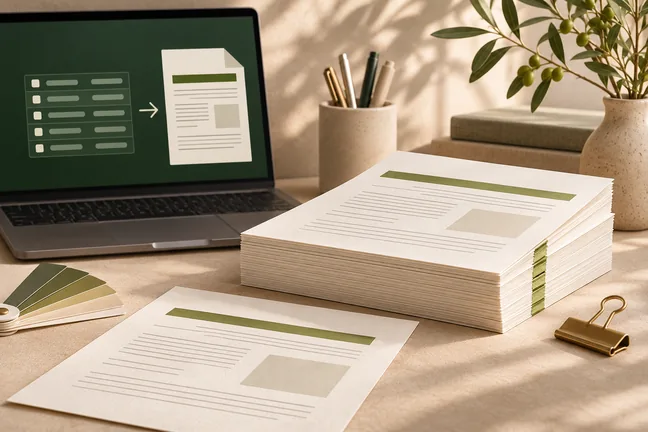
Start with the job you need to finish. Find tools for reusable layouts, parallel runs, press setup, mail preparation and the checks your team makes before release.
Give an MCP-compatible assistant a tool that turns HTML or Markdown into a laid-out PDF. Use Marqius for rendering and keep the source content and review in your workflow.
The MCP tool accepts HTML or Markdown, a title and a page size.
Use the output for reports, briefs or reading copies.
For application integration, Marqius Engine also provides an HTTP conversion endpoint.
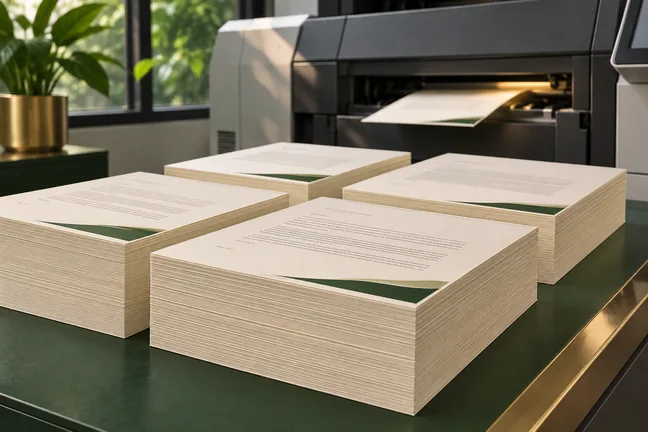
Set the colour profile, bleed, trim marks and sheet layout for the way you print. Inspect the actual finish with your print partner before the full run.
Prepare CMYK or named spot inks with the intended press profile.
Use PDF/X-4 or PDF/X-1a output options when the job calls for them.
Arrange pages on sheets, allow for paper thickness and add page barcodes in the bleed for bindery workflows.
Use press checks and page-level findings to review the file before release. Strict mode can stop a run when a check raises a warning, so the next step starts with a decision.
Check for low-resolution images, insufficient bleed and text too close to the trim.
Check against the printer limits set for the job.
Capture page counts, checksums, colour-page counts and warnings in a report your build can read.
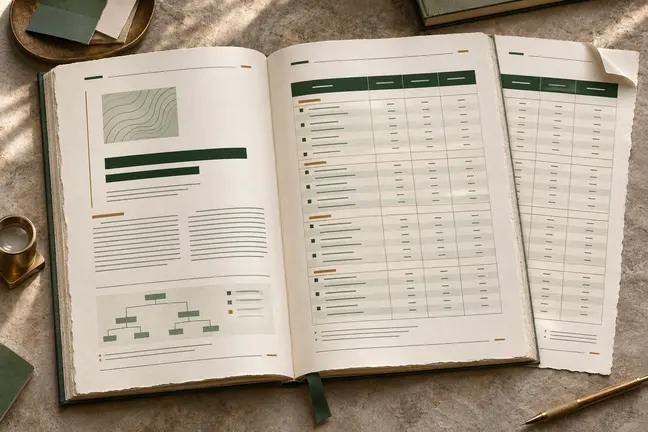
Control page size and margins, tables, running heads, footnotes and cross-references. Review the longest sections so the document reads as well at the end as it does at the start.
Set the page size, margins and repeating page elements.
Lay out tables, footnotes, running heads and page cross-references.
Build contents lists, bookmarks, page numbering and fillable PDF fields from HTML.
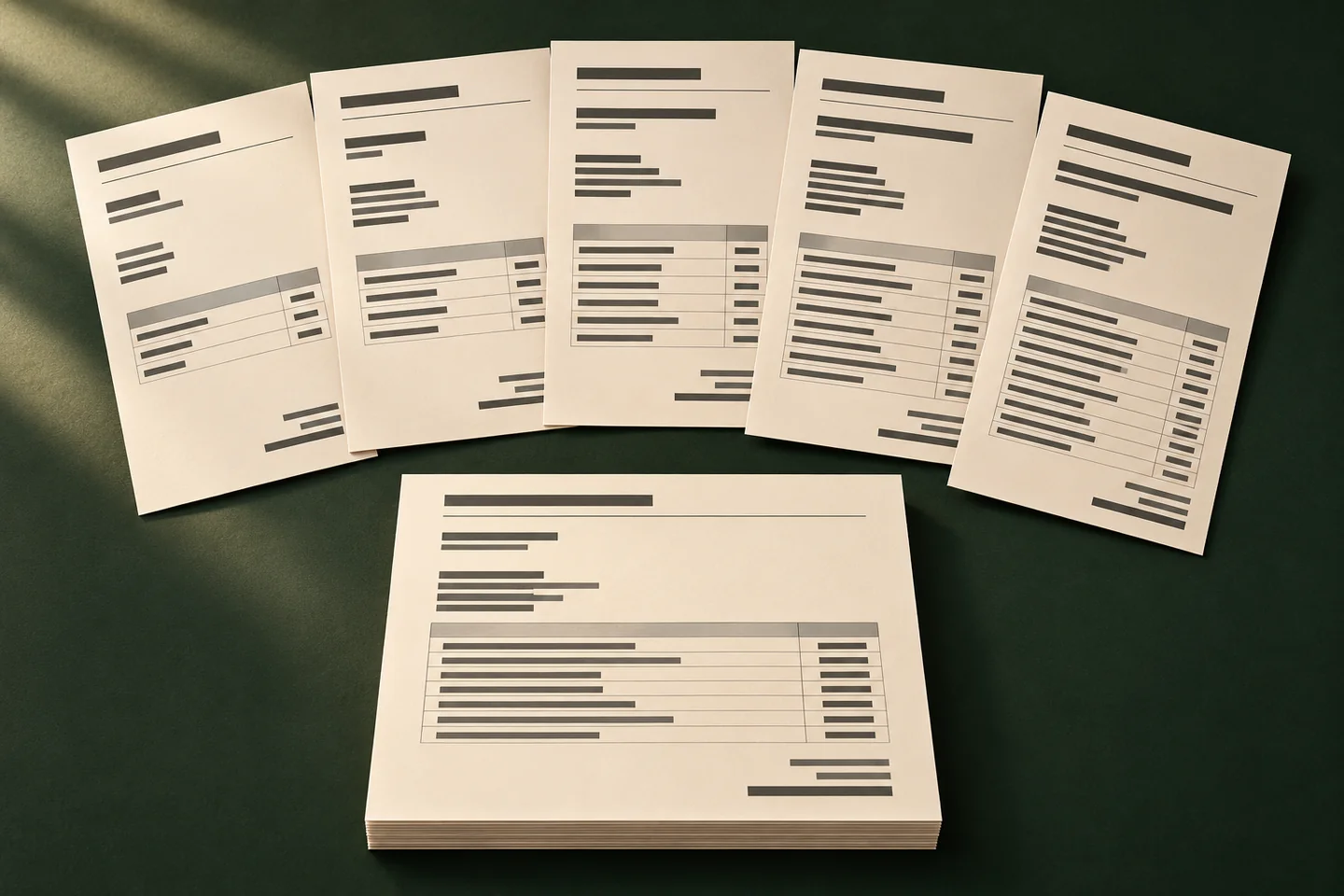
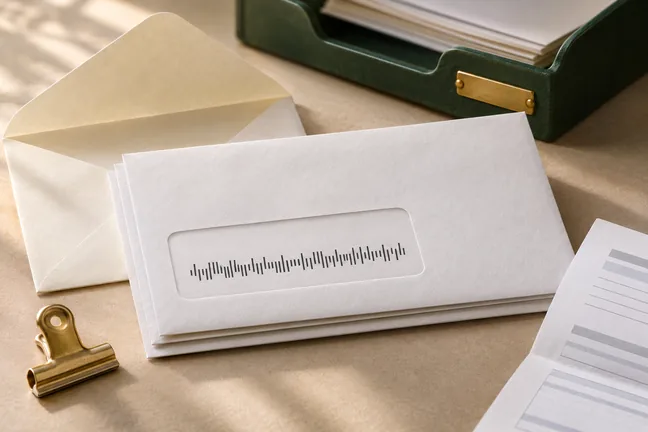
Build a personalised run one mail piece at a time. Generate USPS Intelligent Mail barcodes and add payment scan lines or inserter marks where the workflow requires them.
Use duplex placement and PDF/VT output options for record-based print work.
Generate USPS Intelligent Mail or other supported barcode formats.
Create tagged PDF/UA-1 output and use the accessibility audit to find issues in the source, including vague link text, missing table headers and unlabelled fields.
Generate tagged PDFs from well-structured source content.
Review the audit for contrast, alternative text and labelling.
Prepare a large-print or EPUB edition when it suits your readers.
What source material can Marqius turn into a document?
Use HTML, Markdown or web content to generate output. Choose a reading or print PDF, EPUB 3 or page images to suit the job.
Where do the speed gains come from?
Parallel jobs let you run independent documents together. Caching avoids rendering unchanged inputs again. Use the structured report to review elapsed time for your jobs.
What should we check before releasing a press file?
Review page-level findings, compare the proof with the source and ask the print partner to check the file against its production requirements.
Can I use Marqius to prepare a recurring mailing?
Yes. Marqius Engine prepares separate recipient pieces and can add USPS Intelligent Mail barcodes, inserter marks and payment scan lines when the job calls for them. Confirm the printed proof with your mailing partner.