What this changes in your workflow
Independent files can render as parallel jobs. The cache lets an unchanged input reuse a previous result. Use the elapsed time in the job report to see where generation takes time on your own files.
- Run multiple jobs in parallel.
- Reuse output for unchanged inputs with caching.
- Record elapsed time in the structured job report.
What it means for your operation
Finish more independent jobs inside the production window
Run separate editions or reports together. A large file can render in parallel with smaller ones instead of holding the whole queue.
Avoid rebuilding work you can reuse
Keep unchanged outputs from the previous run when the cache applies. Spend compute and production time on the editions that changed.
Measure both fresh and repeat runs
Track the time until the last approved PDF is ready, cache reuse and output volume. Compare like-for-like batches and log proofing and delivery time separately.
How industries can use it

Refresh regional price lists
Generate each region’s edition as an independent job. If only one region’s source changes, unchanged inputs can reuse cached results.
In the proof: Change one region’s prices in a test and confirm only the intended edition is different.
Explore retail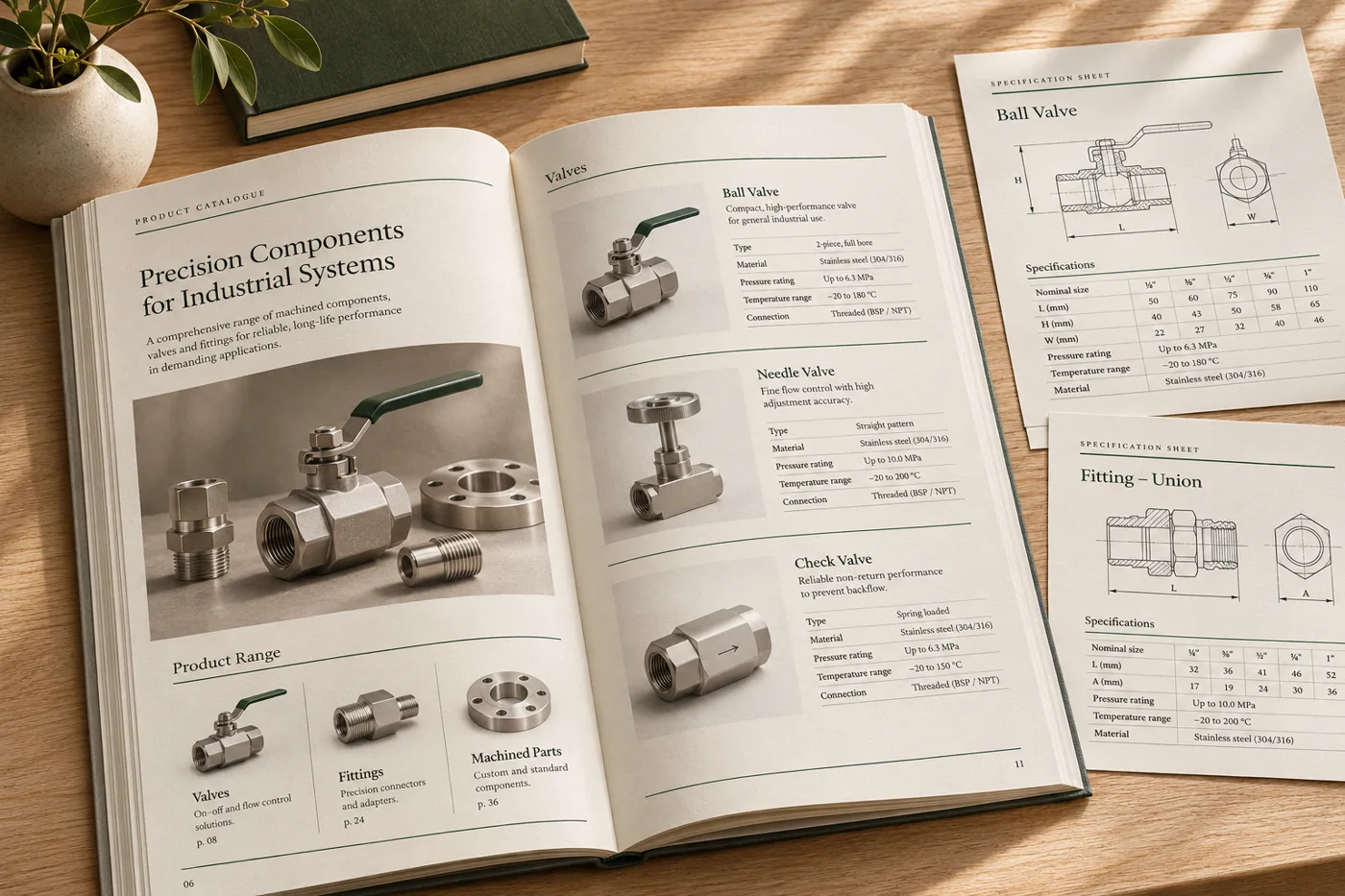
Rebuild a catalogue by product family
Prepare a separate file for each product family. Run those files together, then carry forward the unaffected outputs when one family is revised.
In the proof: Include a dense catalogue section in the test and verify the dated edition labels.
Explore manufacturing & distribution
Produce reports across depots
Run separate depot summaries in parallel so a large depot report does not need to finish before other independent documents begin.
In the proof: Compare a normal depot and one with a long table. Use the report to distinguish render time from time spent reviewing and delivering files.
Explore logistics & operationsTest it on a document you already print
Start with an anonymised example and record what the finished file must do before the job moves to the next stage.
- Choose representative files. Include the shortest, longest and most image-heavy items from the batch.
- Compare two builds. Measure a fresh render and a repeat with caching. Change one input and record which outputs must be regenerated.
- Check output as well as elapsed time. Review document counts, representative PDFs and warnings. Measure delivery separately if it is part of the workflow.