AI & INTEGRATION
Generate PDFs from AI workflows
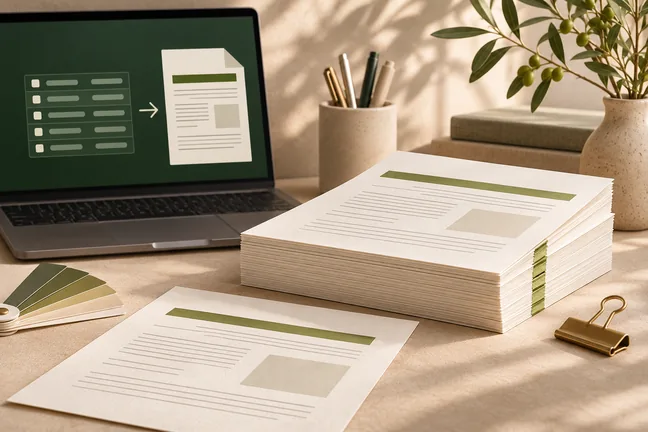
Give an MCP-compatible assistant a tool that turns HTML or Markdown into a laid-out PDF. Use Marqius for rendering and keep the source content and review in your workflow.
Explore featureFollow a document from source data and a reviewed design to a proof you can check and a PDF you can hand off.
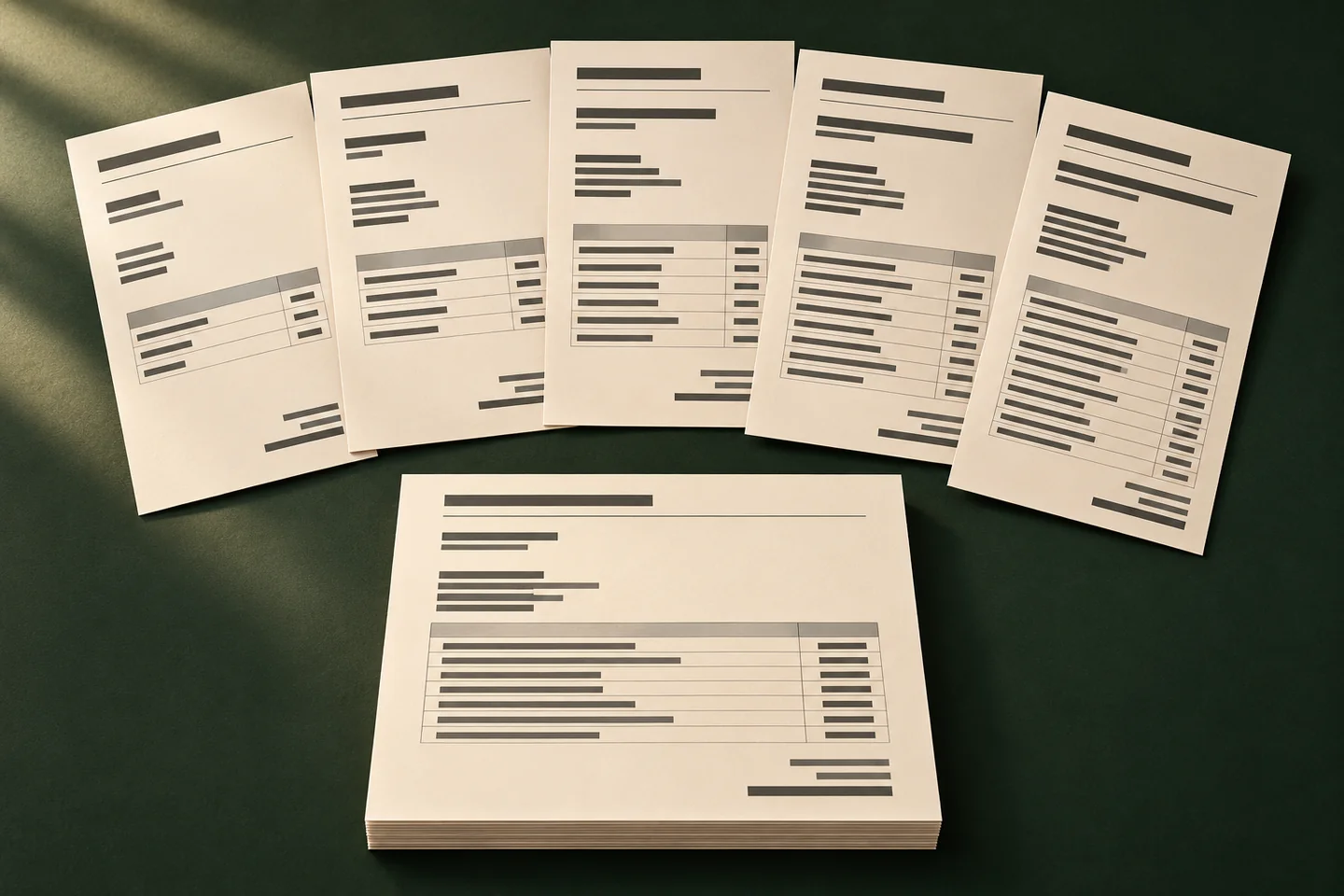 ILLUSTRATIVE CONCEPT
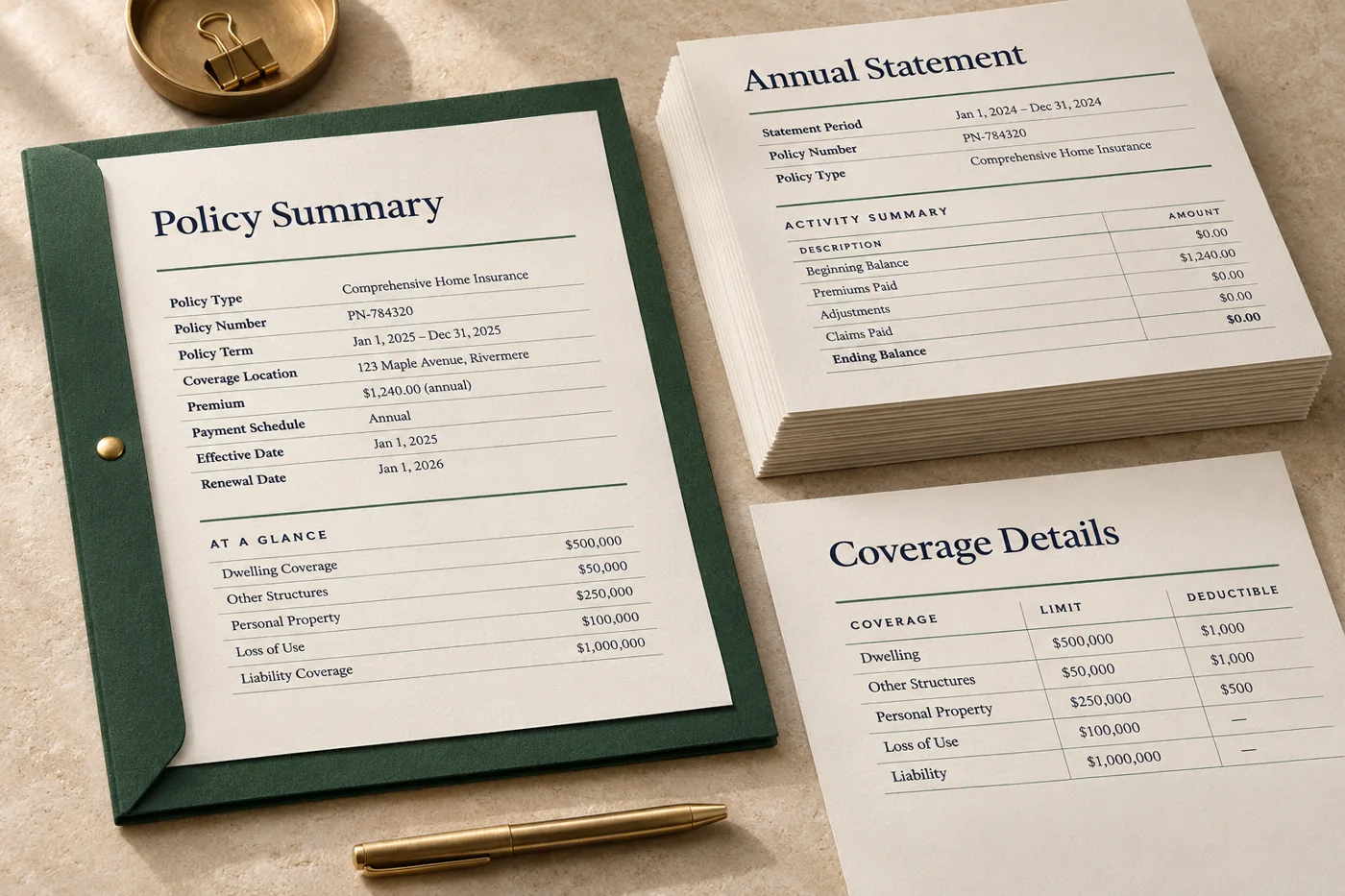
Keep summaries, activity tables and contact information in a familiar order while figures and transaction histories change each period.
Explore workflow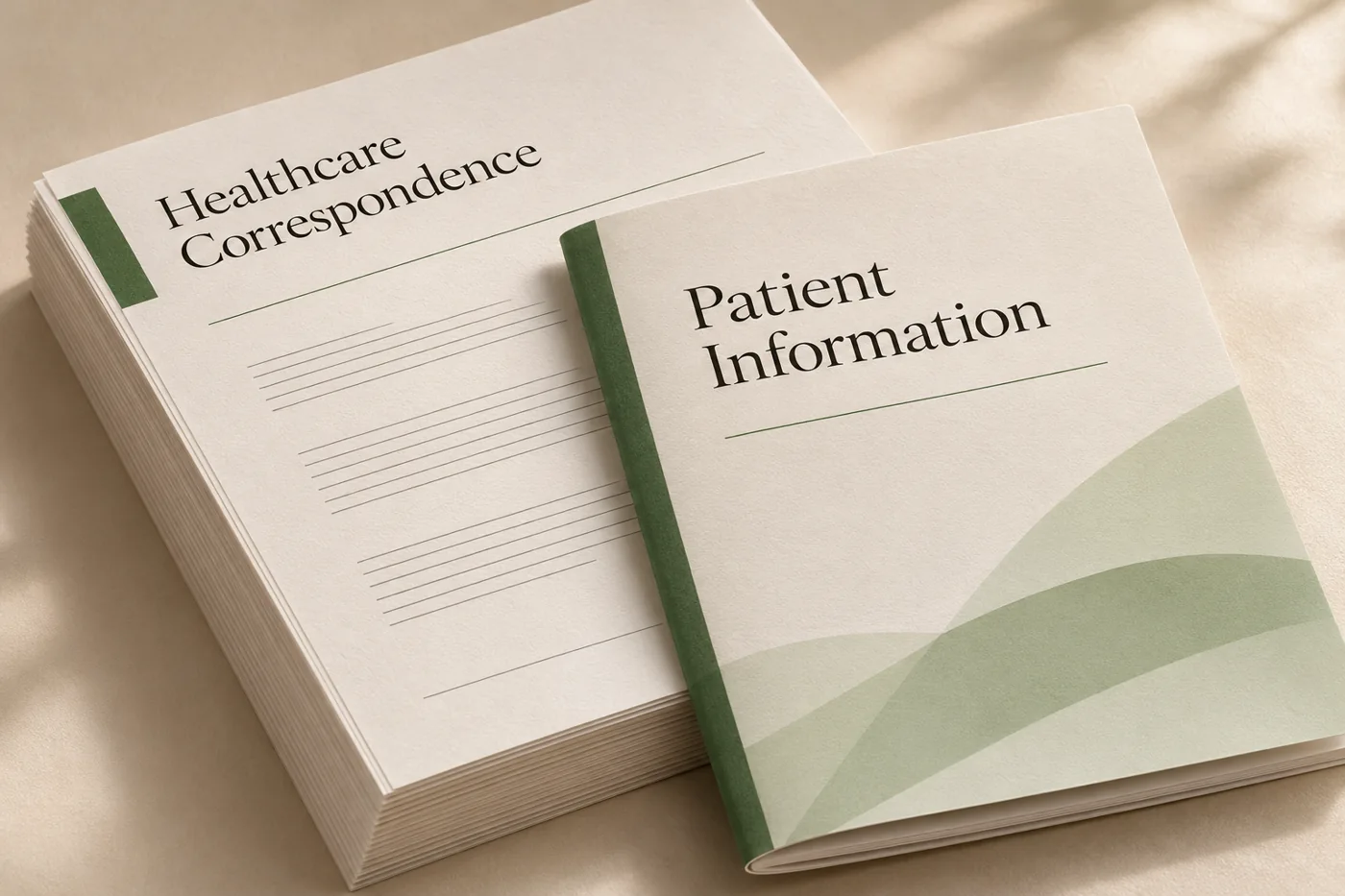
Combine approved wording and recurring brand elements with changing recipient details, dates and instructions.
Explore workflow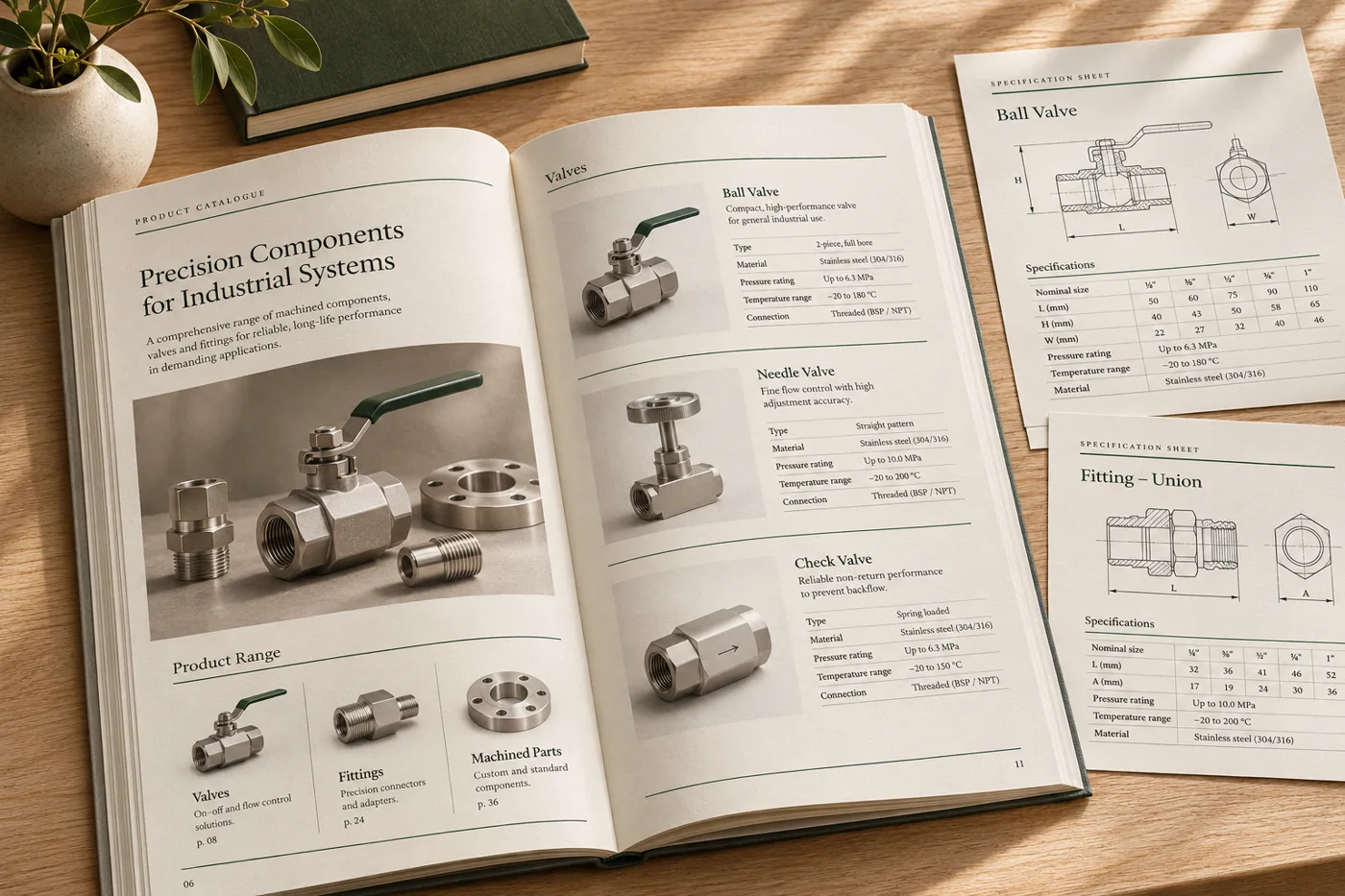
Use product records, photography and ranked specifications to build a consistent edition without redesigning every page.
Explore workflow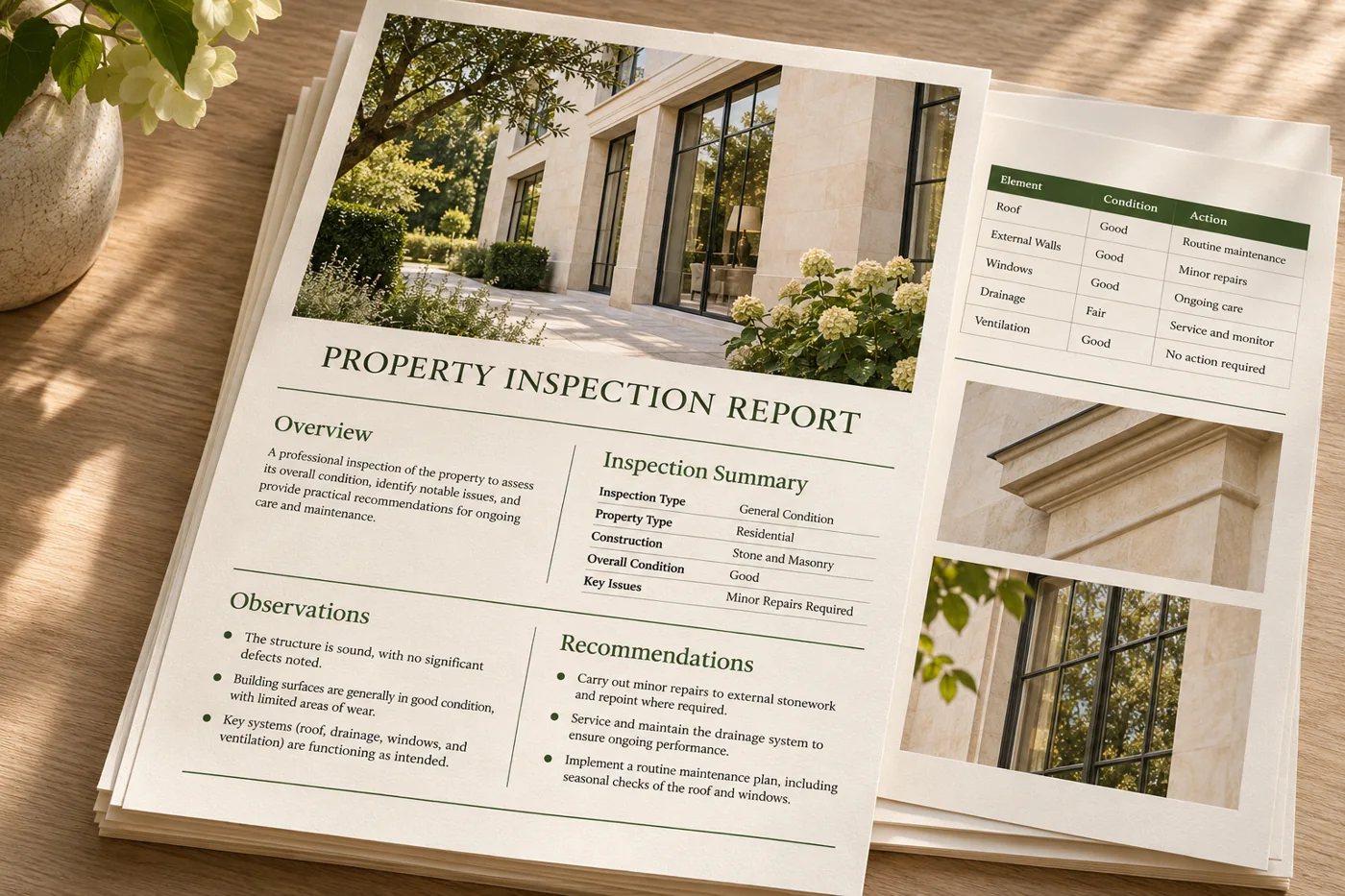
Give repeat reports clear headings, consistent page numbering and tables that remain readable as source data grows.
Explore workflowTurn structured records into consistent PDFs without manually replacing the names, values or details in each copy.
Explore workflow
Bring page arrangement, trim marks and space around the page edges into the same conversation as the document layout.
Explore workflow
Build a publication around its reading rhythm, from chapter openers and typography to illustrations, notes and the cover.
Explore workflow
Lay out repeatable training editions with clear instructions, usable exercise space and a proof at the final trim size.
Explore workflowGive an MCP-compatible assistant a tool that turns HTML or Markdown into a laid-out PDF. Use Marqius for rendering and keep the source content and review in your workflow.
Explore feature
Set the colour profile, bleed, trim marks and sheet layout for the way you print. Inspect the actual finish with your print partner before the full run.
Explore feature
Use press checks and page-level findings to review the file before release. Strict mode can stop a run when a check raises a warning, so the next step starts with a decision.
Explore featureUse an anonymised sample to show what the current workflow asks of your team.
Discuss Your WorkflowStart with the document you repeatedly produce or correct. Compare its input, approval step and handoff with the closest guide.
An industry page groups the documents a team may produce. A use case follows one kind of document from source information to proof and handoff.
The product you start with depends on the job. Discuss the whole process if you need both document generation and a recurring handoff.