What this changes in your workflow
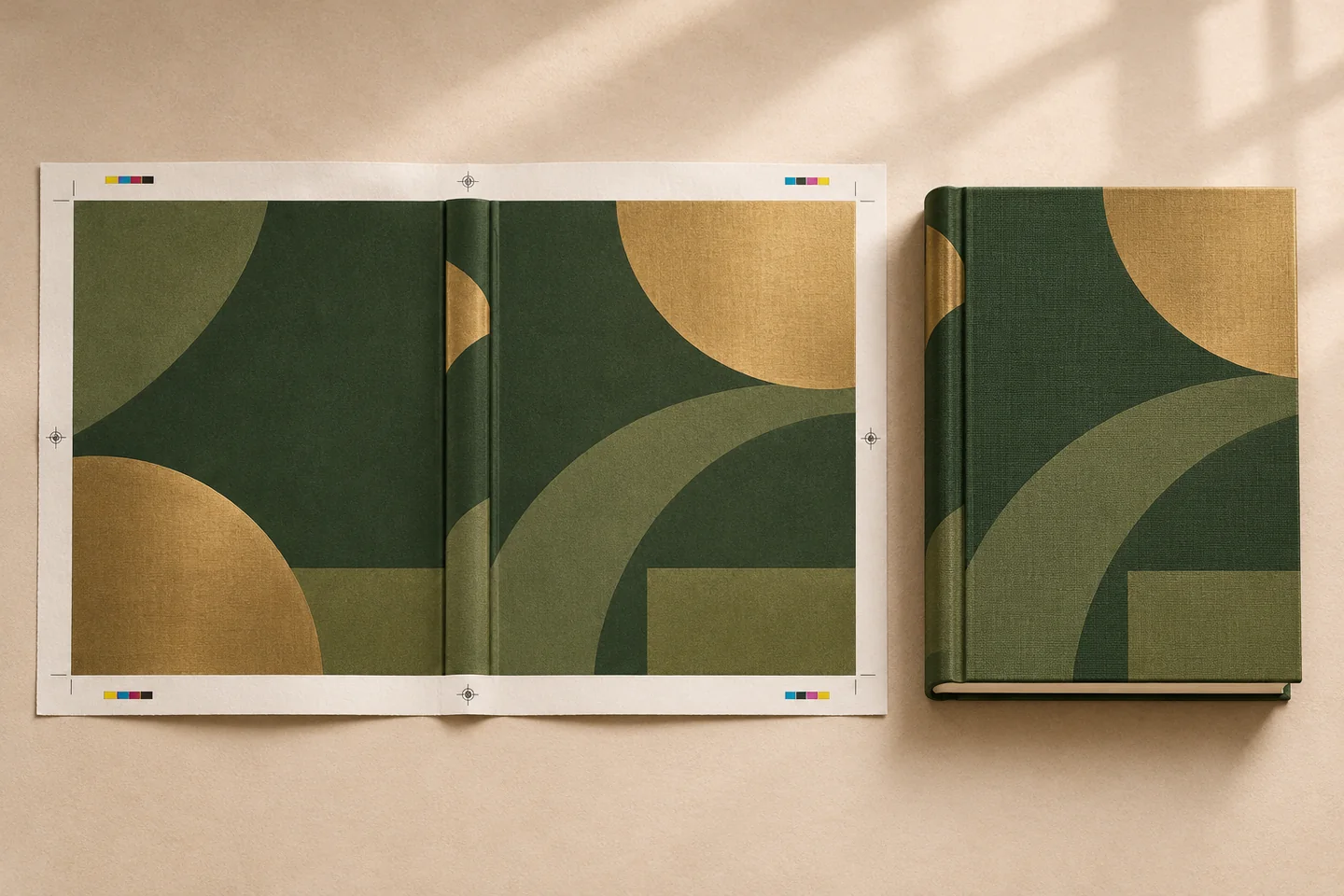
The cover and interior meet at the spine. Use the final page count, paper and binding to calculate the spine width, then review the back, spine and front as one wrap.
- Review the front, back and spine as one sheet.
- Use page count, paper and binding to work out spine width.
- Review cover and interior at the intended finished size.
What it means for your operation
Reduce mismatch between cover and interior
Use the final page count, paper and binding in the spine calculation. Update the dimensions when the interior changes, before the printer commits to the job.
Catch alignment issues on a single proof
Review back, spine and front together to spot letters or artwork crossing a fold, spine or trim. Give the printer one full-wrap file to check against its template.
Measure cover correction cycles
Record revised proofs and the reason for each correction, such as spine width, stock or trim. Compare the time from interior lock to cover approval.
How industries can use it

Prepare the cover of a revised workbook
Use the final interior page count for the revised edition and recalculate for the paper and binding in the new order.
In the proof: Check the wrap against the final job dimensions, including spine lettering and bleed.
Explore publishing & education
Cover a reference manual
Use a common cover style for manuals in a series, then calculate a separate spine width for each finished interior.
In the proof: Check the edition label and where the spine title sits on the narrowest volume.
Explore manufacturing & distribution
Prepare a cover for a collection book
Review a full wrap so imagery and colour sit in the right place across the front, spine and back.
In the proof: Confirm that important details sit clear of folds, trim and the spine.
Explore retailTest it on a document you already print
Start with an anonymised example and record what the finished file must do before the job moves to the next stage.
- Confirm the final interior. Use the production page count and confirm paper and binding with the printer.
- Build the full wrap. Review the front, back and spine together. Check the placement of lettering and any artwork crossing a fold.
- Recheck after changes. If pagination, stock or binding changes, recalculate the spine and review a fresh cover proof.