AI & INTEGRATION
Generate PDFs from AI workflows
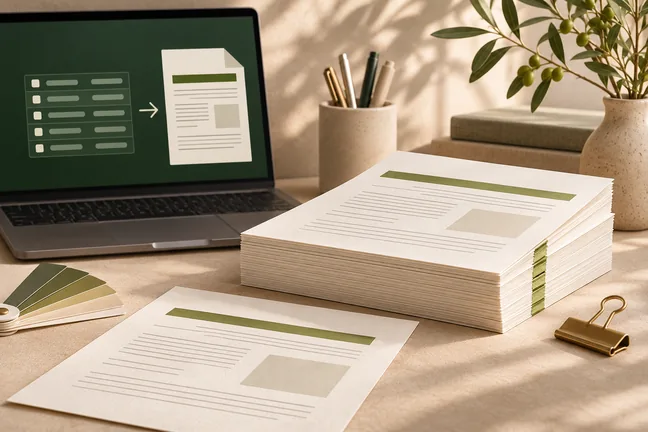
Give an MCP-compatible assistant a tool that turns HTML or Markdown into a laid-out PDF. Use Marqius for rendering and keep the source content and review in your workflow.
Explore featureUse Engine when your systems already supply the content. Generate PDFs from HTML, Markdown or web content, with press settings and checks that fit your production workflow.
 ILLUSTRATIVE CONCEPT
Give an MCP-compatible assistant a tool that turns HTML or Markdown into a laid-out PDF. Use Marqius for rendering and keep the source content and review in your workflow.
Explore feature
Keep deadline-driven runs moving: render independent jobs in parallel and reuse cached output when inputs haven’t changed.
Explore feature
Set the colour profile, bleed, trim marks and sheet layout for the way you print. Inspect the actual finish with your print partner before the full run.
Explore feature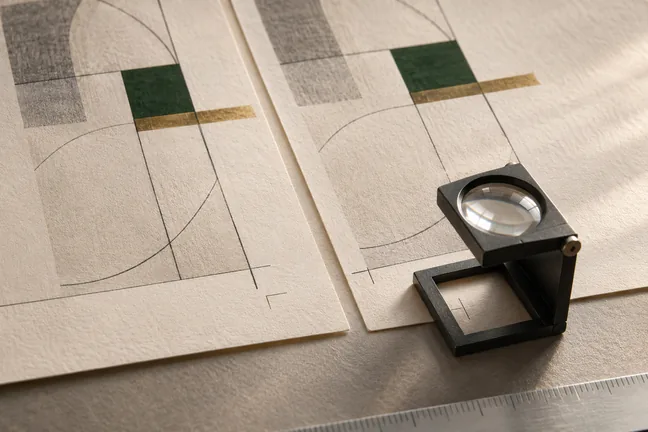
Use press checks and page-level findings to review the file before release. Strict mode can stop a run when a check raises a warning, so the next step starts with a decision.
Explore feature
Start with HTML, Markdown or a web address. Prepare a PDF for reading or print, an EPUB 3 edition, or page images for review.
Explore feature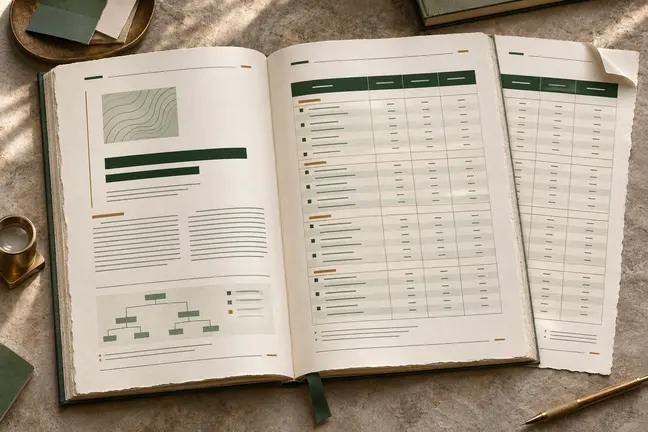
Control page size and margins, tables, running heads, footnotes and cross-references. Review the longest sections so the document reads as well at the end as it does at the start.
Explore feature
Use one approved layout and a fresh set of records to prepare statements, correspondence and other documents that vary from recipient to recipient.
Explore feature
Build a personalised run one mail piece at a time. Generate USPS Intelligent Mail barcodes and add payment scan lines or inserter marks where the workflow requires them.
Explore feature
Choose a book design and trim size, then prepare a manuscript with chapter openers, front matter, running heads and page numbers.
Explore feature
Lay out the front, spine and back together. Use the interior page count, paper and binding to calculate the spine width for the edition.
Explore feature
Create tagged PDF/UA-1 output and use the accessibility audit to find issues in the source, including vague link text, missing table headers and unlabelled fields.
Explore feature
Apply a digital signature using a certificate, verify signatures, or set PDF permissions when the workflow needs more control over the file.
Explore feature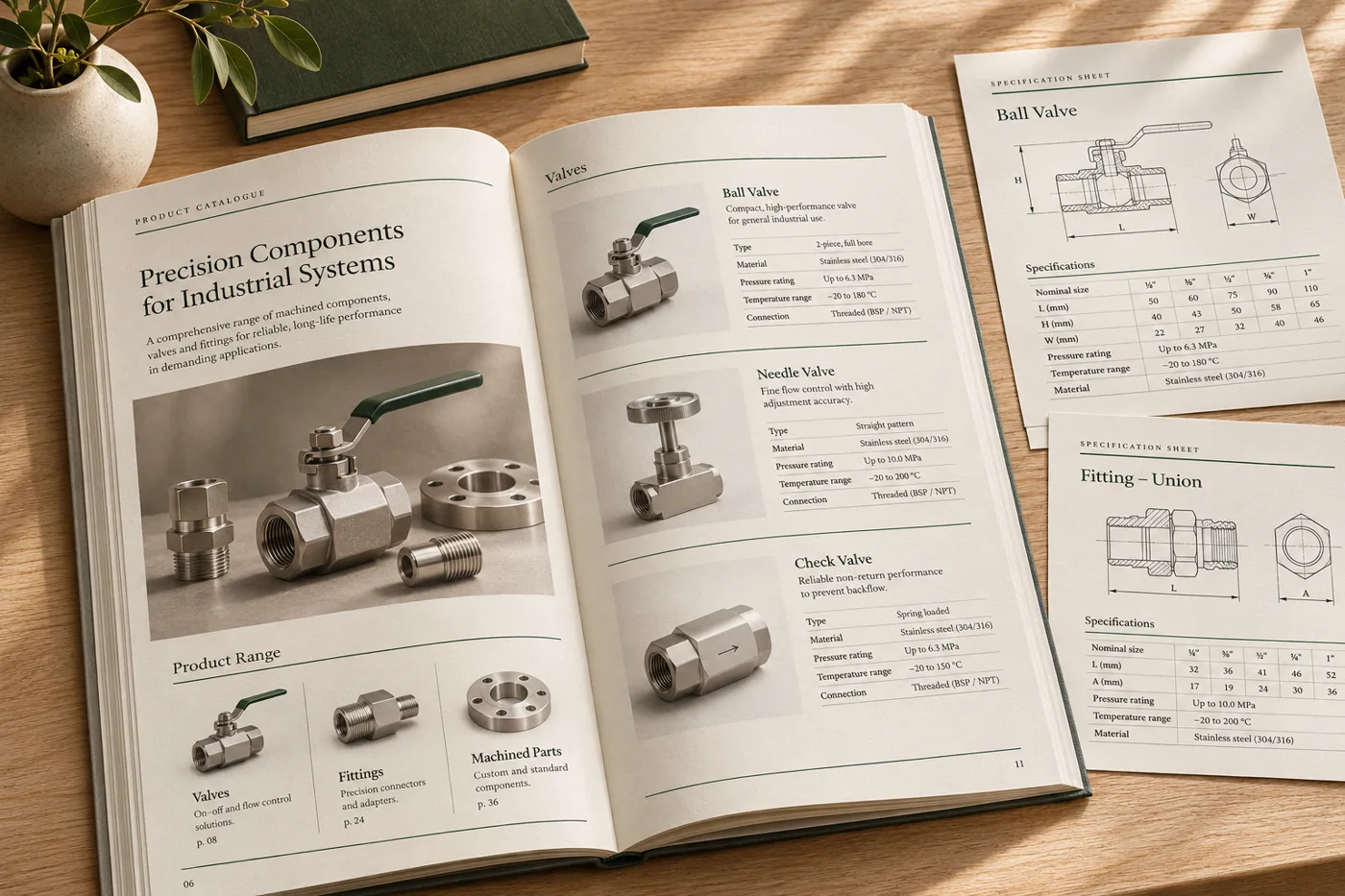
Use product records, photography and ranked specifications to build a consistent edition without redesigning every page.
Explore workflow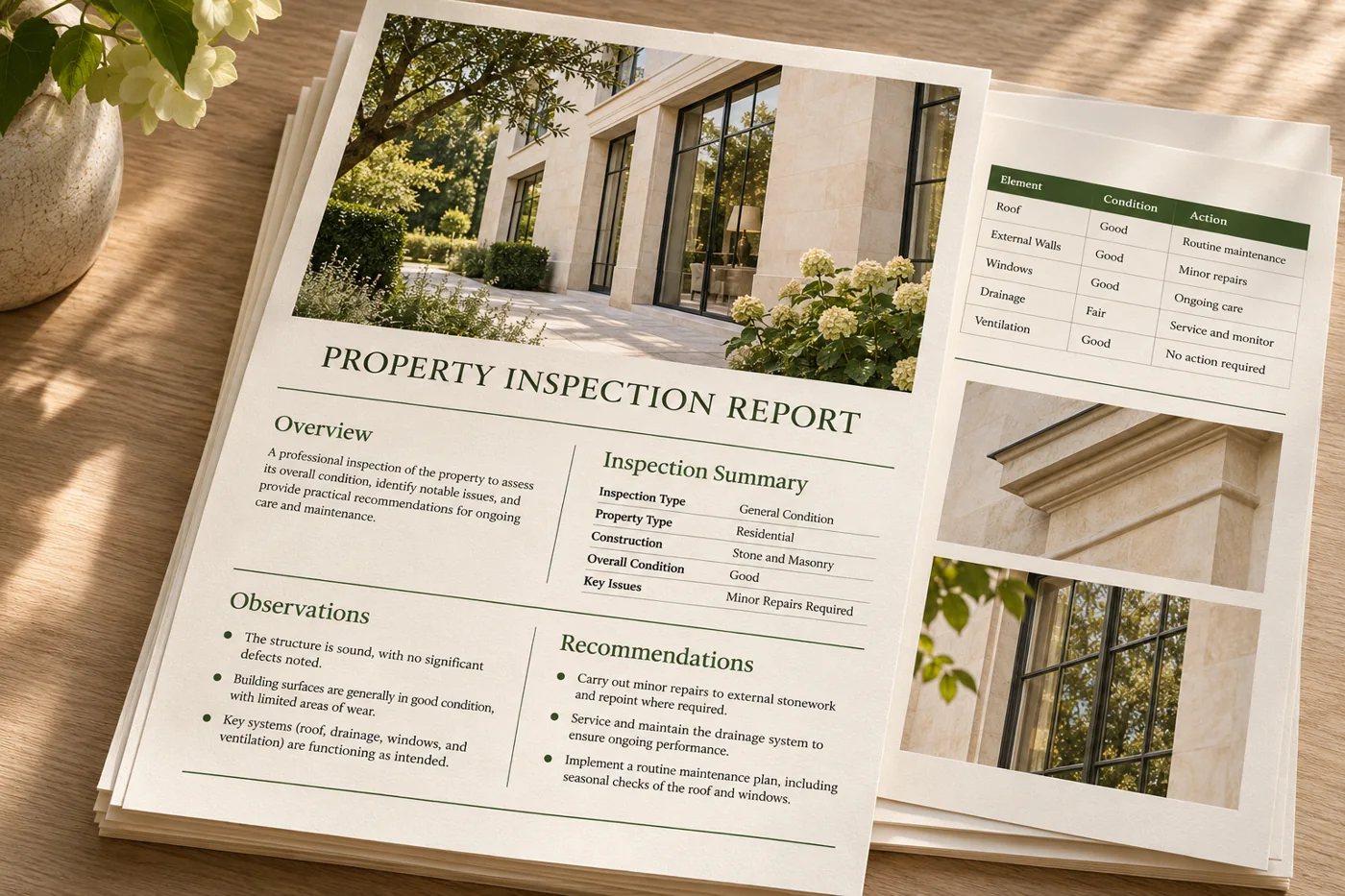
Give repeat reports clear headings, consistent page numbering and tables that remain readable as source data grows.
Explore workflow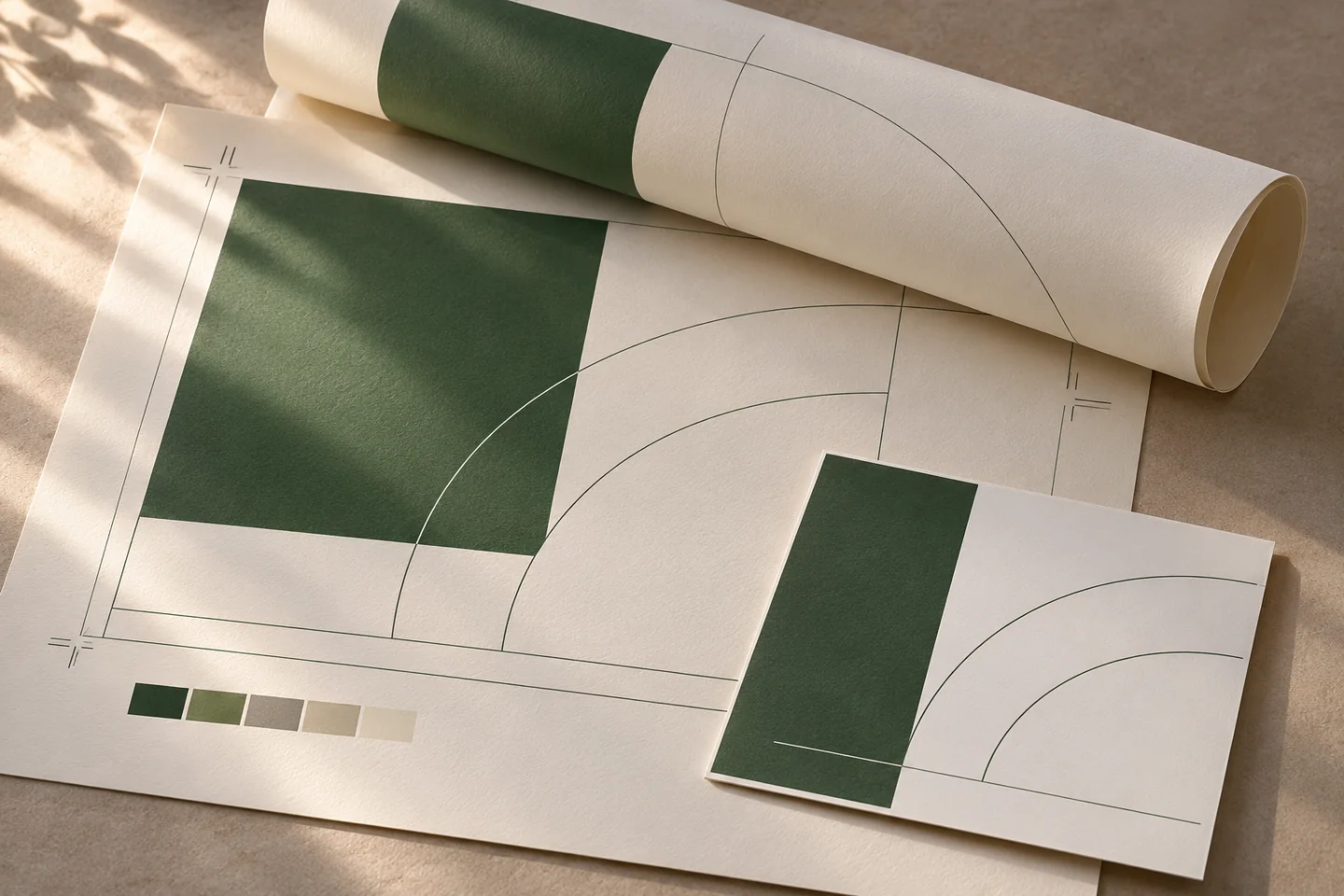
Bring page arrangement, trim marks and space around the page edges into the same conversation as the document layout.
Explore workflowBring an anonymised source and the requirements for the finished file. We’ll discuss which settings and checks should be part of the first proof.
Discuss Your WorkflowEngine can compose headings, tables, images, contents, references, page numbers and repeating page furniture from structured content and layout choices.
Bring an example of the structured input, the layout it needs and the expected PDF output. Review where generation will run and how the files are handed off.
Start with the finished page size, bleed, trim marks and the page arrangement requested by your printer. Check those settings in a representative proof.
Marqius reports findings with page details. With strict mode enabled, warnings can stop output so the issue can be reviewed.