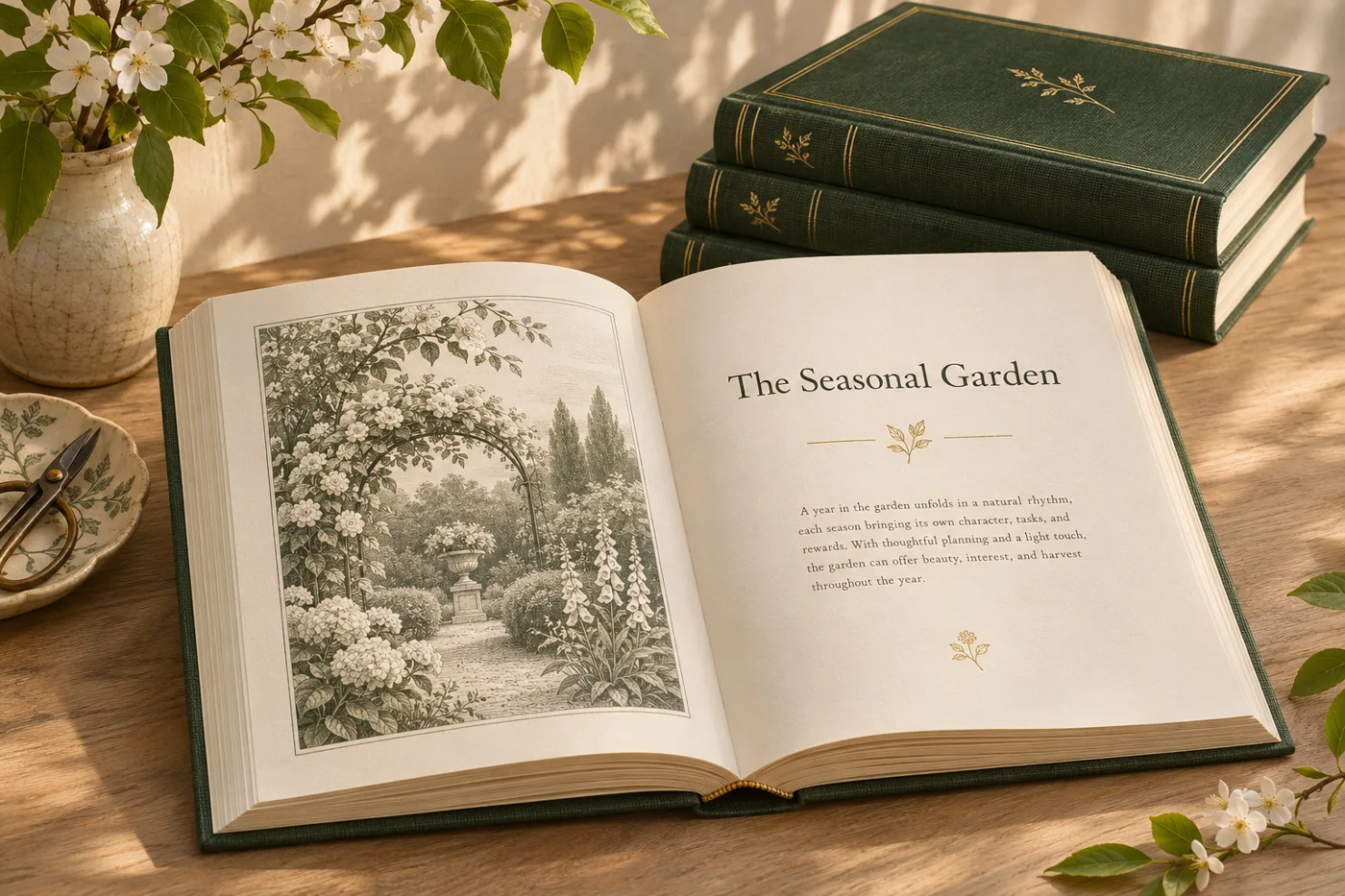
BOOK PRODUCTION
Set the interior from a manuscript
Choose a book design and trim size, then prepare a manuscript with chapter openers, front matter, running heads and page numbers.
Explore featureIf you produce books, manuals or course materials, start with one manuscript. Set the trim and type, proof the interior, and prepare the cover, print PDF and ebook with Marqius Engine.
ILLUSTRATIVE CONCEPTChoose a book design and trim size, then prepare a manuscript with chapter openers, front matter, running heads and page numbers.
Explore feature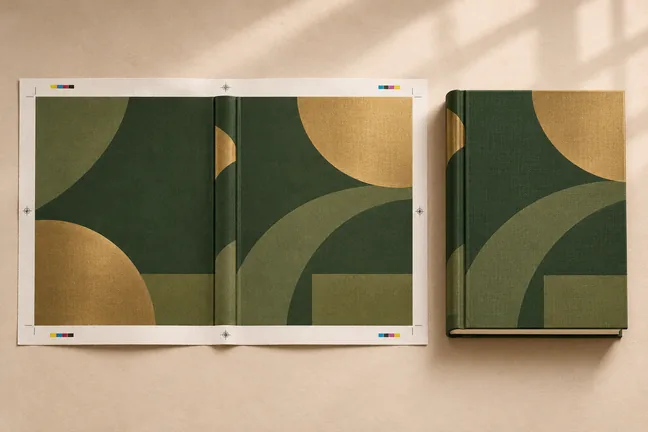
Lay out the front, spine and back together. Use the interior page count, paper and binding to calculate the spine width for the edition.
Explore feature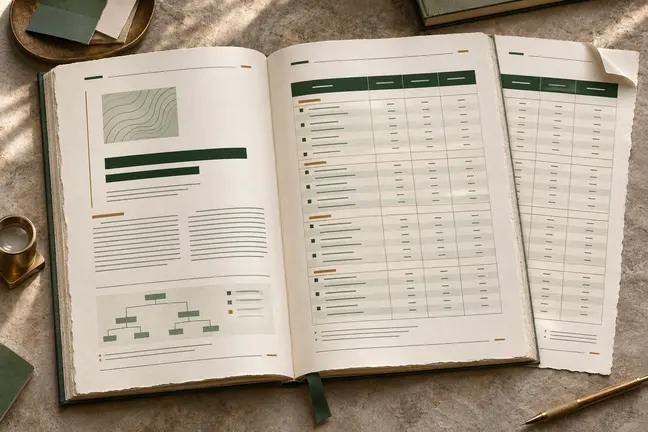
Control page size and margins, tables, running heads, footnotes and cross-references. Review the longest sections so the document reads as well at the end as it does at the start.
Explore feature
Create tagged PDF/UA-1 output and use the accessibility audit to find issues in the source, including vague link text, missing table headers and unlabelled fields.
Explore feature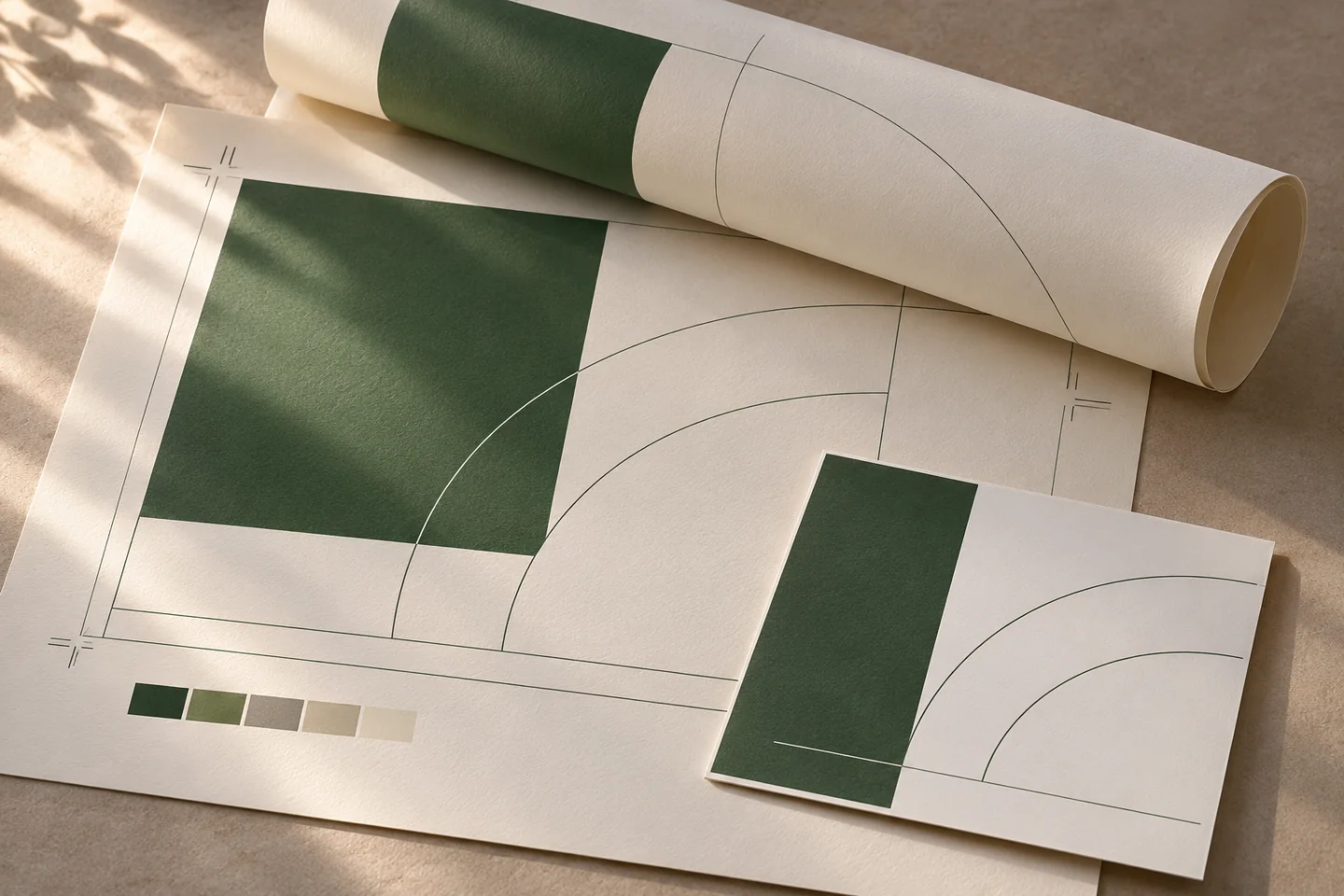
Bring page arrangement, trim marks and space around the page edges into the same conversation as the document layout.
Explore workflowBuild a publication around its reading rhythm, from chapter openers and typography to illustrations, notes and the cover.
Explore workflow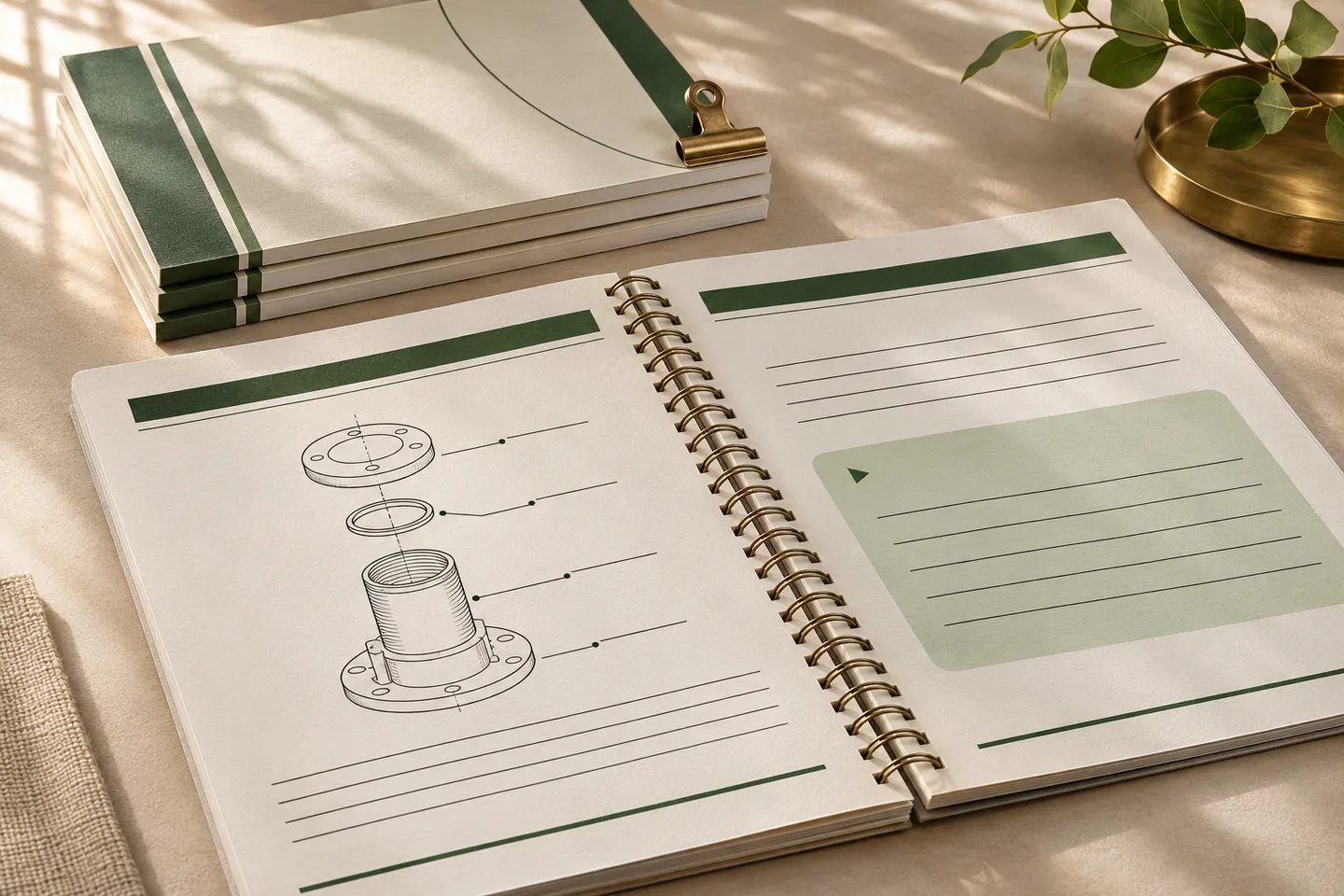
Lay out repeatable training editions with clear instructions, usable exercise space and a proof at the final trim size.
Explore workflowChoose one with the kinds of content your book will use: body text, chapter openings, notes or illustrations.
Discuss Your WorkflowYes. Use a representative chapter to choose typography, page dimensions and recurring elements before laying out the rest of the book.
Build the reading experience around text and images, and add elements such as notes, an introduction, study questions or a glossary as appropriate.
Prepare a PDF for reading or print, a cover file or an ebook. Check the result against the requirements of the publisher, distributor or printer.