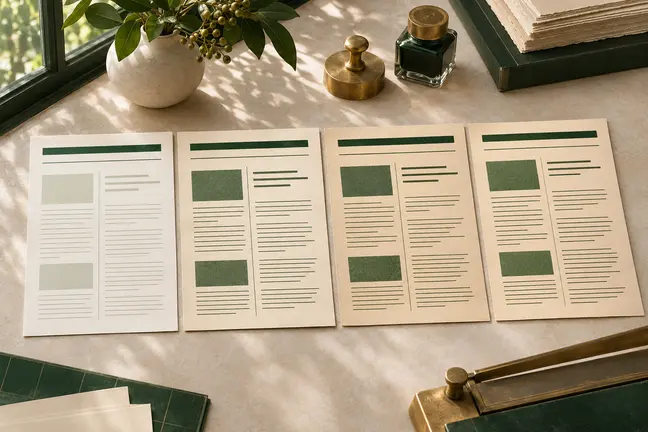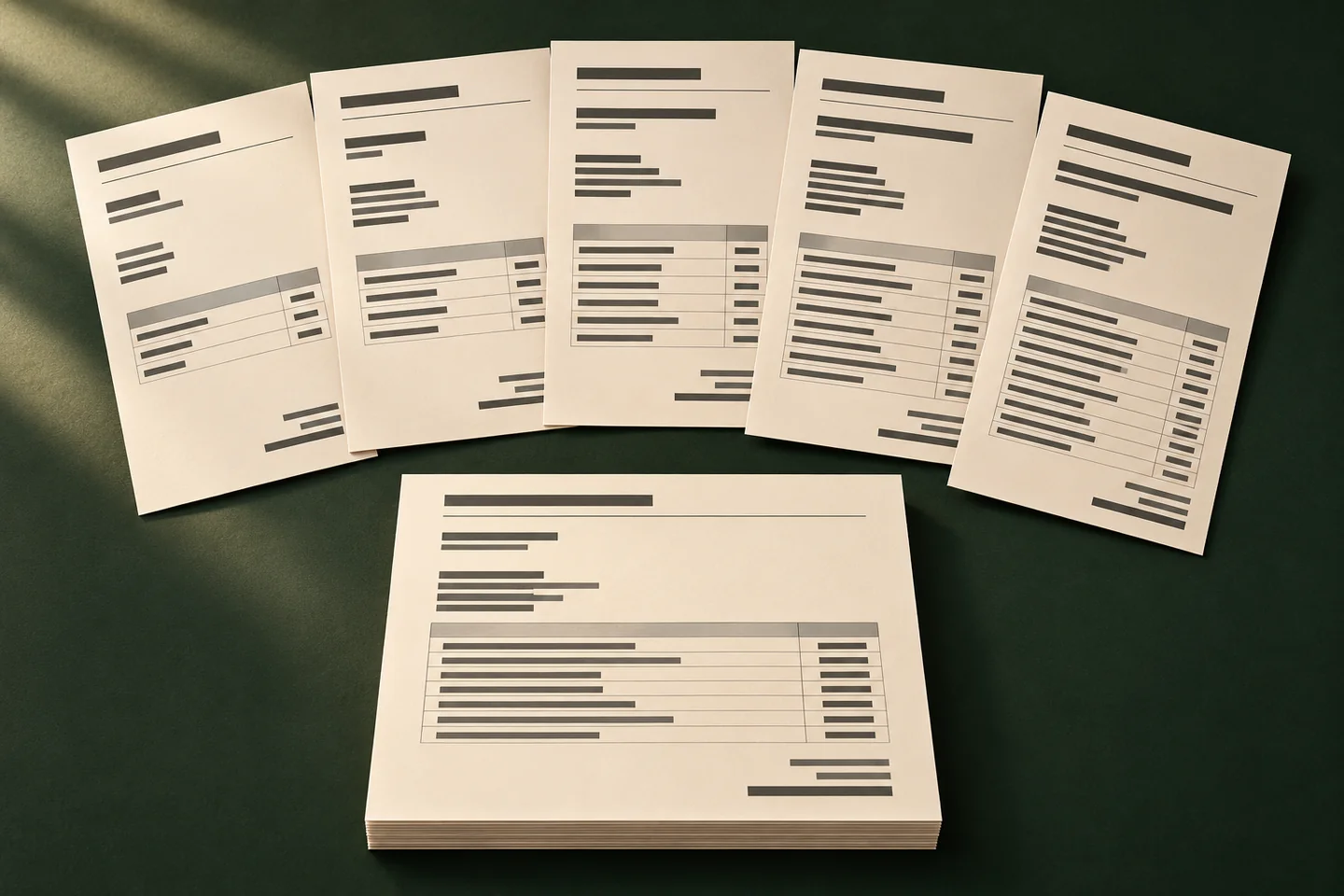
What this changes in your workflow
Keep the approved layout and change the information that belongs to each record. Build a first proof around the variations most likely to change how the page reads, such as long names, optional text and multi-page tables.
- Use structured records to populate matching fields.
- Proof typical, long and incomplete records before release.
- For transactional print, use record boundaries and duplex controls for individual pieces.
What it means for your operation
Produce many variants from one layout
Bring different customers, locations or accounts through the same document flow. Operators spend less time preparing individual layouts for routine variations.
Make reconciliation part of release
Carry a reference from the source record to the output. That gives staff a way to confirm that recipient details and editions belong together before release.
Measure exceptions per batch
Compare record counts, missing fields and the number of PDFs that need manual correction. Check representative long records and empty optional fields before you expand the run.
How industries can use it
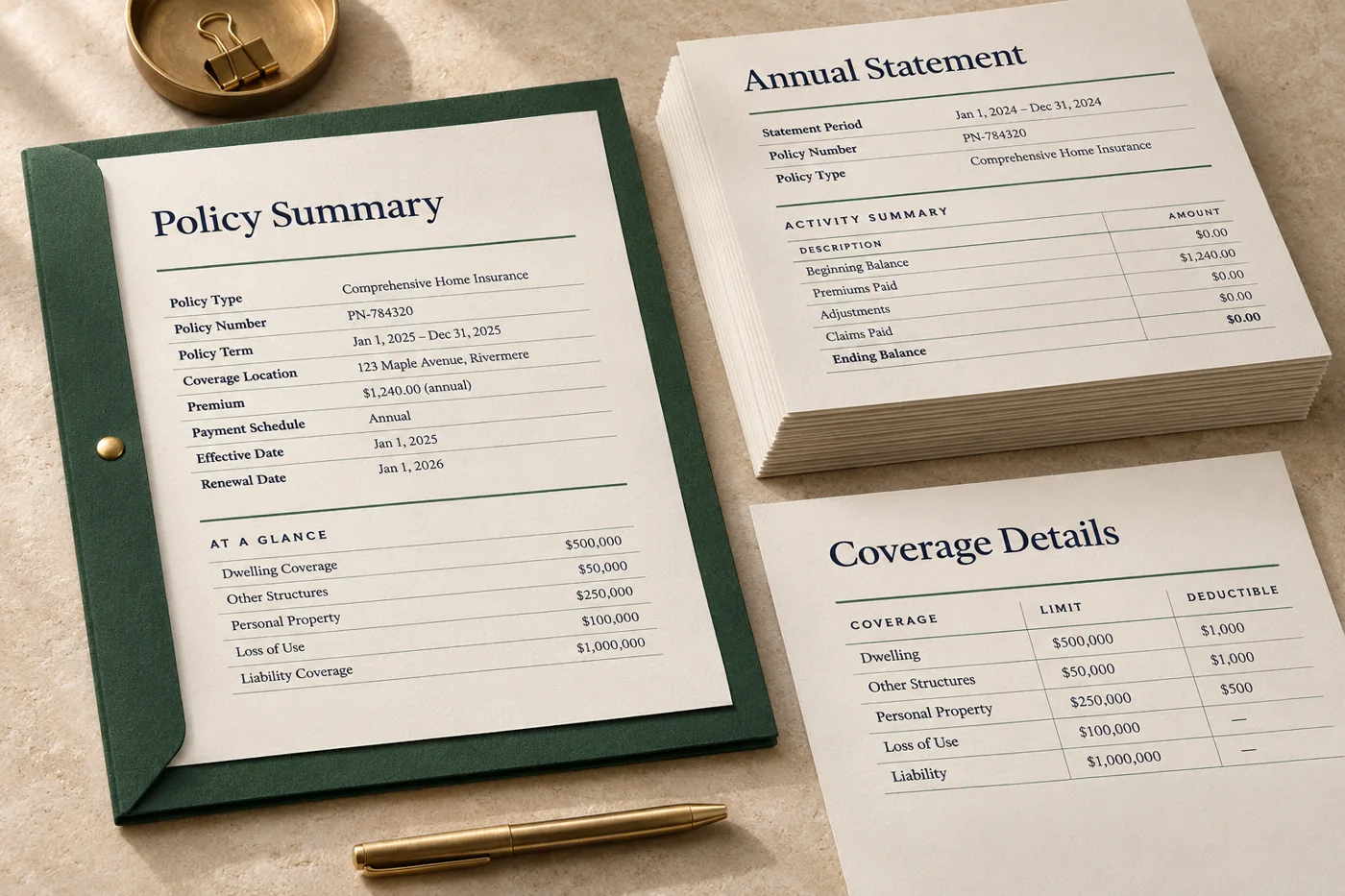
Populate each statement from its own record
Use the current reporting date, balances and activity table to render a statement for each synthetic account.
In the proof: Match the output back to the correct record and reconcile representative totals.
Explore financial services & insurance
Prepare appointment letters with optional instructions
Use one reviewed layout, then supply the location, date and applicable instructions for a fictional appointment.
In the proof: Check that missing optional text leaves a readable letter and the key date stays easy to find.
Explore healthcare administration
Create location-specific documents
Populate a common layout with store-specific prices, dates or assortments.
In the proof: Review the smallest and largest assortments and verify that each offer belongs to the right region.
Explore retailTest it on a document you already print
Start with an anonymised example and record what the finished file must do before the job moves to the next stage.
- Define what varies. Agree on the source field for each value, how dates and amounts are formatted, and which fields may be blank.
- Build a small mixed batch. Include a typical record, an unusually long record and one with missing optional content.
- Reconcile input and output. Compare key facts, file references and destinations before sending the batch to the next stage.