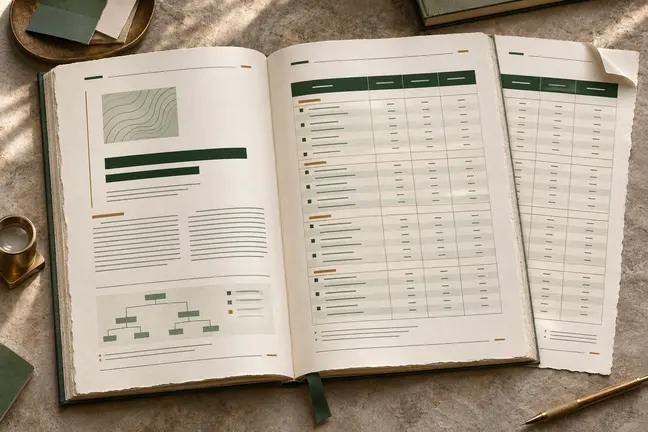
What this changes in your workflow
Use the manuscript and a chosen trim as the starting point for a complete book interior. Set the opening pages, chapter flow and running information, then proof the edition in the formats readers will use.
- Start from one of 20 book designs and 14 trim sizes.
- Preview the manuscript with the selected style and trim.
- Export a reading or print PDF and an EPUB from the same source.
What it means for your operation
Reuse the manuscript across editions
Prepare print and EPUB from one source. Corrections start in the manuscript so your team has fewer separate editions to update and reconcile.
Make revisions easier to schedule
Set the trim, chapter design and recurring page elements early. Focus later reviews on changed sections and their effect on pagination.
Measure work between manuscript and release
Record typesetting time, review cycles and manual corrections for each edition. Include the EPUB’s navigation review as a separate step.
How industries can use it

Typeset a teaching edition
Use chapter openers, running heads and illustrative content to maintain a recognisable rhythm across units.
In the proof: Review a typical opening and an exercise-heavy page at the intended trim.
Explore publishing & education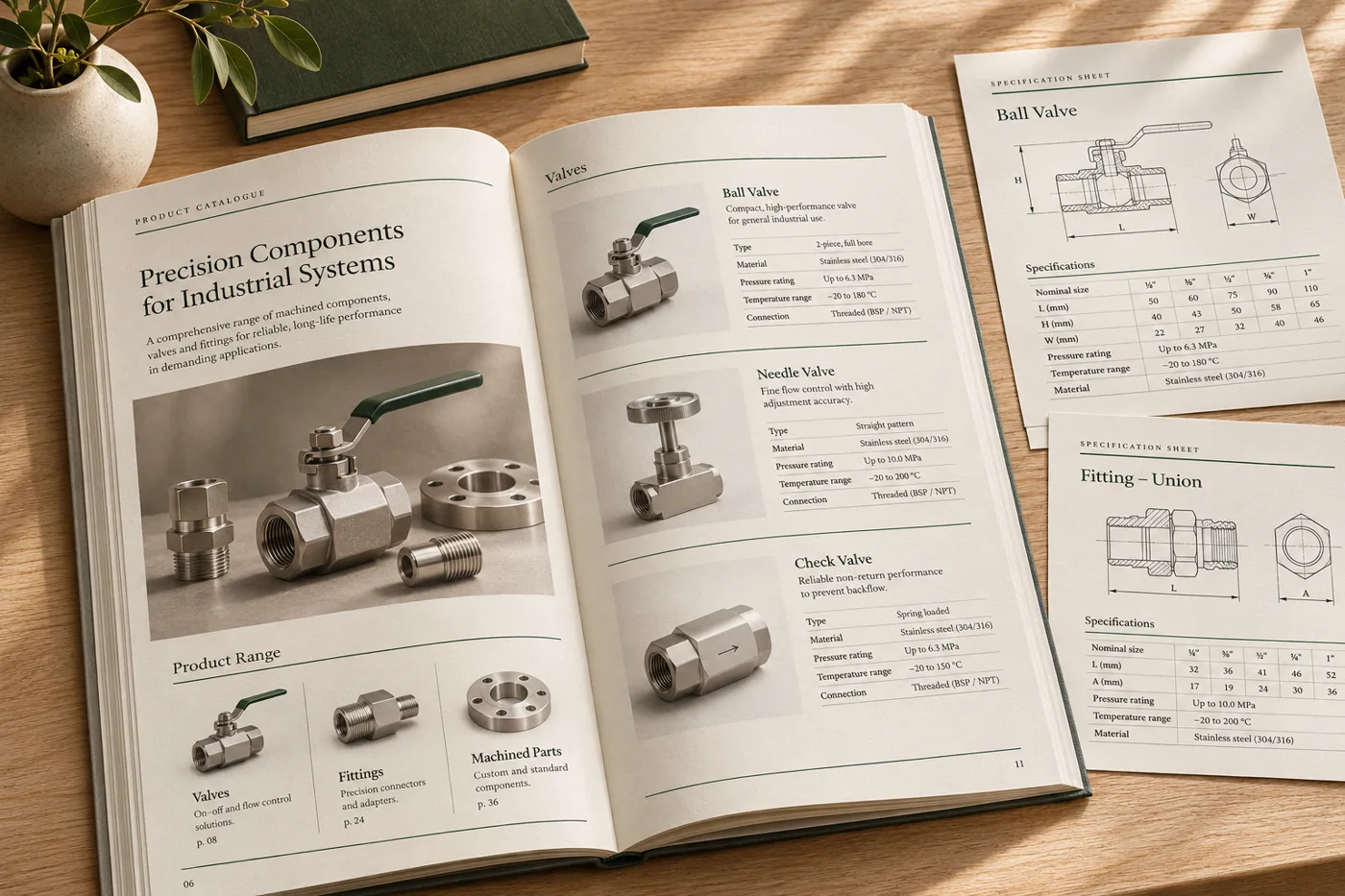
Prepare a bound product manual
Use a clear contents section, consistent headings and page references for operating and maintenance information.
In the proof: Verify the procedures and their diagrams still match after pagination.
Explore manufacturing & distribution
Create a printed collection book
Choose a trim and page style that supports product photography and longer editorial passages.
In the proof: Proof a photo-led spread and a dense text page separately before finalising the edition.
Explore retailTest it on a document you already print
Start with an anonymised example and record what the finished file must do before the job moves to the next stage.
- Select a design and trim. Choose a book design and trim size from the available options. Mark the manuscript structure and required front matter.
- Proof a representative chapter. Include a chapter opening, a long body section and an illustration, reference or note.
- Check each output. Review the print PDF, reading PDF or EPUB you need for the edition. Confirm navigation in the EPUB and trim in the print proof.