
INPUTS & OUTPUTS
Turn source content into finished files
Start with HTML, Markdown or a web address. Prepare a PDF for reading or print, an EPUB 3 edition, or page images for review.
Explore featureGive an MCP-compatible assistant a tool that turns HTML or Markdown into a laid-out PDF. Use Marqius for rendering and keep the source content and review in your workflow.
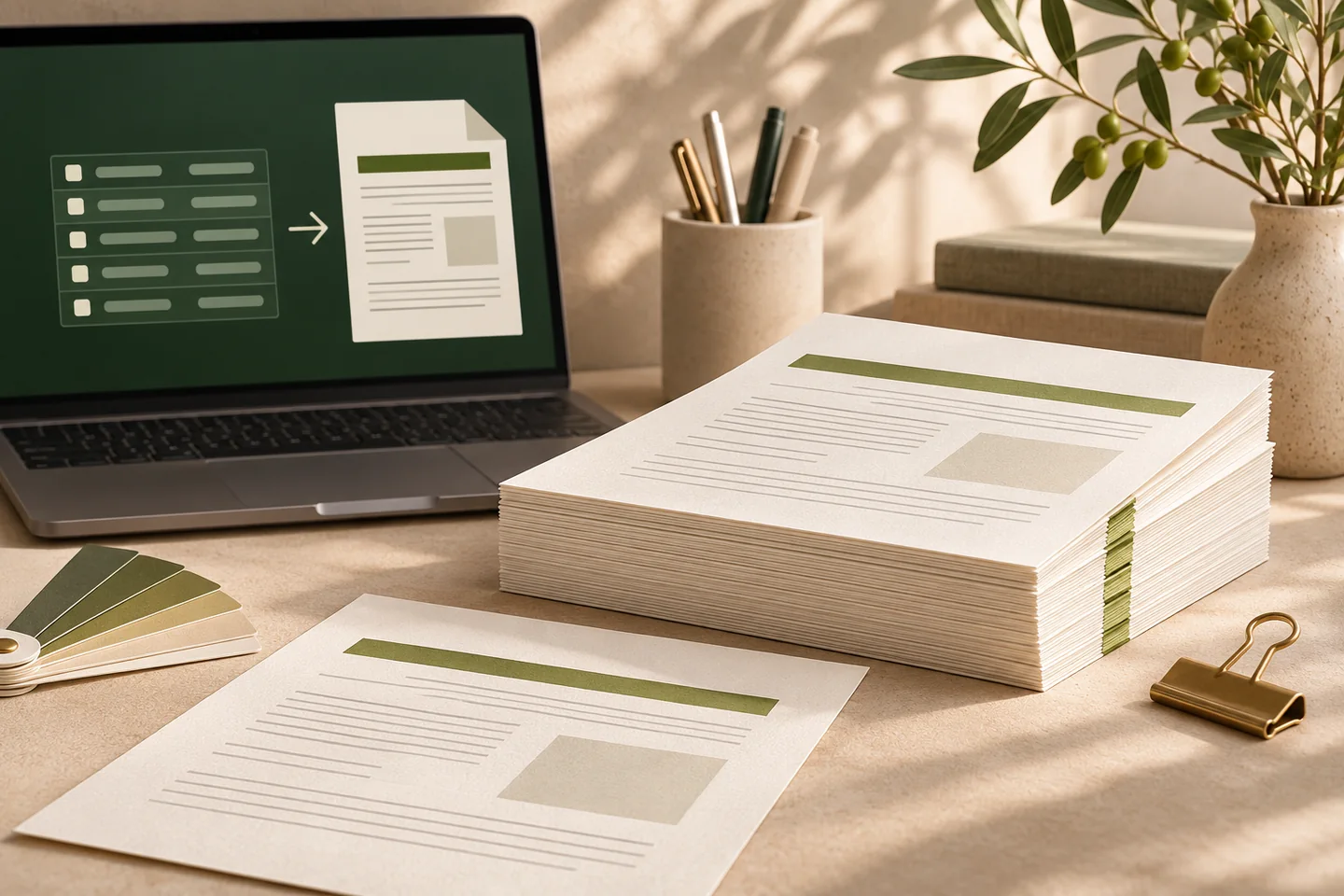 ILLUSTRATIVE CONCEPT
Model Context Protocol (MCP) lets a compatible assistant call Marqius Engine as a tool. The assistant supplies the content. Engine lays it out and returns the PDF.
html_to_pdf with the source, a title and a page size. Marqius produces the laid-out PDF.Start with HTML, Markdown or a web address. Prepare a PDF for reading or print, an EPUB 3 edition, or page images for review.
Explore feature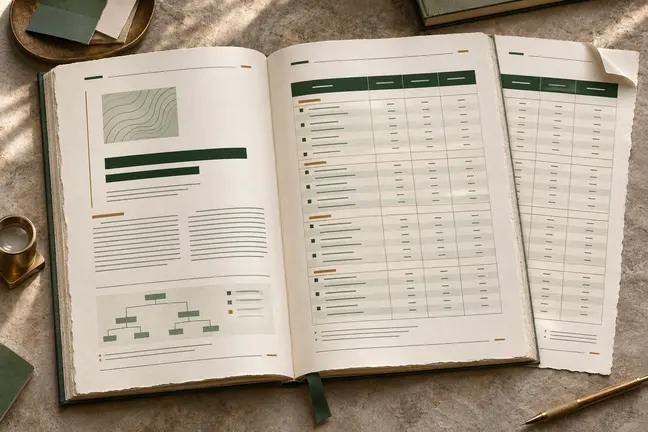
Control page size and margins, tables, running heads, footnotes and cross-references. Review the longest sections so the document reads as well at the end as it does at the start.
Explore feature
Use press checks and page-level findings to review the file before release. Strict mode can stop a run when a check raises a warning, so the next step starts with a decision.
Explore featureA recurring brief, report or letter is a useful first example. Bring an anonymised source and show us what a good result looks like.
Discuss an AI WorkflowA compatible assistant calls html_to_pdf through the Model Context Protocol. It supplies HTML or Markdown, a title and a page size and receives a laid-out PDF.
Your workflow decides which content is approved to render and release. Review the source and the resulting PDF before distribution.
Yes. Marqius Engine also provides an HTTP conversion endpoint for applications that submit HTML and receive the PDF.