What this changes in your workflow
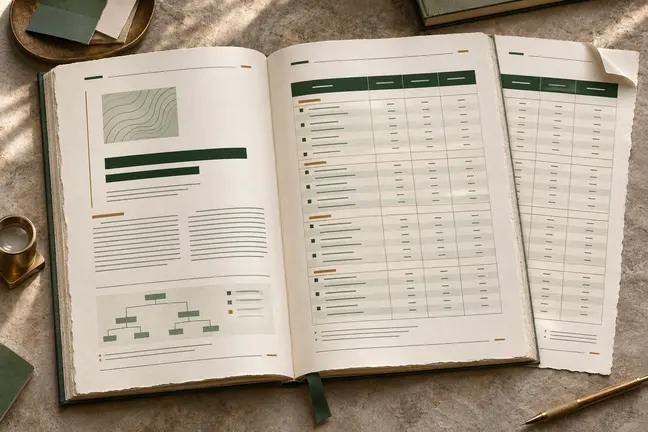
Choose a source that is easy to maintain and an output that fits the reader’s task. A PDF keeps a fixed page layout, an EPUB supports digital reading, and page images are useful for proofs and thumbnails.
- Choose the content and the output format for the job.
- Turn selected pages from a documentation site into a single publication.
- Export page images for proofing or thumbnails.
What it means for your operation
Reuse work already in your source
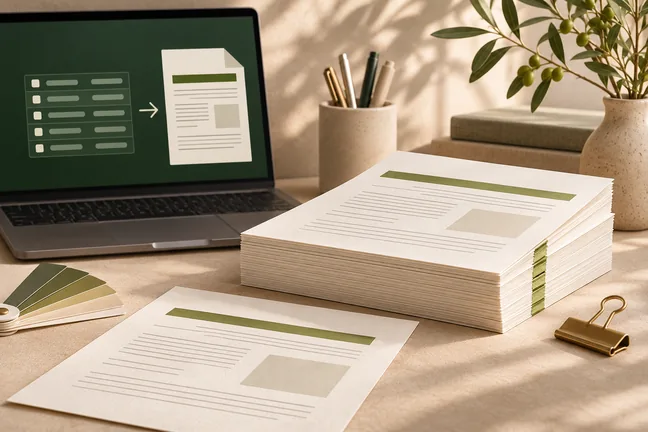
Prepare a publication from maintained HTML, Markdown or selected web pages. Editors can update the source once for the next set of outputs rather than rekey the text into each edition.
Give each team the right format
Keep the fixed PDF for proofing or print, use EPUB for digital reading and generate page images for a quick review. Each output has a purpose and a clear approval step.
Measure effort by format
Track the time to produce and approve a print file and its digital companions. Include format-specific fixes so the comparison reflects the actual work.
How industries can use it
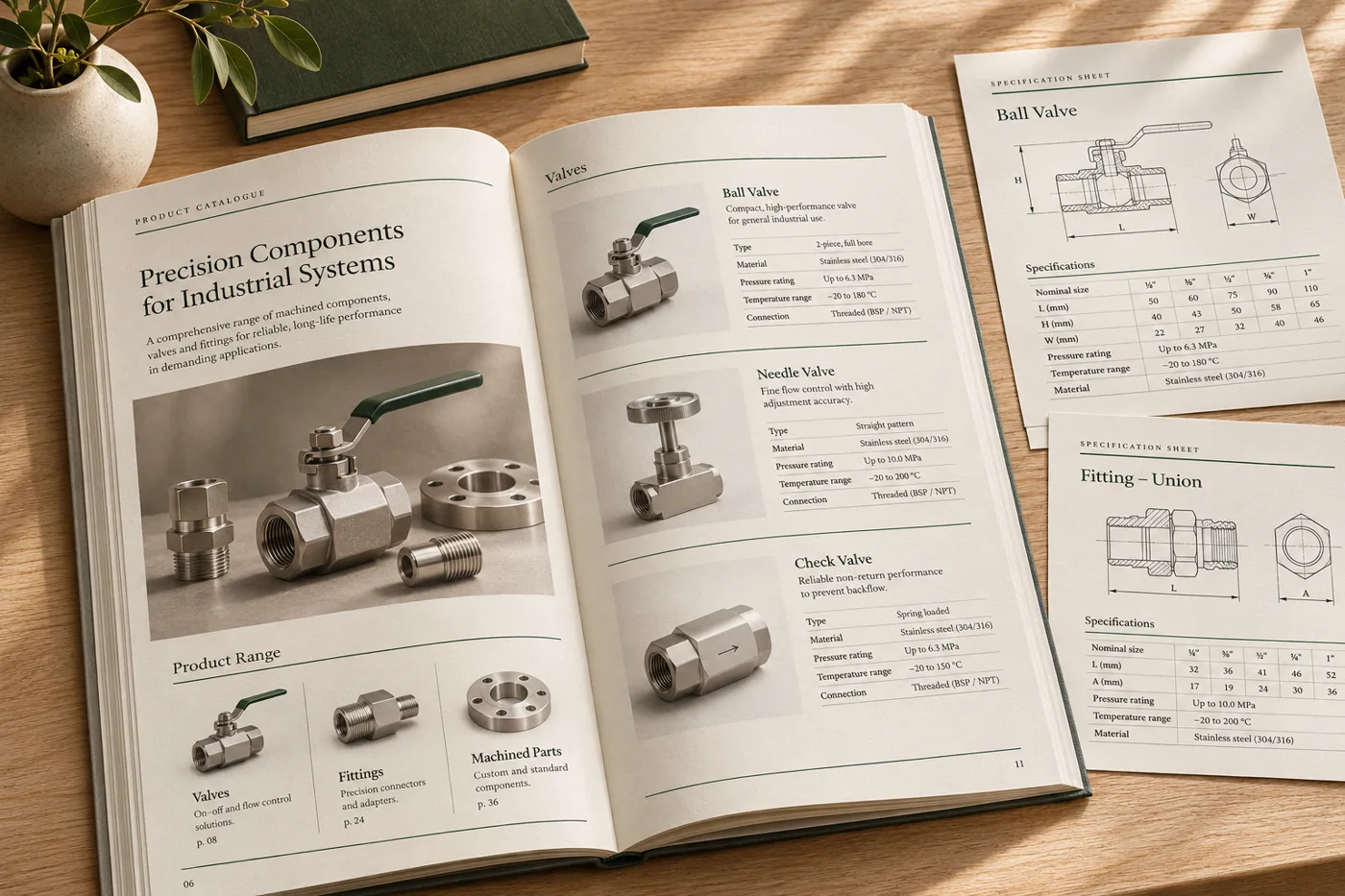
Turn product documentation into a manual
Select the relevant documentation pages and combine them into a single reference for a product or version.
In the proof: Verify the selected sections, internal links and pages included in the contents.
Explore manufacturing & distribution
Prepare print and digital editions
Start with a single manuscript, render a fixed-layout PDF and prepare an EPUB for reading devices.
In the proof: Check chapters, navigation and images separately in both formats.
Explore publishing & education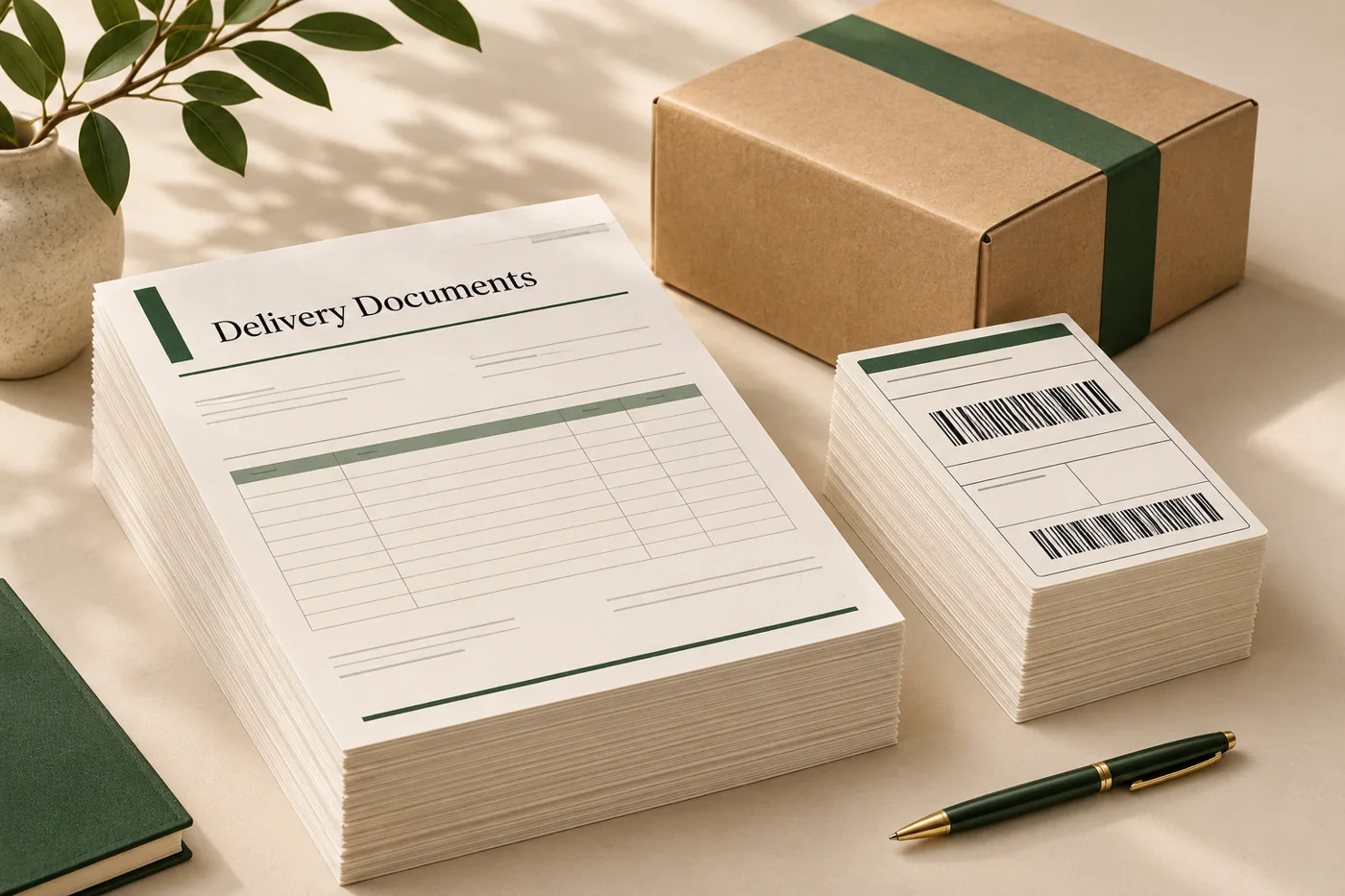
Add page previews to a review workflow
Generate an operations PDF from an approved HTML layout and render page images to help reviewers inspect the result.
In the proof: Use the images for review and keep the PDF as the production document.
Explore logistics & operationsTest it on a document you already print
Start with an anonymised example and record what the finished file must do before the job moves to the next stage.
- Pick a source with real structure. Include headings, a link, a table and an image where they are relevant to the intended document.
- Choose the outputs and test each. Confirm the fixed layout in PDF and review EPUB navigation and page-image crops separately.
- Review the final channel. Confirm which version is for print, digital reading or approval and label it accordingly.