What this changes in your workflow
Prepare the print files for personalised statements, notices and letters. Generate the USPS Intelligent Mail barcode from supplied mailing data, define where each recipient’s piece starts and prepare the job for the printer and mail house.
- Use duplex placement and PDF/VT output options for record-based print work.
- Generate USPS Intelligent Mail or other supported barcode formats.
- Use piece and page references to reconcile a run.
USPS Intelligent Mail barcode (IMb)
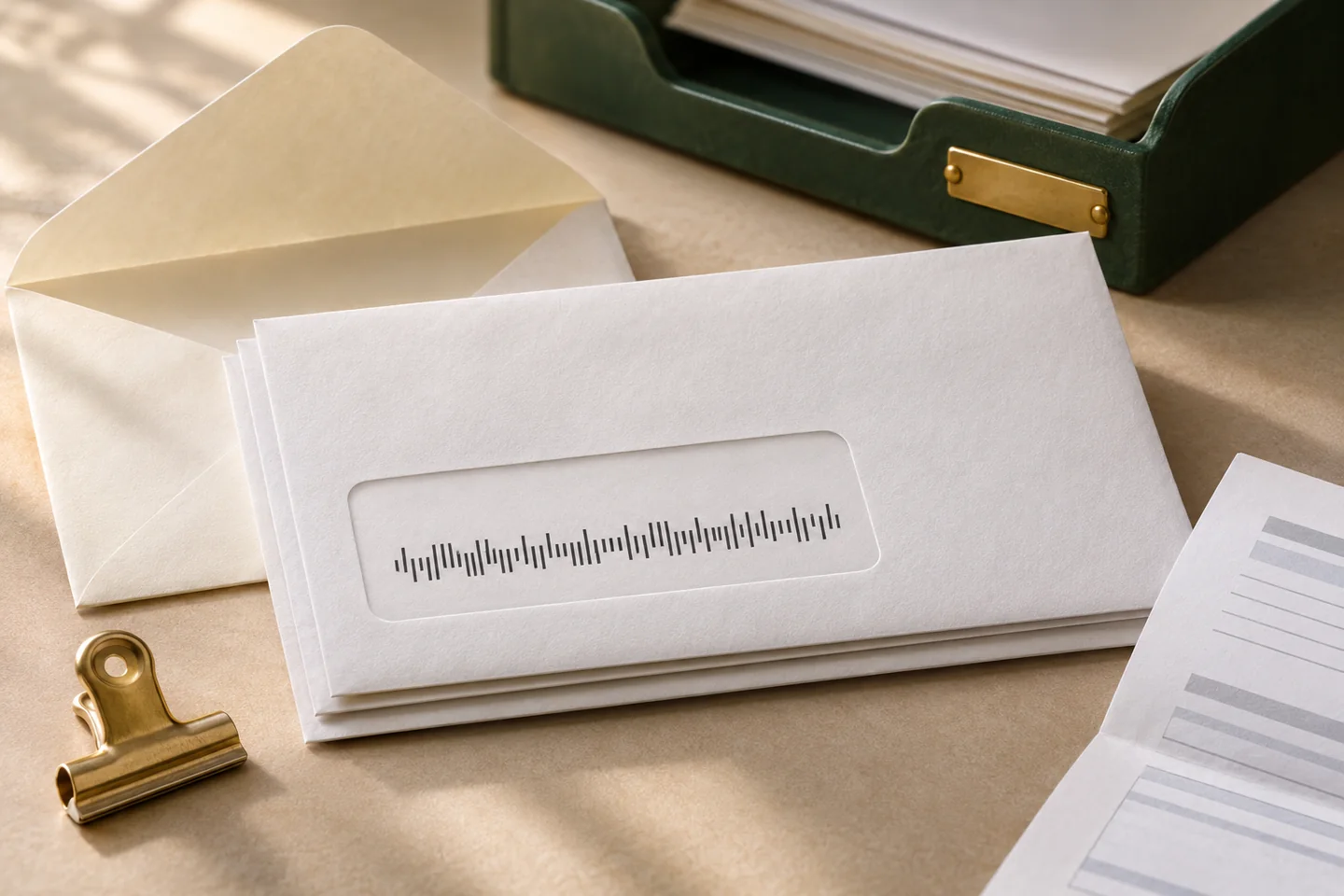
The Intelligent Mail barcode is the USPS 65-bar format for letters, cards and flats. Marqius generates it from the values supplied for the job. The mailing team provides the correct barcode data and verifies the code and its placement on a finished piece.
- The piece
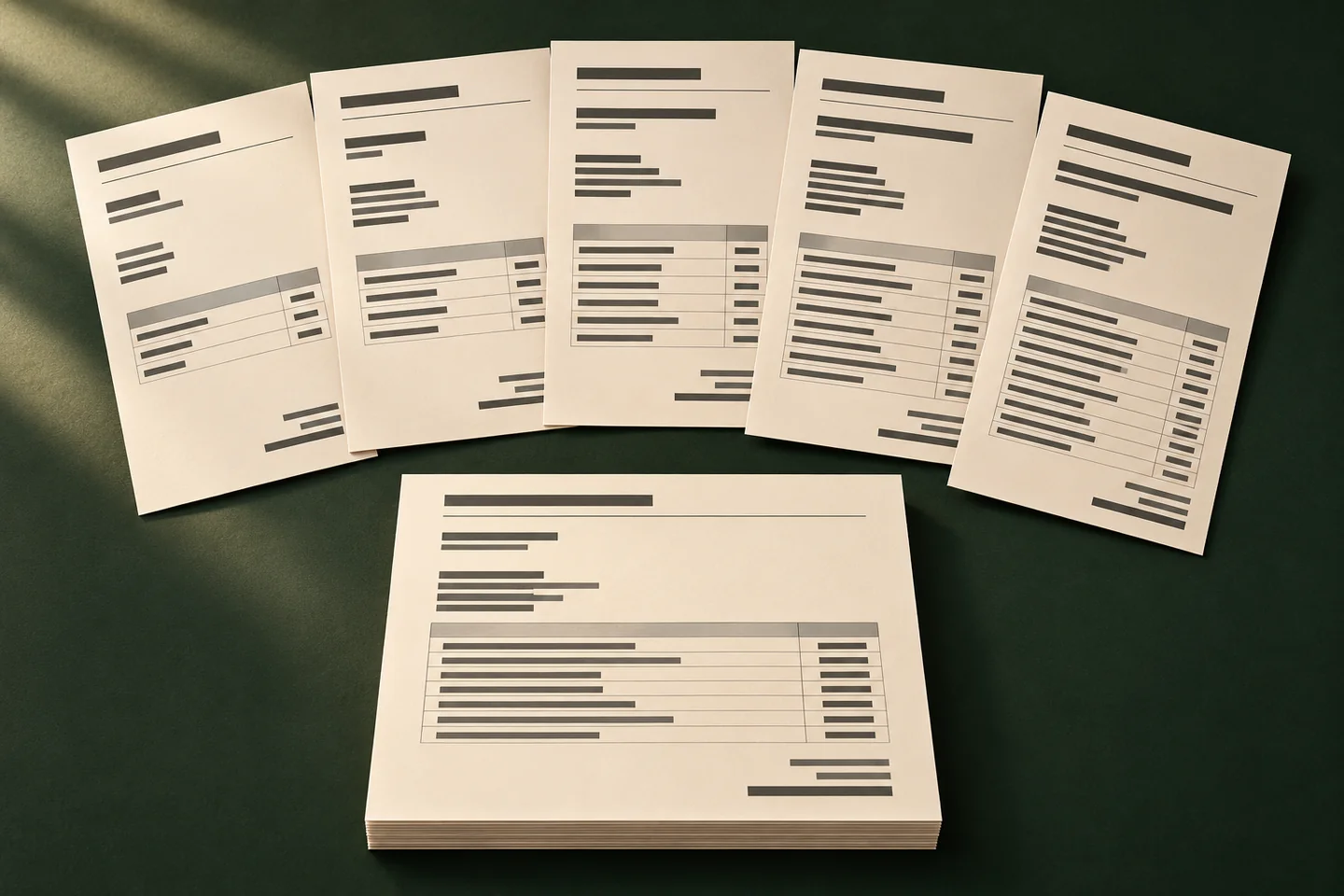
- Define record boundaries and use duplex placement so each recipient’s document starts on its own sheet when the job requires it.
- The marks
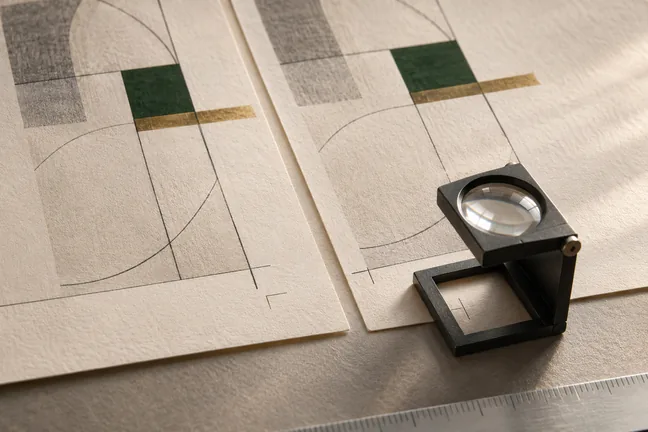
- Add the Intelligent Mail barcode where it is visible on the finished mailpiece. Use separate inserter marks to identify a piece and the page within it.
- The handoff
- Use the run report to reconcile the pieces and choose PDF/VT output when the print workflow calls for it. Confirm the actual file and printed sample with the mail house.
What it means for your operation
Keep recipient pieces together at production volume
Use record boundaries, duplex placement and inserter marks to organise jobs for households with different page counts. Check that a long statement ends before the next piece begins.
Pull barcode and envelope issues forward
Print, fold and insert a proof before the run. A scan test gives the print and mailing teams a concrete way to find placement issues while the layout can still change.
Track reconciliation and rework per run
Compare source records with print pieces and record sample scan results, rejected pieces and reruns. Use those figures across comparable jobs to judge the benefit.
How industries can use it
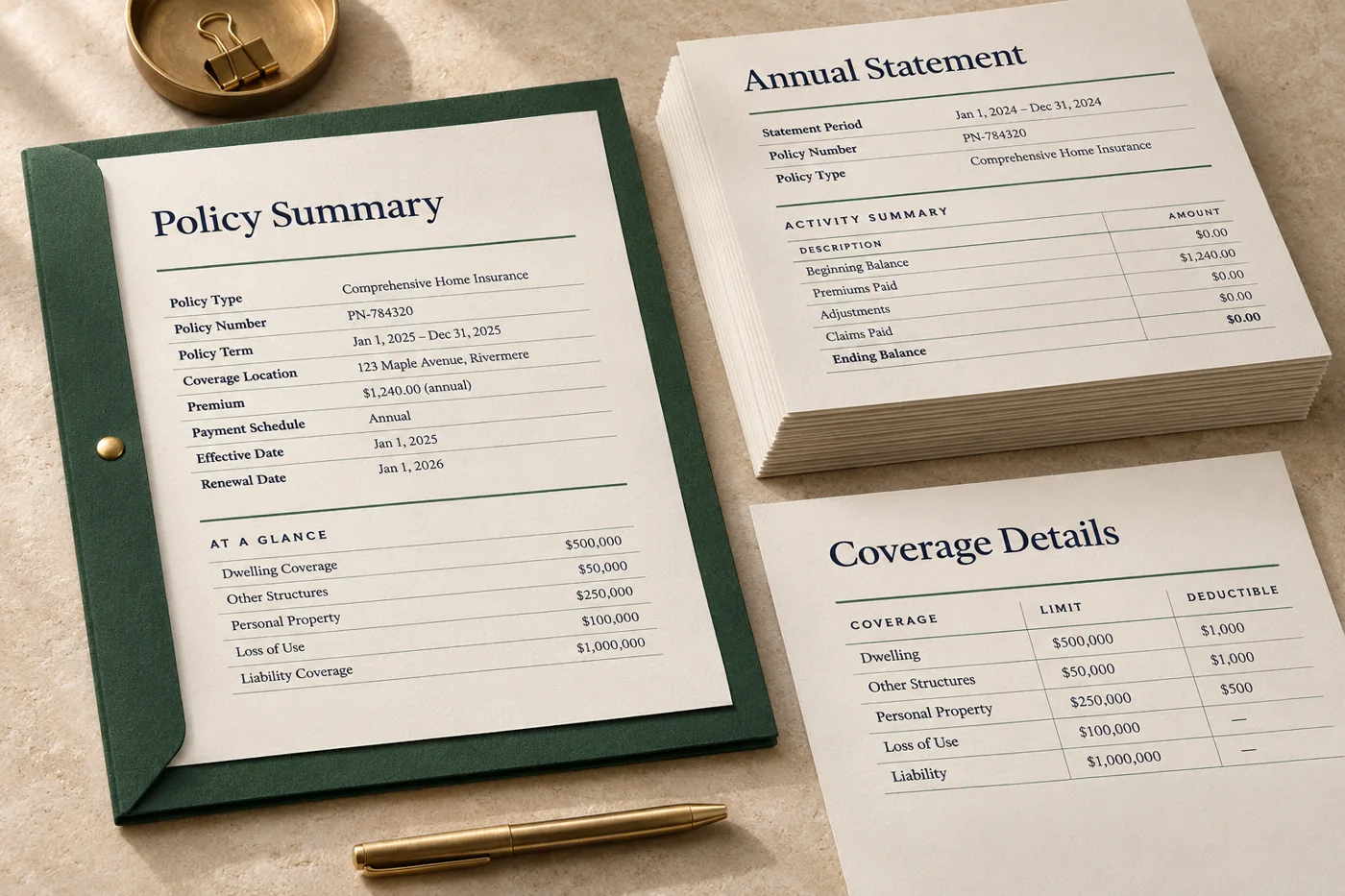
Prepare a monthly statement mailing
Turn synthetic account records into separate statements. Give each piece the right barcode data and test records with one, two and several pages.
In the proof: Scan a finished sample, check that the barcode stays visible in the envelope window and reconcile piece counts.
Explore financial services & insurance
Prepare a batch of appointment letters
Use a reviewed letter layout and fictional appointment records. Keep the address block and barcode position stable as instructions change.
In the proof: Fold and insert a test piece. Verify the barcode and address are visible and the right pages stay together.
Explore healthcare administration
Prepare a recipient-specific offer mailing
Use a common letter layout with offer and recipient fields, then prepare separate pieces for the mailing partner.
In the proof: Confirm the offer version, piece reference and scan result before handing off the run.
Explore retailTest it on a document you already print
Start with an anonymised example and record what the finished file must do before the job moves to the next stage.
- Get the specifications from your mail house. Confirm the mailing service, barcode fields, placement, envelope and print handoff format. Use a synthetic test record.
- Proof short and long pieces. Check that each recipient starts on the intended sheet. Print, fold, insert and scan the sample with the mailing team.
- Reconcile before release. Compare the piece count and references with the source, check inserter marks and review the requested files with the printer or mail house.