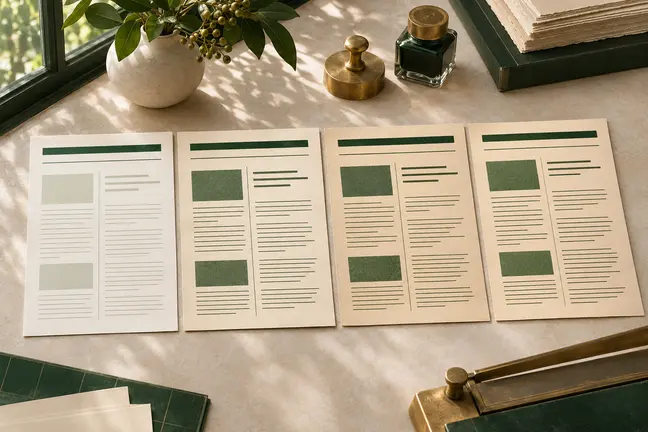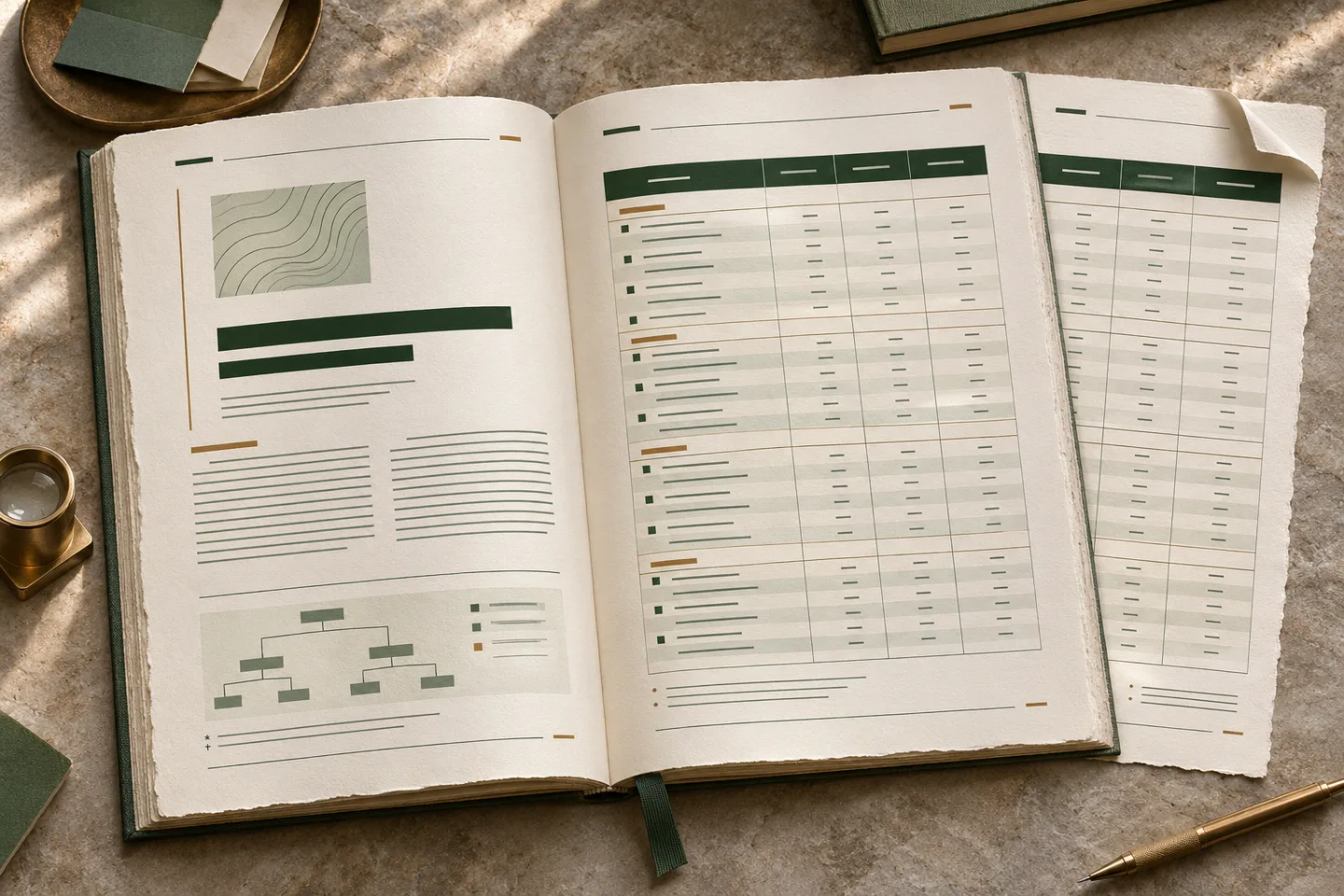
What this changes in your workflow
Decide how readers will find their way through the document before deciding how it should look on one page. Use running headings, contents, footnotes and cross-references where they help readers move between sections.
- Set the page size, margins and repeating page elements.
- Lay out tables, footnotes, running heads and page cross-references.
- Build contents lists, bookmarks, page numbering and fillable PDF fields from HTML.
What it means for your operation
Spend less time patching changing pages
Define tables, running heads and page references in the layout. When records or sections grow, the team can review pagination instead of manually updating every reference.
Keep dense documents usable
Use a consistent hierarchy and continuation information so operators and readers can find a procedure, line item or source reference in a long file.
Measure manual fixes and findability
Count split tables, misplaced notes and broken references that require edits. Ask a reviewer to find two key facts in the longest proof and record where they hesitate.
How industries can use it
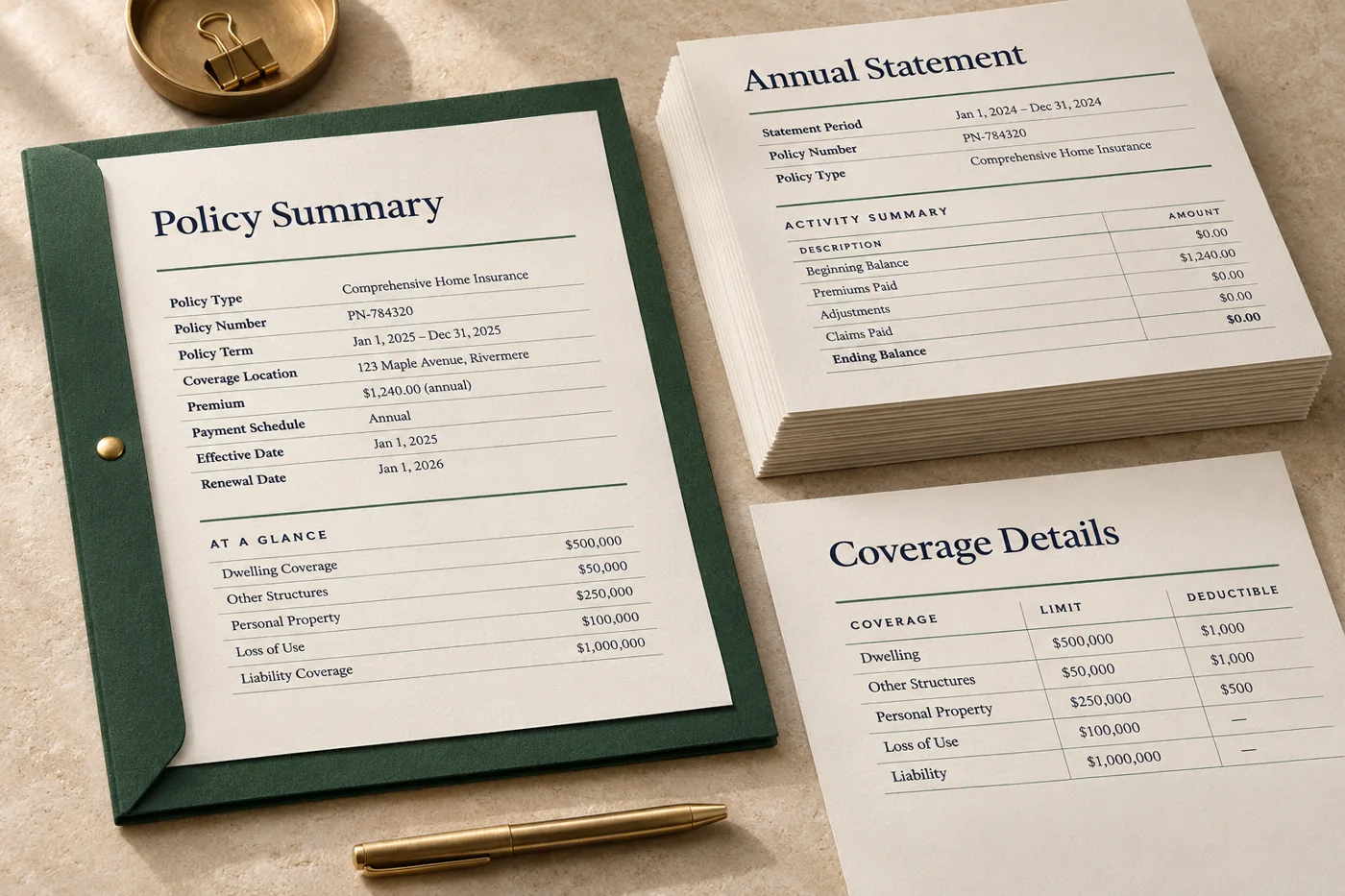
Lay out a long statement
Use a clear account summary and let the transaction detail continue across pages. Retain the information that identifies each continuation page.
In the proof: Proof both a short statement and one with a long transaction table.
Explore financial services & insurance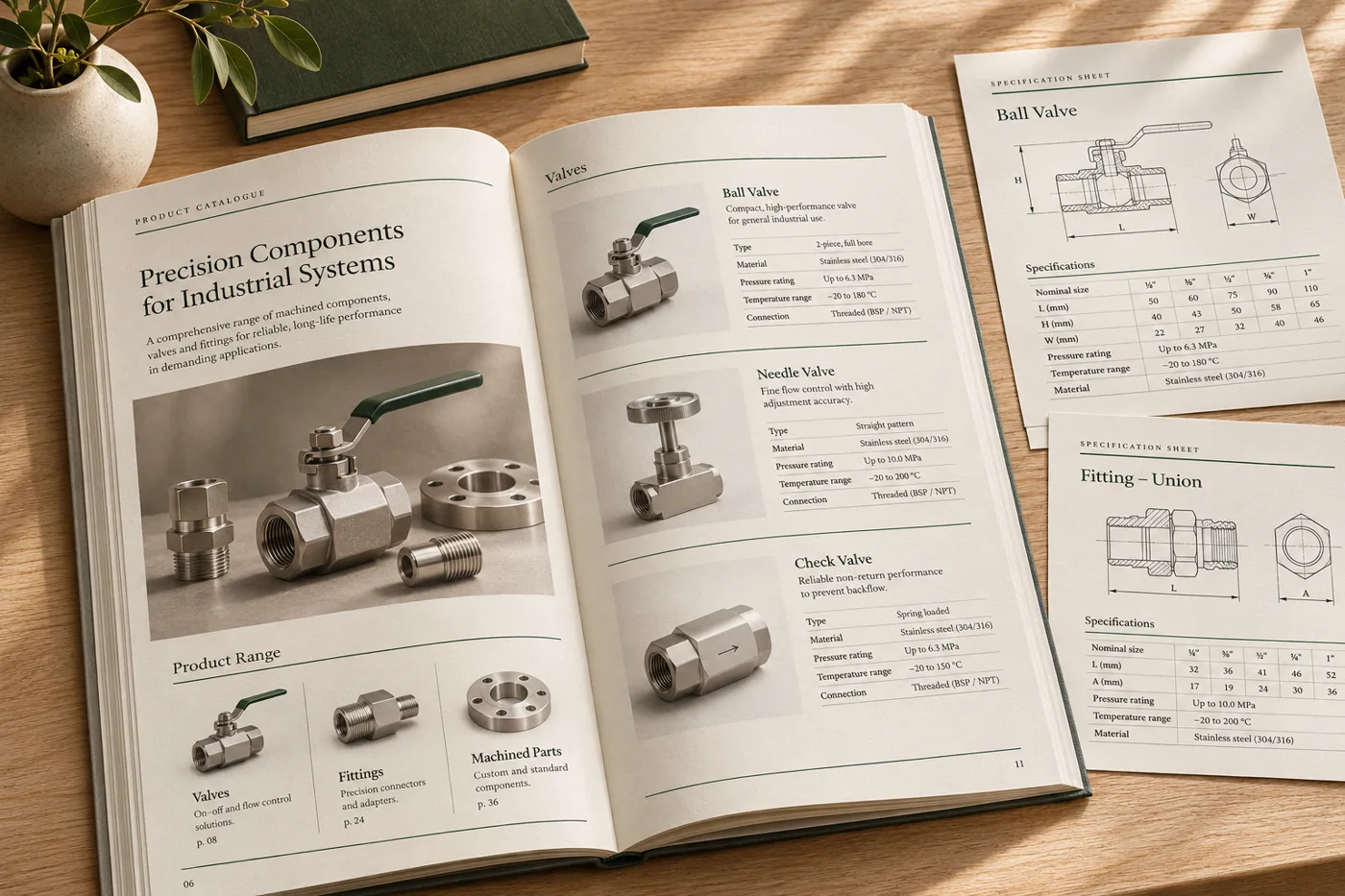
Lay out a technical guide
Use structured tables, references and headings so a reader can match a procedure to the right specification.
In the proof: Check the longest specification, any footnotes and a reference to a later page.
Explore manufacturing & distribution
Make training material easy to navigate
Group chapters with running heads, page numbers and a contents section. Place notes or references where the reader can find them.
In the proof: Check the first page of a chapter and a dense page with notes or a table.
Explore publishing & educationTest it on a document you already print
Start with an anonymised example and record what the finished file must do before the job moves to the next stage.
- Set the page structure. Define trim, margins, heading levels, running information and the order of sections.
- Stress-test the layout. Use a wide table, a long section and a cross-reference that lands several pages away.
- Inspect the full proof. Check contents, page numbers and cross-references after generation, when the page count is known.