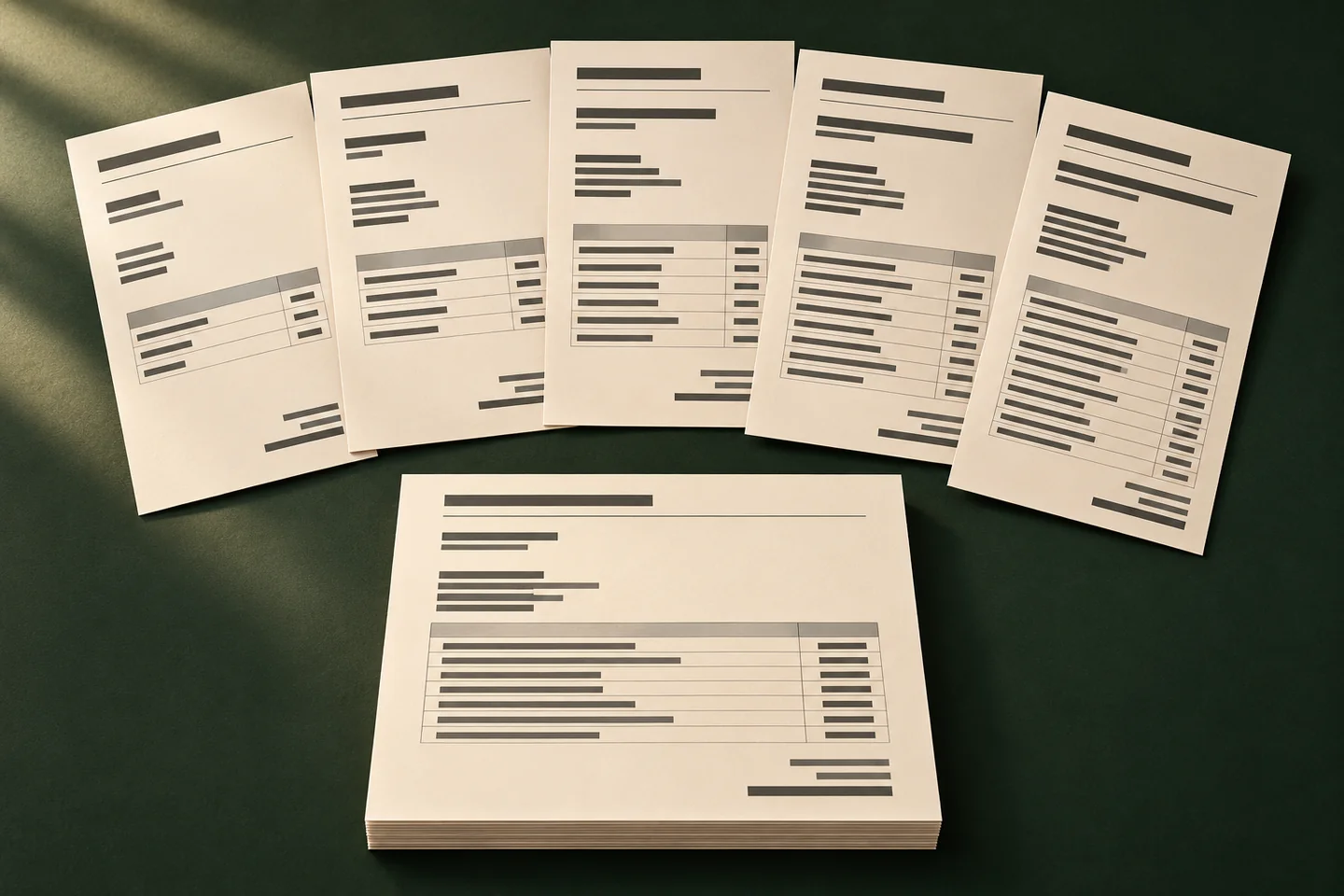
What this changes in your workflow
A generated PDF is only useful when the right person has the right version. Agree which jobs need review, how staff retrieve the result and where the finished file should go.
- Review jobs as they progress through generation.
- Retrieve completed files or inspect a job that needs attention.
- Set the destination that will receive the finished files.
What it means for your operation
Reduce time spent locating finished files
Use job status and the agreed destination so staff know where the latest completed file belongs and can match it to the run.
Resolve handoff problems sooner
Give jobs that need attention a review path, an owner and a way to identify the affected edition. Staff can focus on the specific job before recreating output.
Measure the handoff gap
Track the time from completed generation to arrival at the agreed destination. Record missed deliveries, misrouted editions and manual follow-ups.
How industries can use it
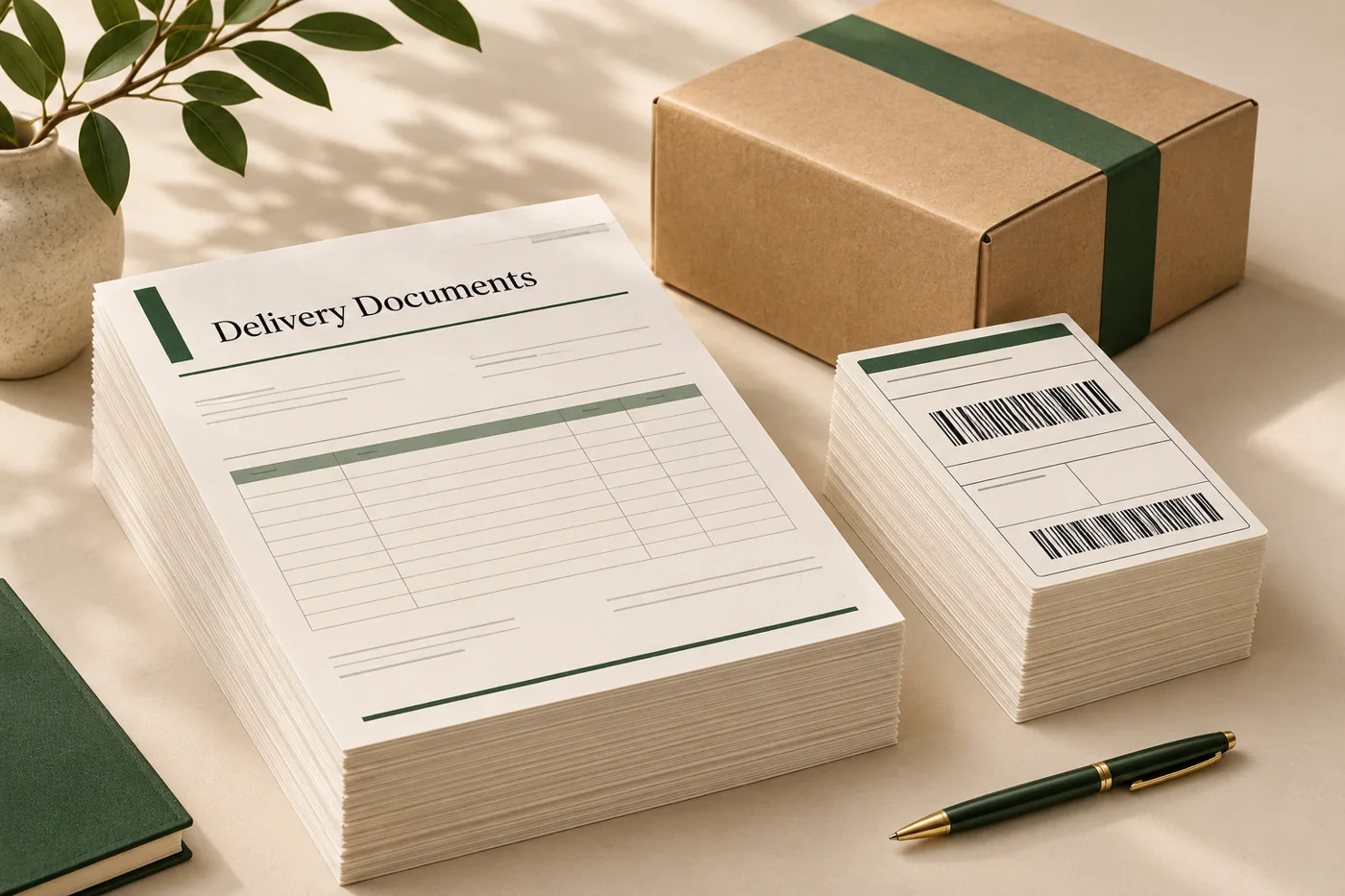
Keep depot reports separate
Tag the job with its depot and reporting date, then use the agreed destination for completed runs.
In the proof: Review an interrupted job and a completed one. Confirm where each appears and who is expected to act.
Explore logistics & operations
Send the right edition to the right region
Keep a region reference through generation and route the approved price lists to the corresponding destination.
In the proof: Check editions with similar names and verify that their contents and destination agree.
Explore retail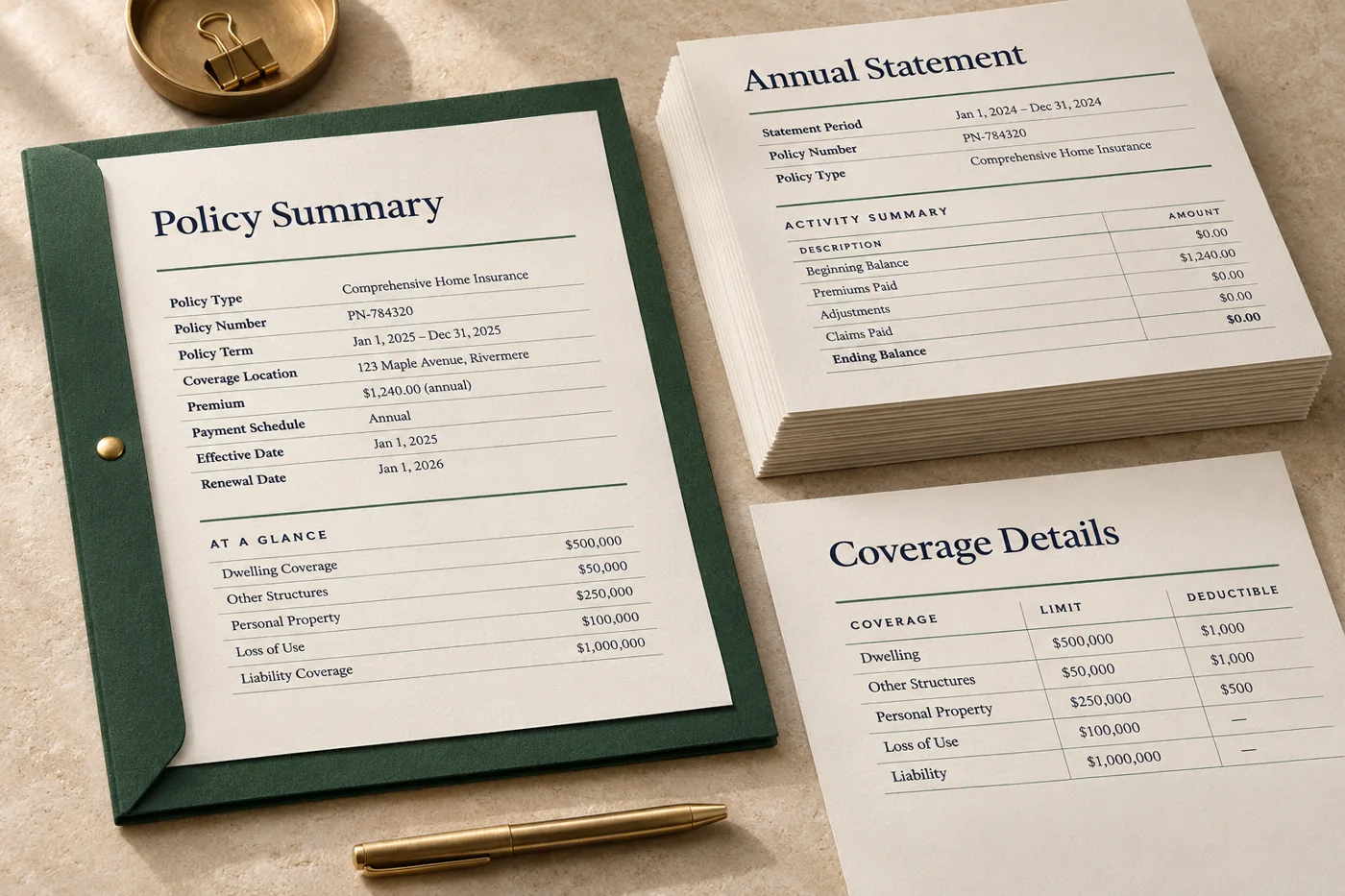
Separate preparation from release
Review representative statements and agree who retrieves or approves the completed output before the next handoff.
In the proof: Use synthetic records to check how the team handles a job that needs attention.
Explore financial services & insuranceTest it on a document you already print
Start with an anonymised example and record what the finished file must do before the job moves to the next stage.
- Define the job reference. Choose a reference staff can match to the document, period and destination.
- Walk through the main outcomes. Test a completed run and a job that needs attention. Agree who checks each and when.
- Verify the handoff. Open the file at the intended destination and confirm its edition, contents and job reference.