
What this changes in your workflow
Use the controls that fit the document. A certificate-based signature supports verification. Encryption and permissions control supported actions in PDF readers, such as copying, printing or editing.
- Use a certificate to sign a PDF and verify the result.
- Add certification or trusted timestamps where the signing policy requires them.
- Apply AES-256 encryption and set print, copy or editing permissions.
What it means for your operation
Make the approved file easier to verify
Sign after approval and have the recipient check the signature in its intended reader. This supports a clear handoff for files where the delivered version matters.
Match document controls to the handoff
Choose encryption and permissions for the tasks a recipient needs to do. Test legitimate reading, printing or copying in the intended reader before release.
Measure verification and support effort
Track whether recipients can verify signatures and complete expected tasks. Record failed verifications, permission-related requests and avoidable reissues.
How industries can use it
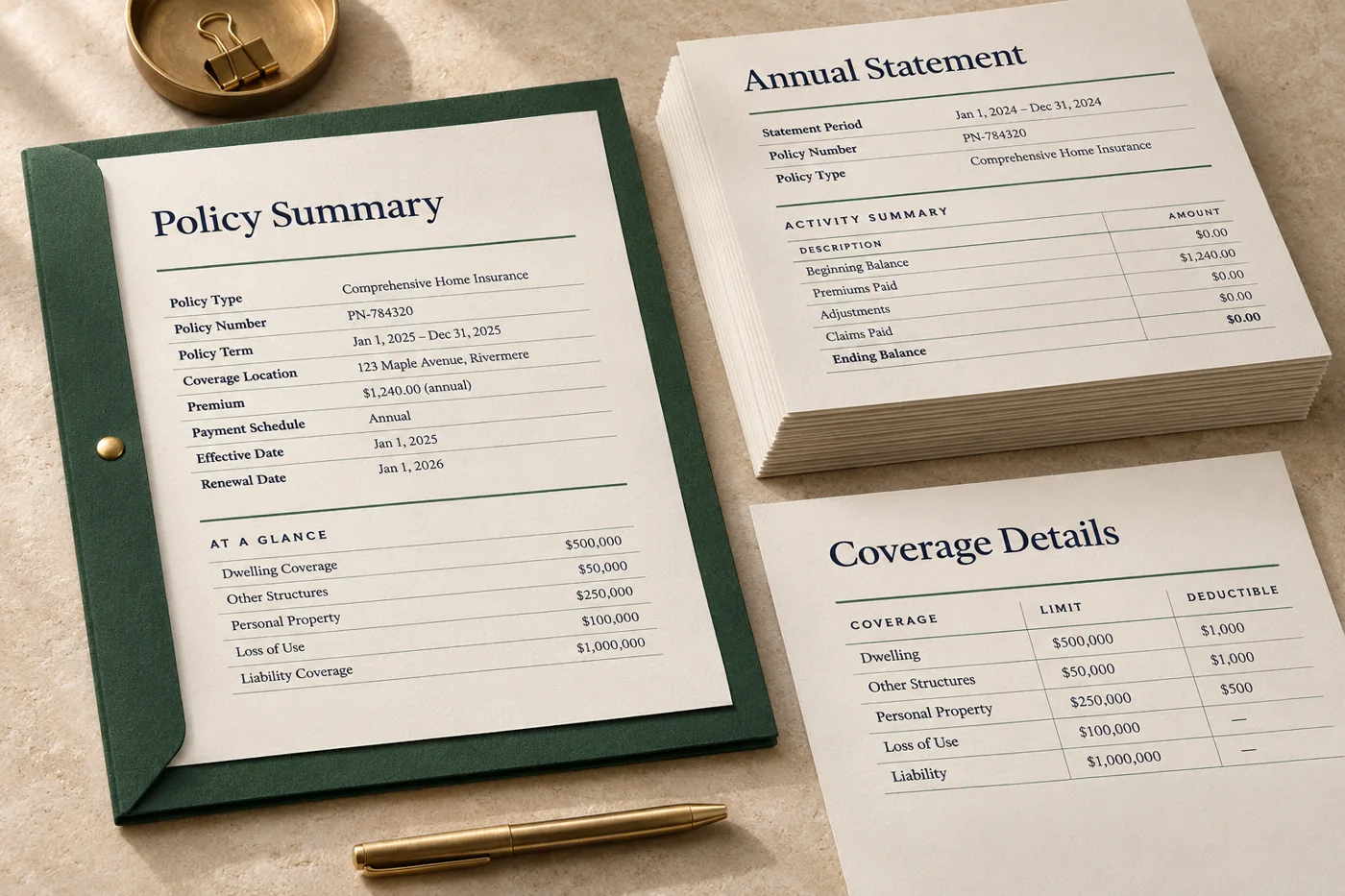
Sign a final notice before release
Generate the approved notice, apply the signing certificate your organisation uses and verify the signed result.
In the proof: Open the file in the intended PDF reader and confirm the signature and the final content.
Explore financial services & insurance
Issue an approved specification
Sign the final specification after reviews, so the receiving team can check the signature on the PDF it receives.
In the proof: Verify the delivered file and confirm the signed edition is the one the team approved.
Explore manufacturing & distribution
Set permissions for a review document
Choose the print, copy or modification permissions that suit the handoff. Test the result with the intended recipient workflow.
In the proof: Check that legitimate review and printing steps still work in the reader the team uses.
Explore logistics & operationsTest it on a document you already print
Start with an anonymised example and record what the finished file must do before the job moves to the next stage.
- Choose the control for the job. Decide whether the workflow needs a signature, encryption, PDF permissions or a combination. Use your organisation’s approved certificate and policy.
- Prepare and check a test PDF. Apply the settings to a synthetic document. Verify the signature or open the file as an intended recipient.
- Confirm the handoff. Agree who signs, when edits stop and how the receiving team checks the document.