What this changes in your workflow
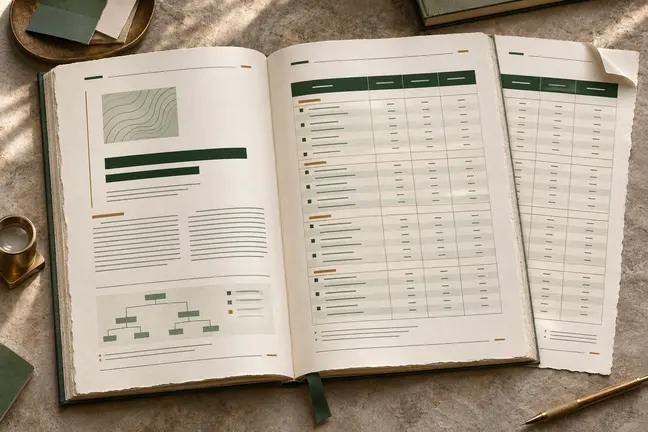
Accessible output starts with a source that communicates its structure. Use clear headings, meaningful link text, table headers and labelled fields. Generate a tagged PDF and review the audit findings alongside a practical reading test.
- Generate tagged PDFs from well-structured source content.
- Review the audit for contrast, alternative text and labelling.
- Prepare a large-print or EPUB edition when it suits your readers.
What it means for your operation
Make recurring documents easier to use
Preserve heading order, meaningful links and table structure when creating tagged PDFs. Readers who use assistive technology can work with the structure as well as the page.
Fix a repeating issue at its source
If an audit finds an unlabelled field in a shared source, fix it there and regenerate the affected proofs. The correction can carry forward to the next edition.
Measure issues and real reading tasks
Track unresolved audit findings, then test a task such as finding payment instructions with relevant assistive tools. A passing check alone cannot describe the reading experience.
How industries can use it
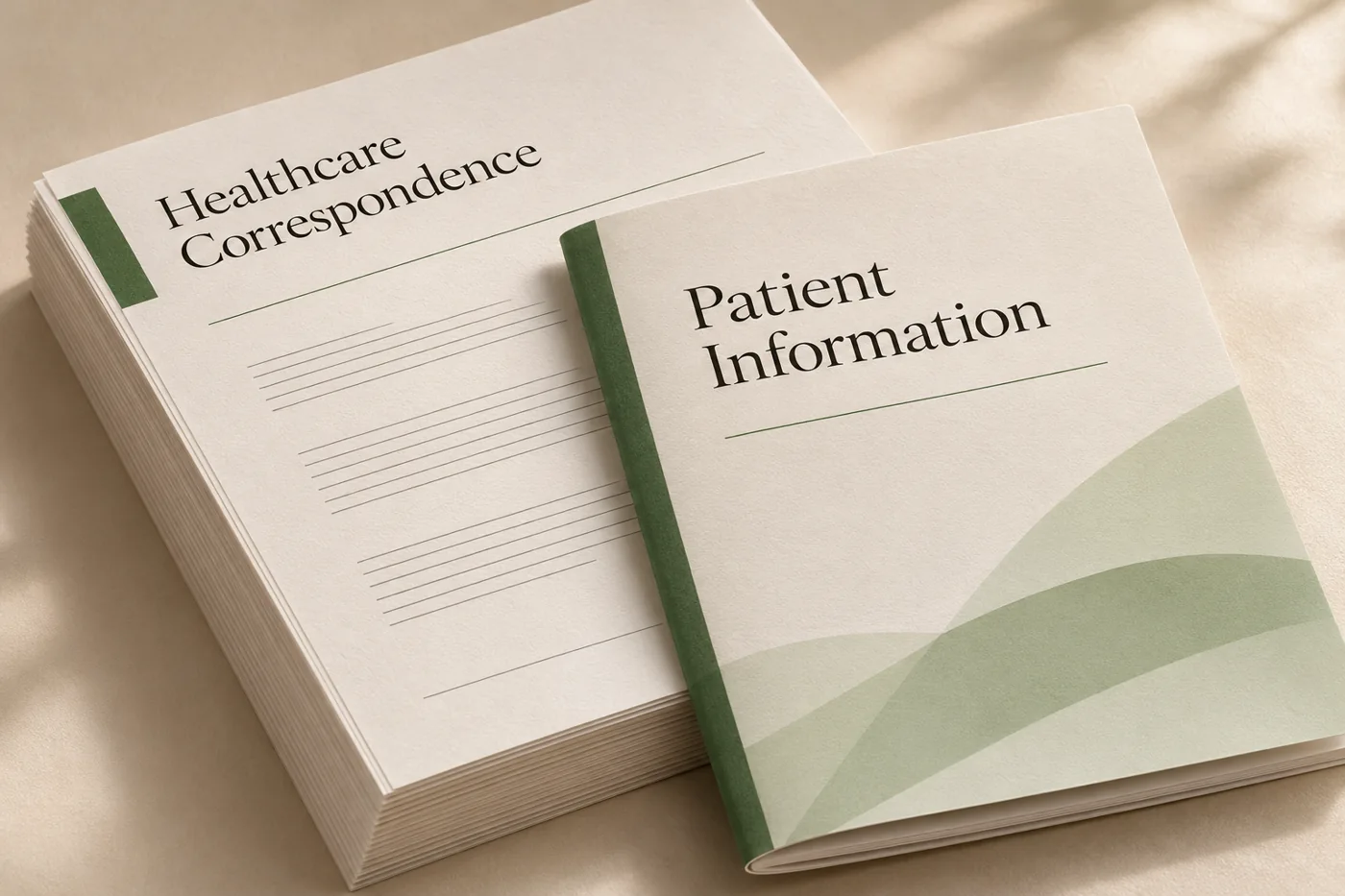
Make a patient information leaflet easier to navigate
Use descriptive headings and explicit link text so readers can find an instruction without relying on its visual position.
In the proof: Review the reading order and check whether the relevant actions still make sense when read aloud.
Explore healthcare administration
Prepare a training guide in more than one reading format
Structure the manuscript and illustrations, then prepare tagged PDF or EPUB and a large-print edition when appropriate.
In the proof: Review heading order, alternative text and table labels in the actual files.
Explore publishing & education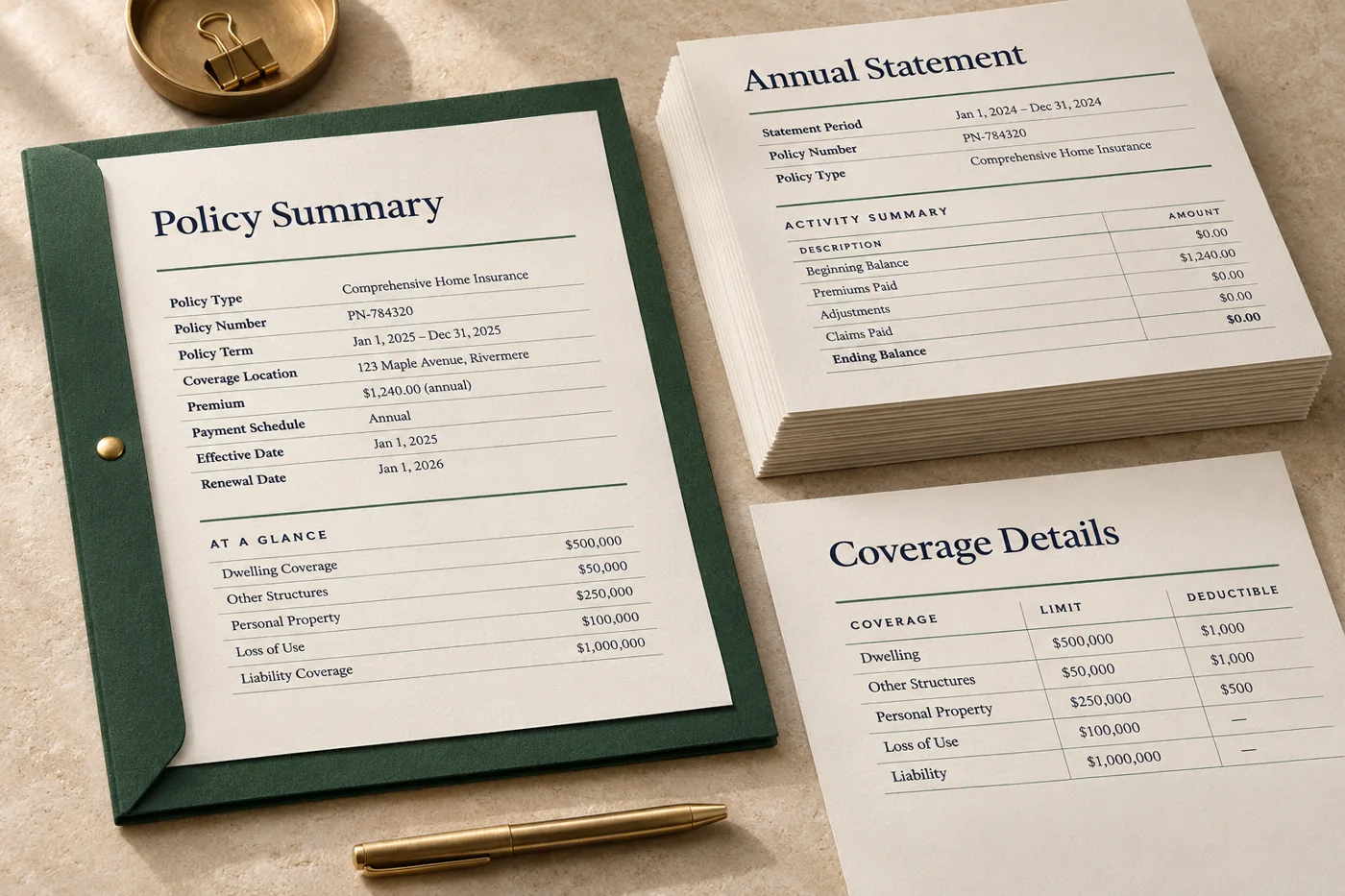
Explain a statement with a structured activity table
Use explicit column headings and a clear sequence from the summary to the activity detail.
In the proof: Check that assistive reading presents the dates, descriptions and amounts in context.
Explore financial services & insuranceTest it on a document you already print
Start with an anonymised example and record what the finished file must do before the job moves to the next stage.
- Review the source structure. Check headings, link and field labels, image alternatives and table headers.
- Generate and audit. Produce tagged output and review audit findings. Fix issues in the source and regenerate the proof.
- Read the resulting file. Assess reading order and key tasks with the assistive tools relevant to the audience.