What this changes in your workflow
Use page-level findings to decide what should be fixed before a PDF is released. Set limits for the job, inspect the report and use strict mode where a warning should stop output.
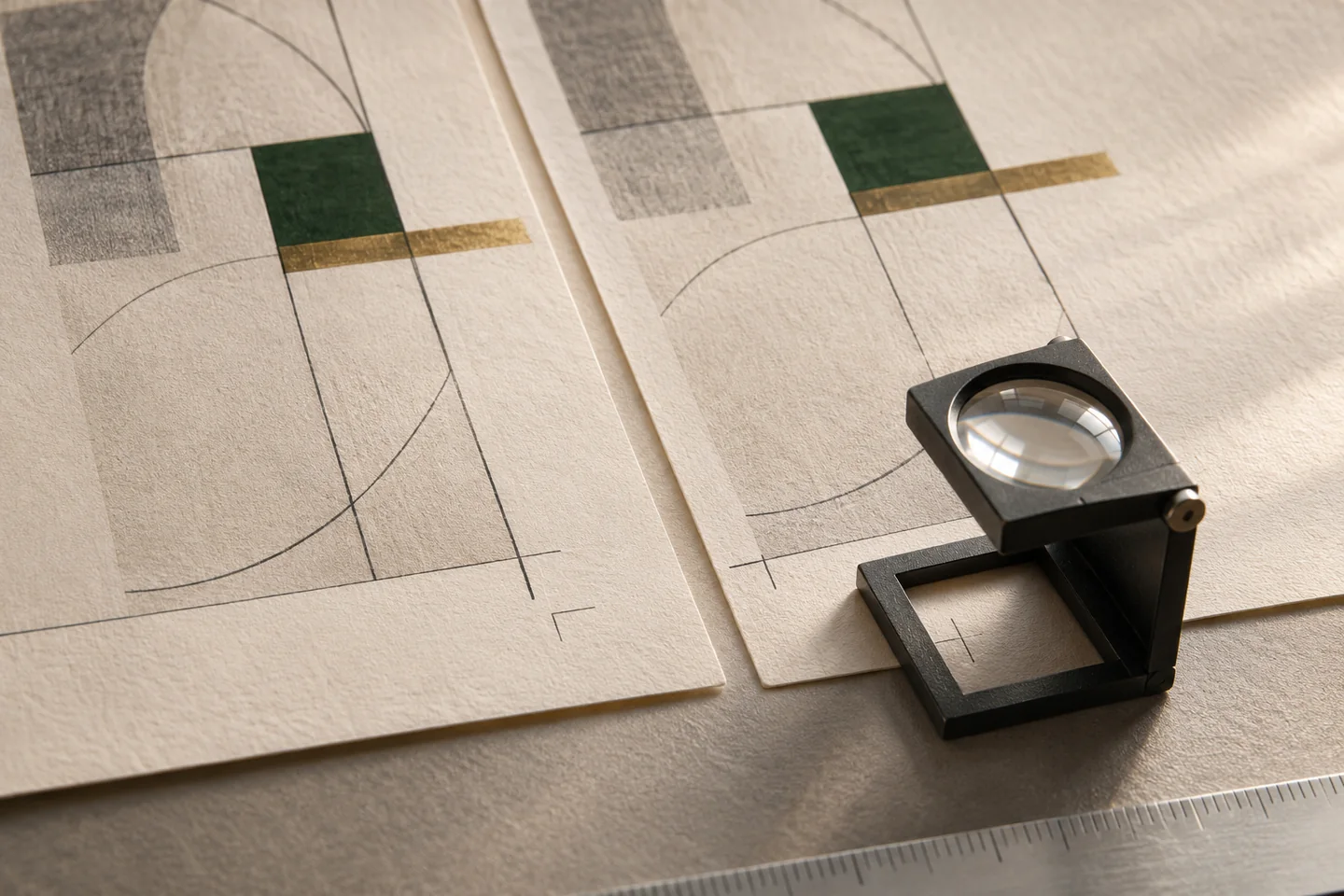
- Check for low-resolution images, insufficient bleed and text too close to the trim.
- Check against the printer limits set for the job.
- Capture page counts, checksums, colour-page counts and warnings in a report your build can read.
What it means for your operation
Find recurring faults earlier
Flag issues like low resolution and missing bleed while the source can still be corrected. A page reference gives the operator a place to start.
Give each shift a consistent release rule
Use the same limits and strict mode where warnings should stop the job. Record the result alongside the proof so handoffs are easier to review.
Measure where faults are caught
Record findings before release and issues that still reach the print partner. Compare correction time and repeat findings on the same document family.
How industries can use it
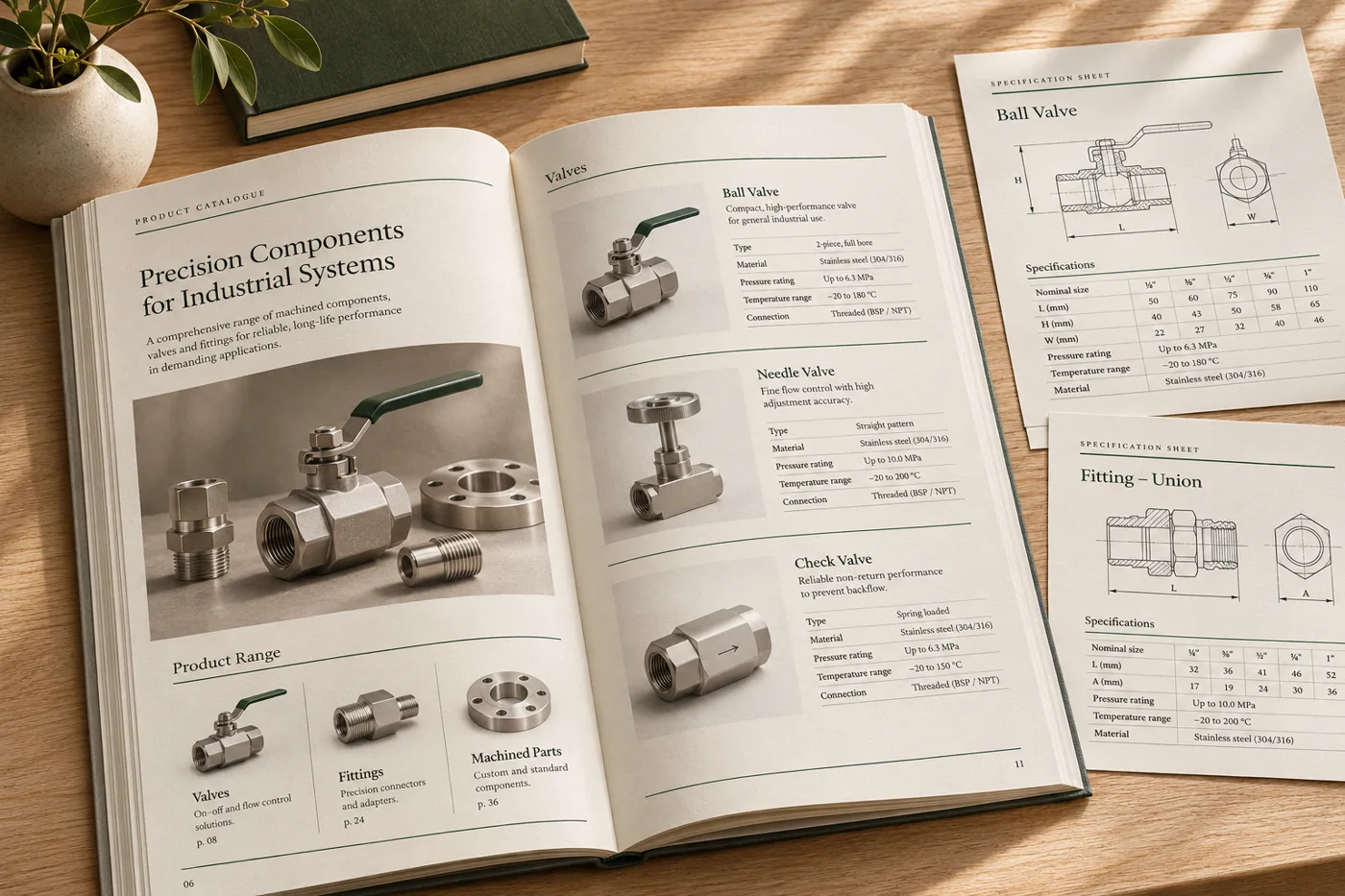
Find weak product images before a run
Check a catalogue at the intended image size. The press check can flag a picture that is too low-resolution for the chosen limit.
In the proof: Replace the source image, rerun the proof and confirm the finding is cleared.
Explore manufacturing & distribution
Keep workbook content inside the trim
Set the safe margin agreed with the printer, then review warnings for labels or text that sit too close to the edge or spine.
In the proof: Check a dense page and an illustrated page using the final trim and binding assumptions.
Explore publishing & education
Review a recurring document build
Read structured results for completed jobs, page counts and warnings. Use strict mode where a failed check should prevent the file from moving on.
In the proof: Deliberately introduce a known issue in a synthetic proof and verify how the build reports it.
Explore logistics & operationsTest it on a document you already print
Start with an anonymised example and record what the finished file must do before the job moves to the next stage.
- Define the limits. Choose rules for the print job, such as safe margins, image resolution and bleed.
- Run a clean and a flawed sample. Use one normal file and one sample with a known layout or image issue. Review the page references.
- Set the release rule. Record which findings require a correction, which require review and who approves the checked result.