What this changes in your workflow
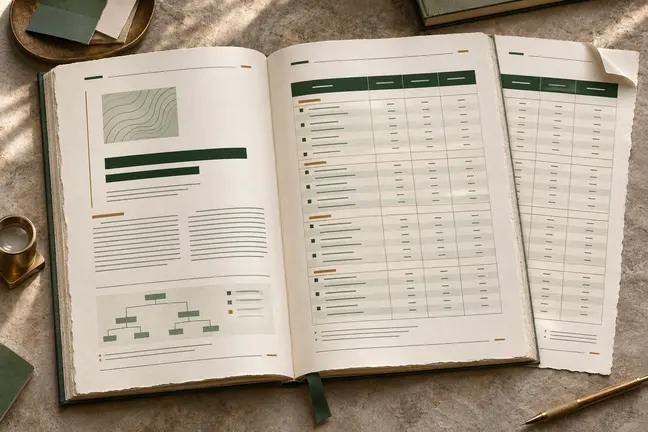
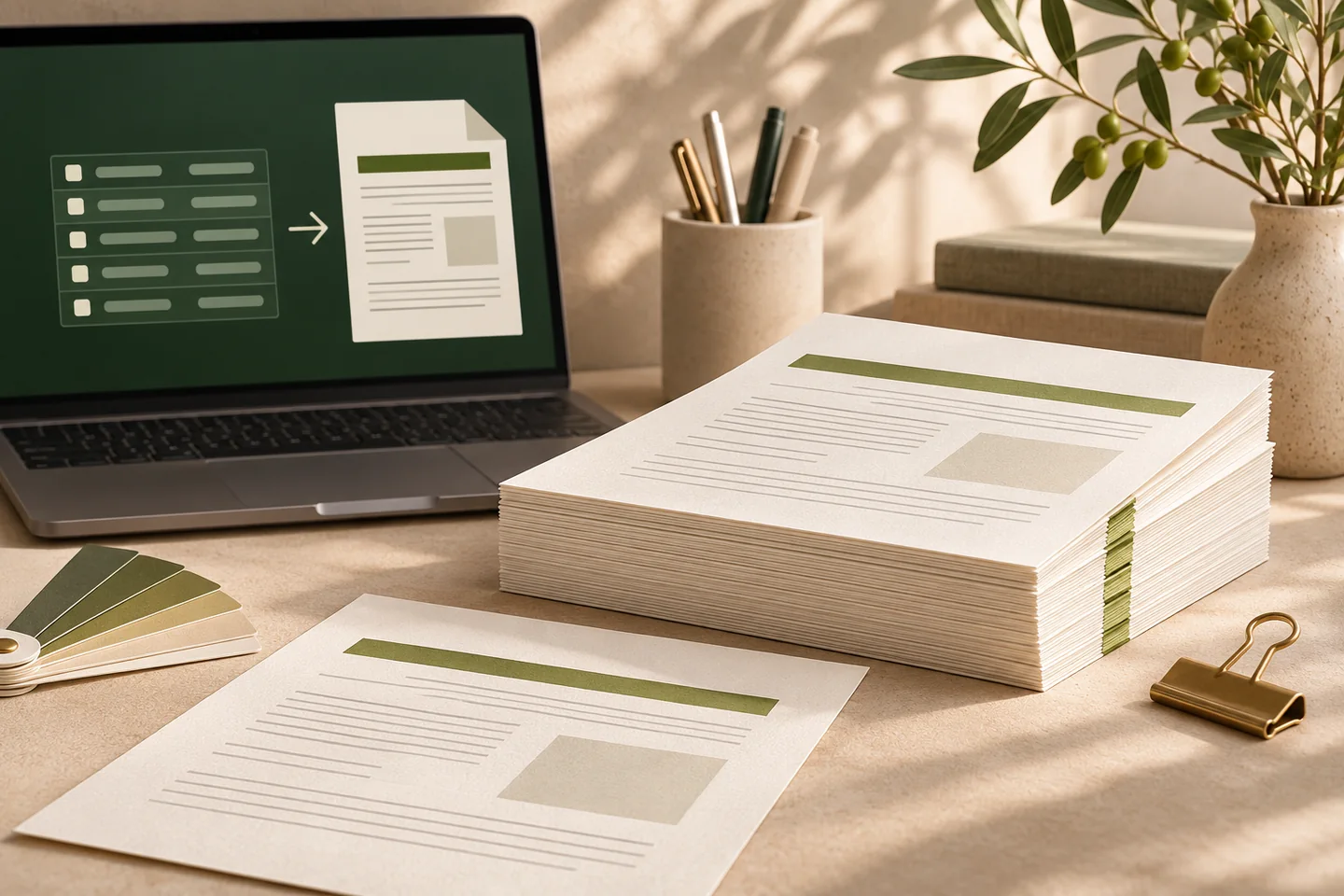
Give a compatible assistant a defined way to render documents. It passes reviewed HTML or Markdown, a title and a page size to Marqius Engine. Engine lays out the PDF; your workflow determines what is approved to send or print.
- The MCP tool accepts HTML or Markdown, a title and a page size.
- Use the output for reports, briefs or reading copies.
- For application integration, Marqius Engine also provides an HTTP conversion endpoint.
What it means for your operation
Make recurring briefs easier to produce
Give the assistant a defined rendering step so approved content moves straight into a consistent PDF. The team can spend less time copying text into a page layout.
Keep control of what gets published
Render the same reviewed source through one workflow. Make the PDF a clear sign-off point so reviewers can focus on facts and layout before release.
Measure the full workflow
Time one brief from source to approved PDF. Record layout edits, factual corrections and review time separately, so drafting gains do not hide extra review work.
How industries can use it
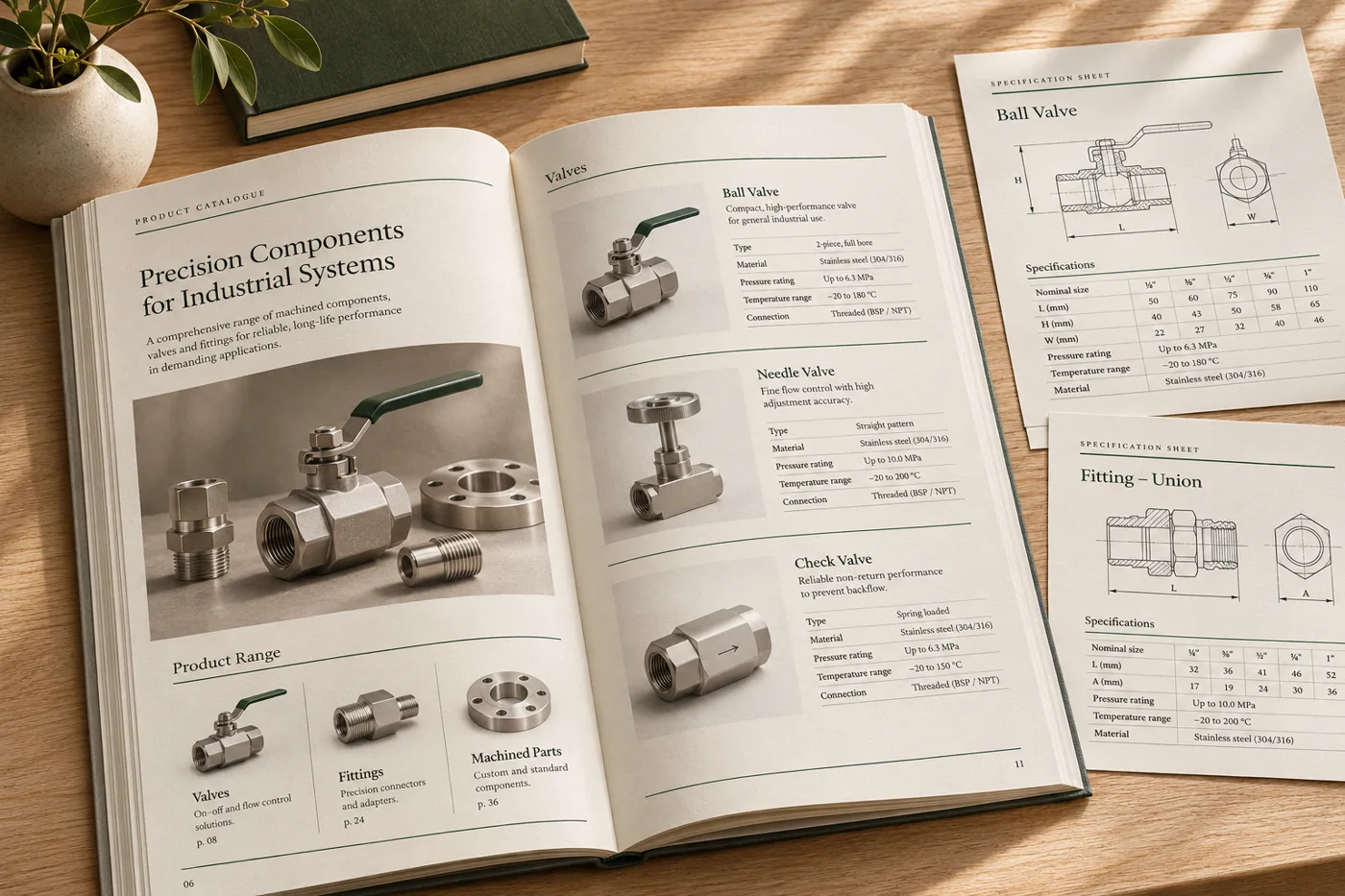
Turn technical notes into a product brief
A product team starts with an approved spec sheet and structured measurements. An assistant drafts the explanatory text, then submits the reviewed HTML to the renderer.
In the proof: Check the dimensions and units against the source, and inspect the longest specification table.
Explore manufacturing & distribution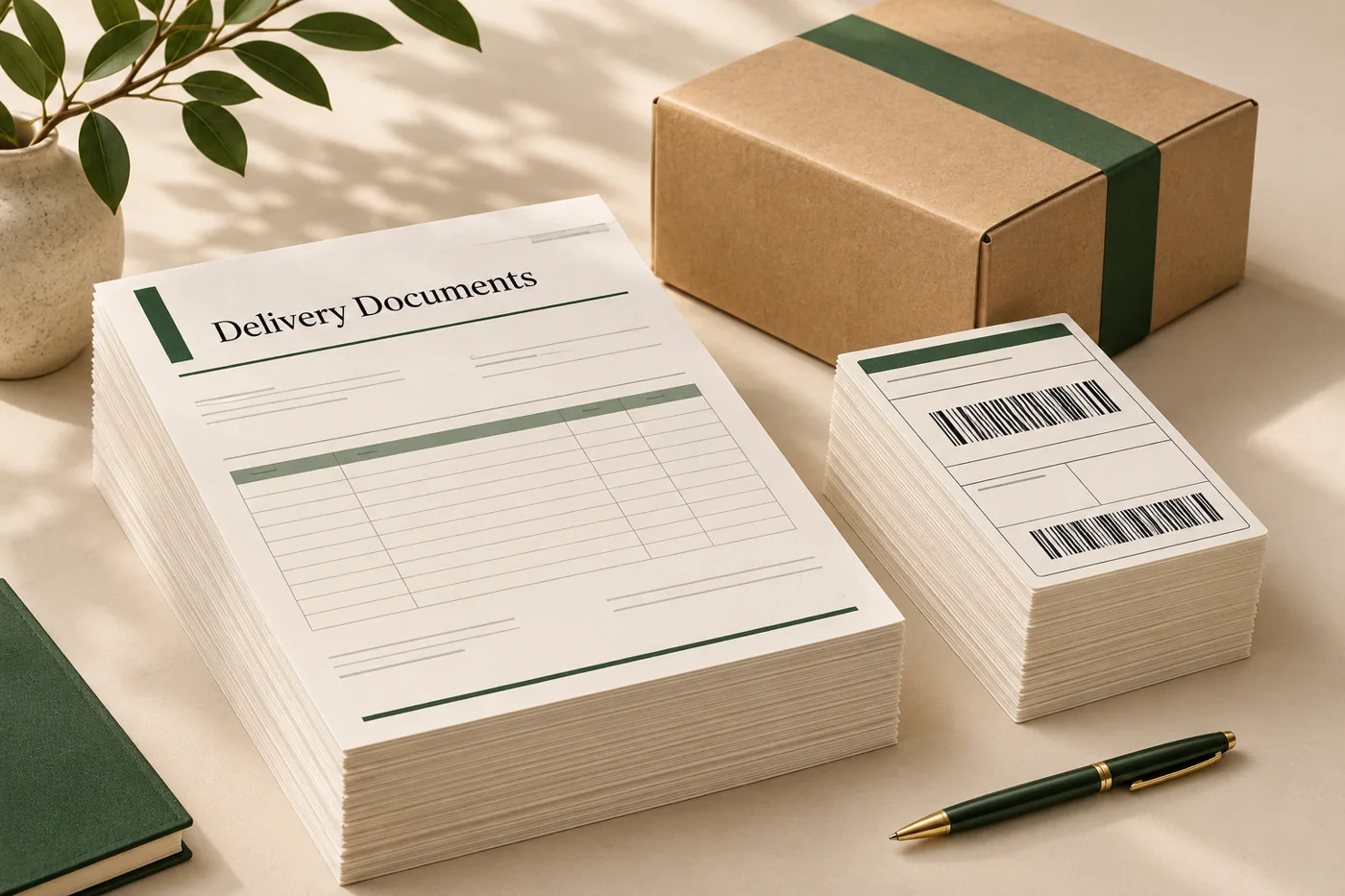
Prepare a daily operations brief
An assistant organises exceptions and totals from approved inputs into a daily report. Marqius turns the reviewed Markdown into a PDF with the same layout each day.
In the proof: Check that date ranges, references and counts agree with the operational records.
Explore logistics & operations
Create a training handout
An editor provides approved learning content. An assistant structures headings, exercises and references before the page layout is rendered.
In the proof: Check the citations and make sure the exercise and its instructions appear together.
Explore publishing & educationTest it on a document you already print
Start with an anonymised example and record what the finished file must do before the job moves to the next stage.
- Prepare the source. Use a reviewed template and an anonymised example. Decide which fields the assistant may fill and what a person must approve.
- Render the document. Call the MCP tool html_to_pdf with approved content, a title and a page size. Collect the resulting PDF for review.
- Approve the result. Compare facts to the original source, review the page breaks and decide who can release the finished document.