
AI & INTEGRATION
Generate PDFs from AI workflows
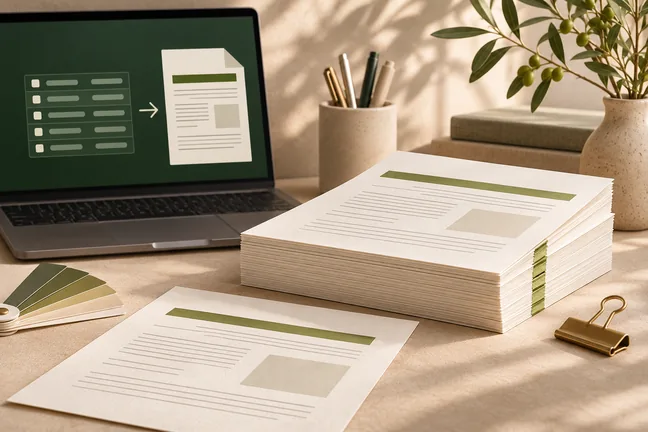
Give an MCP-compatible assistant a tool that turns HTML or Markdown into a laid-out PDF. Use Marqius for rendering and keep the source content and review in your workflow.
Explore featureTurn fresh data into the next batch of statements, letters or catalogues. Keep your approved layout and check the proof before it goes to press.
 ILLUSTRATIVE CONCEPT
Bring reviewed content into the same production process: generate the batch, set it up for print and check the result before release.
Give an MCP-compatible assistant a tool that turns HTML or Markdown into a laid-out PDF. Use Marqius for rendering and keep the source content and review in your workflow.
Explore feature
Keep deadline-driven runs moving: render independent jobs in parallel and reuse cached output when inputs haven’t changed.
Explore feature
Set the colour profile, bleed, trim marks and sheet layout for the way you print. Inspect the actual finish with your print partner before the full run.
Explore feature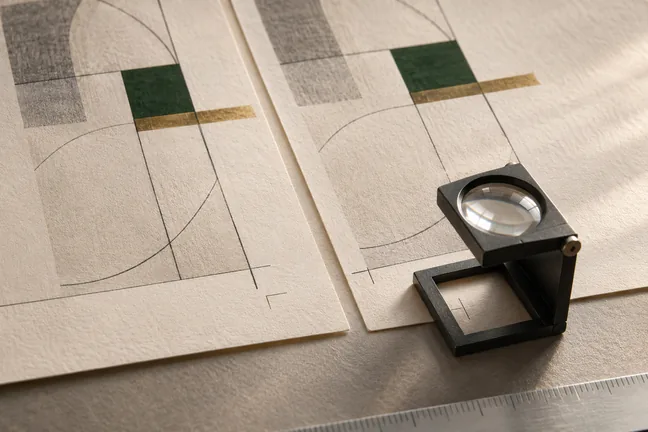
Use press checks and page-level findings to review the file before release. Strict mode can stop a run when a check raises a warning, so the next step starts with a decision.
Explore feature
Build a personalised run one mail piece at a time. Generate USPS Intelligent Mail barcodes and add payment scan lines or inserter marks where the workflow requires them.
Explore USPS Intelligent MailA drop-in replacement for wkhtmltopdf in 14 PDF libraries. Keep your code and templates, then compare a familiar document before switching production.
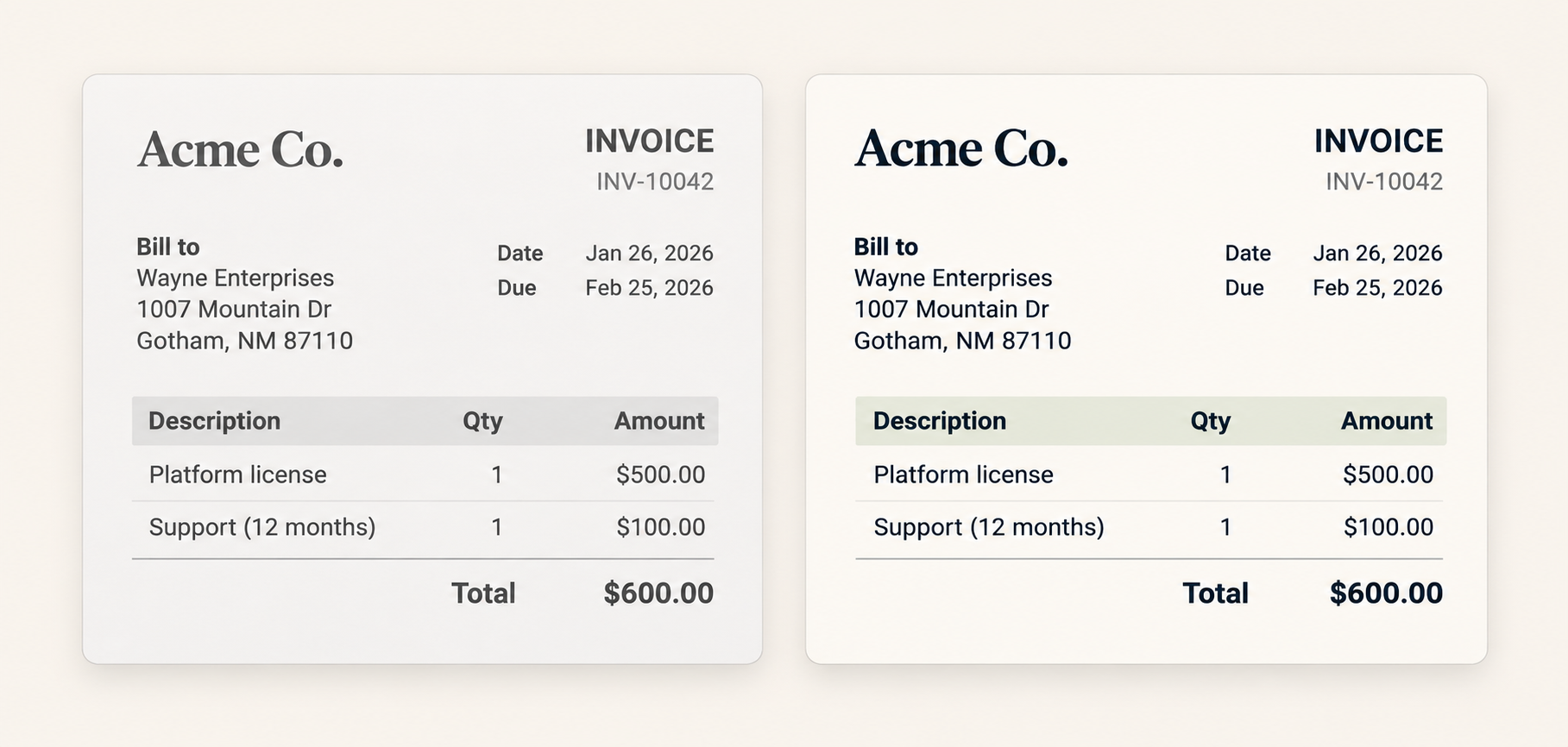
Choose a document your team already makes. See what goes into a first proof and which Marqius tools fit the job.
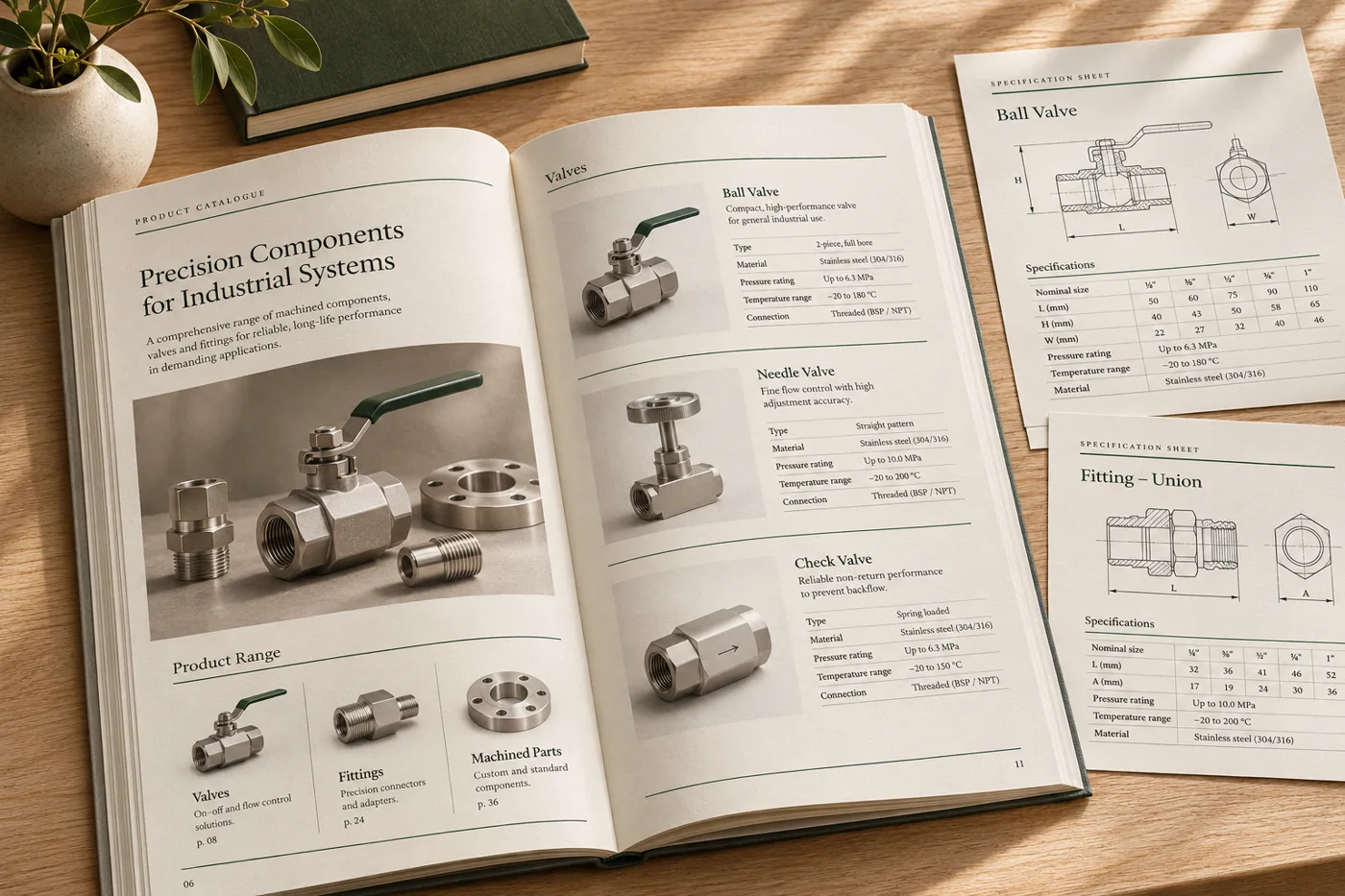
Use product records, photography and ranked specifications to build a consistent edition without redesigning every page.
Explore workflow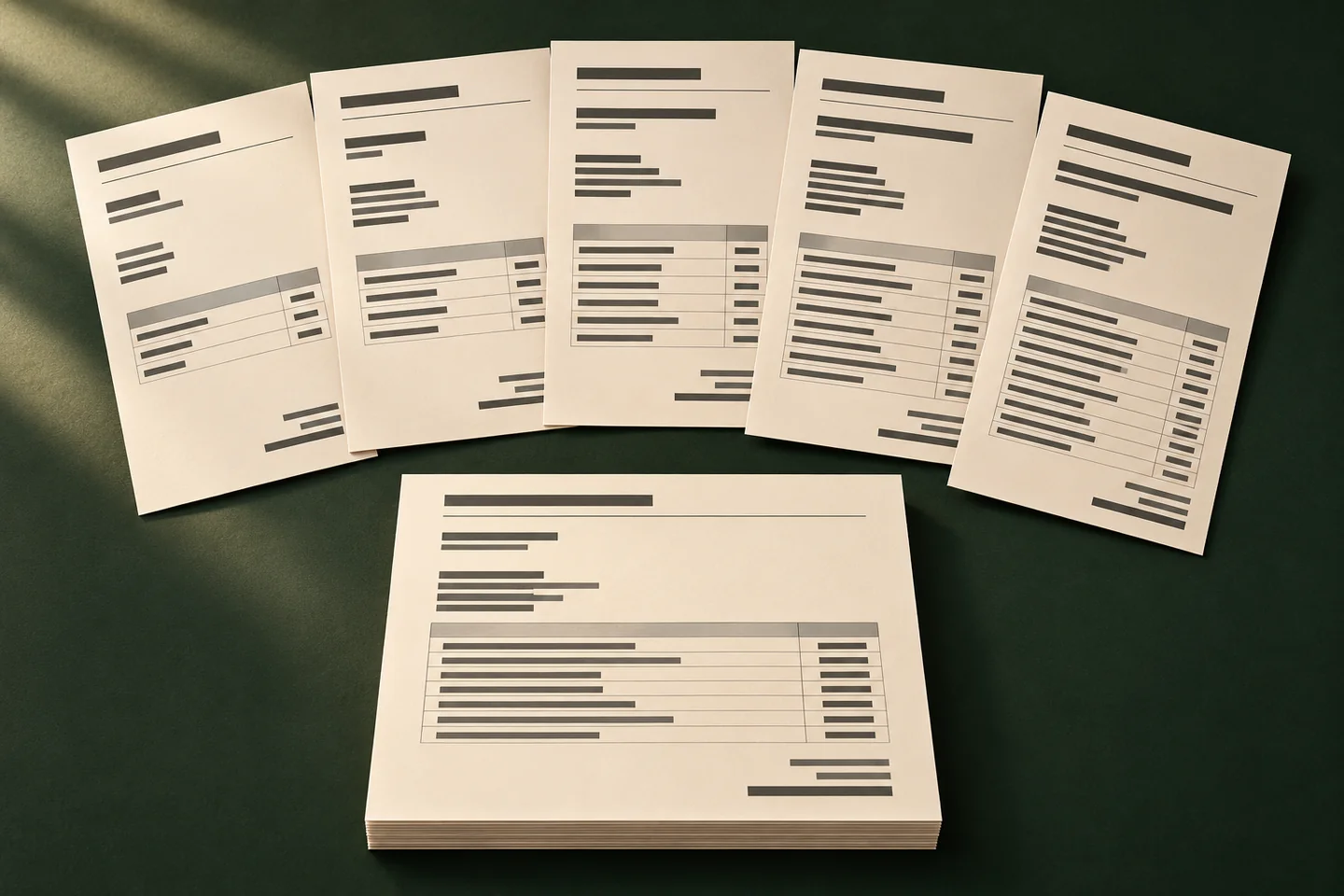
Turn structured records into consistent PDFs without manually replacing the names, values or details in each copy.
Explore workflow
Build a publication around its reading rhythm, from chapter openers and typography to illustrations, notes and the cover.
Explore workflow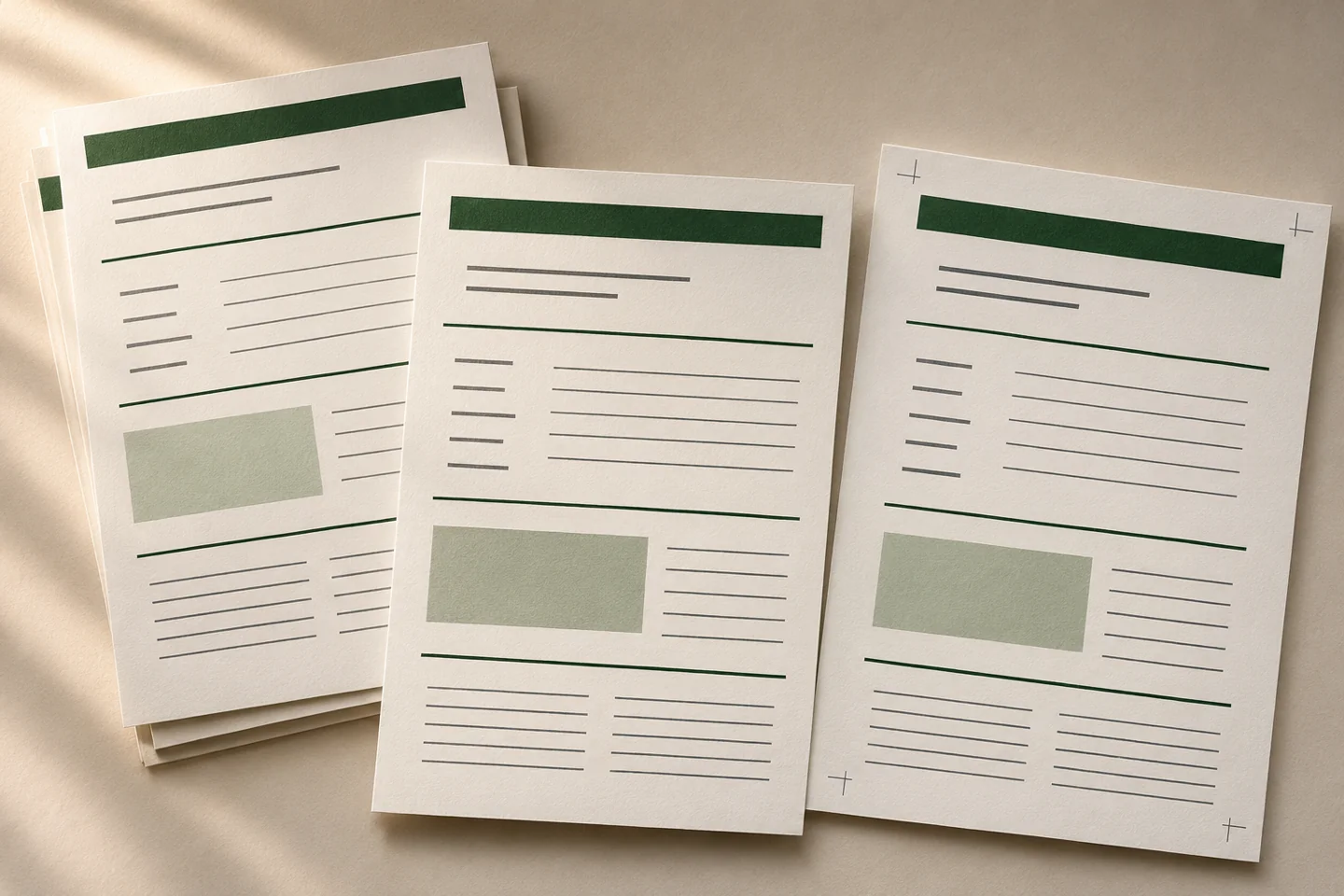
Marqius fits when your print queue fills with the same kinds of documents and the details change each time. Your team can keep the decisions it has already approved and spend its time checking the records, the exceptions and the final proof.
Turn HTML, Markdown and source data into PDFs with the press settings and checks your production needs.
Explore Engine
Bring changing information, approved layouts, job tracking and delivery into one recurring document workflow.
Explore Relay
Choose a book design and trim size, review the interior, and prepare the cover and edition files.
Explore Studio
Keep your code across 14 PDF libraries. Reuse your templates, render a familiar document and compare the PDF before switching.
Explore wkhtmltopdfSee how the same production approach applies to different documents, review steps and print requirements.
A simple sample can hide the problems that recur in production. Start with an anonymised document that puts real pressure on the layout.
Bring an anonymised example and tell us what changes each time. We’ll discuss what the proof needs to show.
Discuss a SampleMarqius helps you turn structured information into professionally laid-out PDFs. It brings together reusable designs, personalised records and controls for preparing pages for print.
Start with Relay if the challenge is a recurring workflow from data through delivery. Use Engine to generate PDFs from an existing system, and Engine’s publishing workflow to lay out books and publications.
Start with an existing anonymised PDF and a few fictional records that show how the content varies. That gives us something concrete to review together.
Marqius prepares document files. Your production team or print partner handles the physical run and confirms the final file requirements.