BOOK PRODUCTION
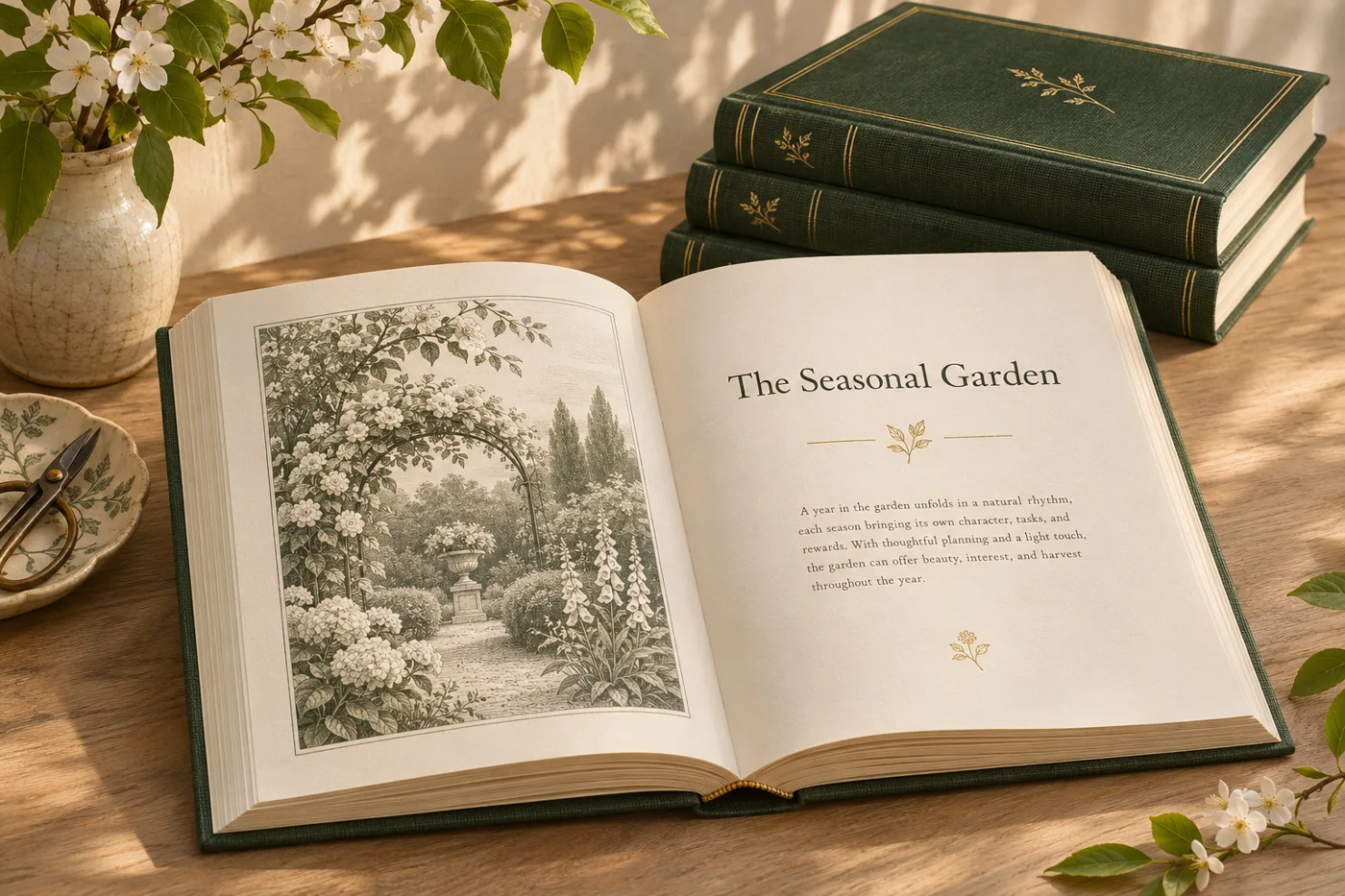
Set the interior from a manuscript
Choose a book design and trim size, then prepare a manuscript with chapter openers, front matter, running heads and page numbers.
Explore featureShape book interiors, workbooks and training material with considered typography, a clear chapter structure and a proof sized for the intended edition.
ILLUSTRATIVE CONCEPTSet a trim size and typography for a workbook, then proof a chapter opener, a dense reading page and an activity page before preparing the cover and interior.
Choose a book design and trim size, then prepare a manuscript with chapter openers, front matter, running heads and page numbers.
Explore feature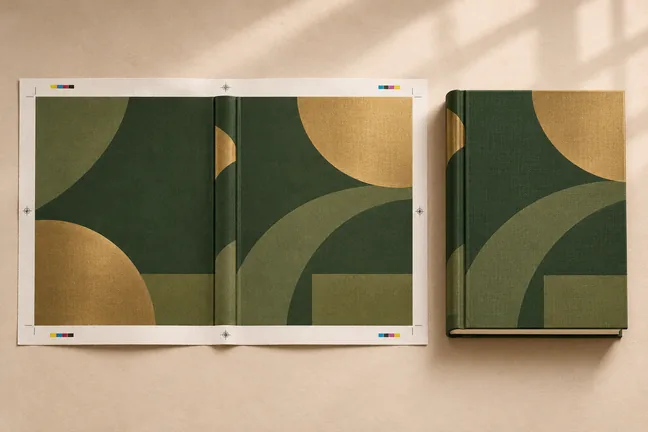
Lay out the front, spine and back together. Use the interior page count, paper and binding to calculate the spine width for the edition.
Explore feature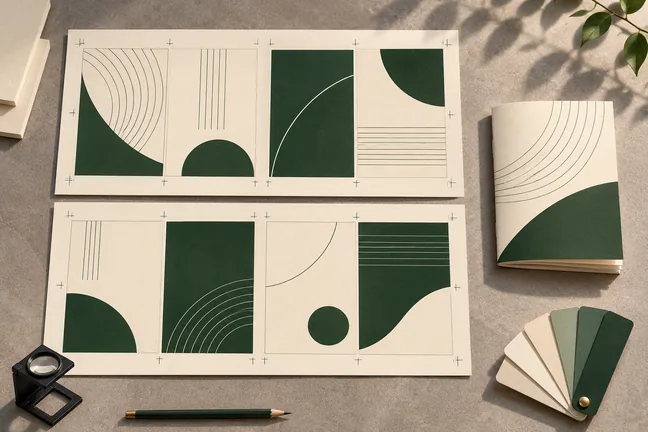
Set the colour profile, bleed, trim marks and sheet layout for the way you print. Inspect the actual finish with your print partner before the full run.
Explore feature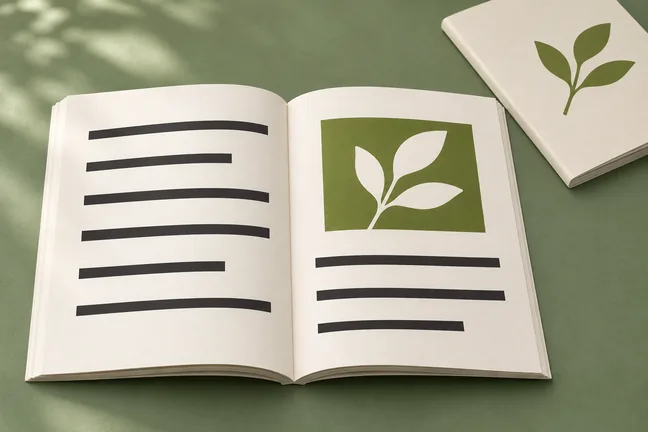
Create tagged PDF/UA-1 output and use the accessibility audit to find issues in the source, including vague link text, missing table headers and unlabelled fields.
Explore feature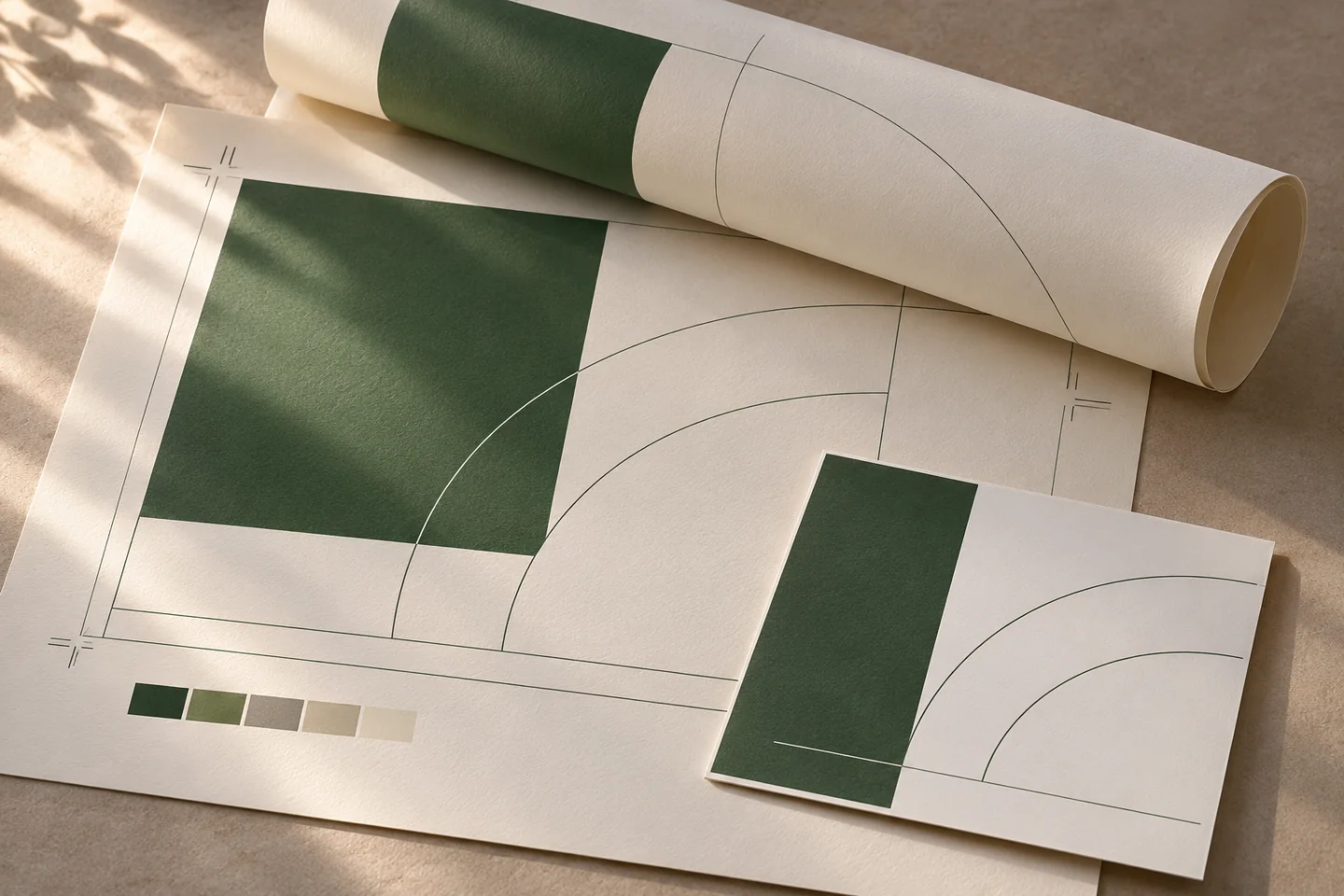
Bring page arrangement, trim marks and space around the page edges into the same conversation as the document layout.
Explore workflowBuild a publication around its reading rhythm, from chapter openers and typography to illustrations, notes and the cover.
Explore workflow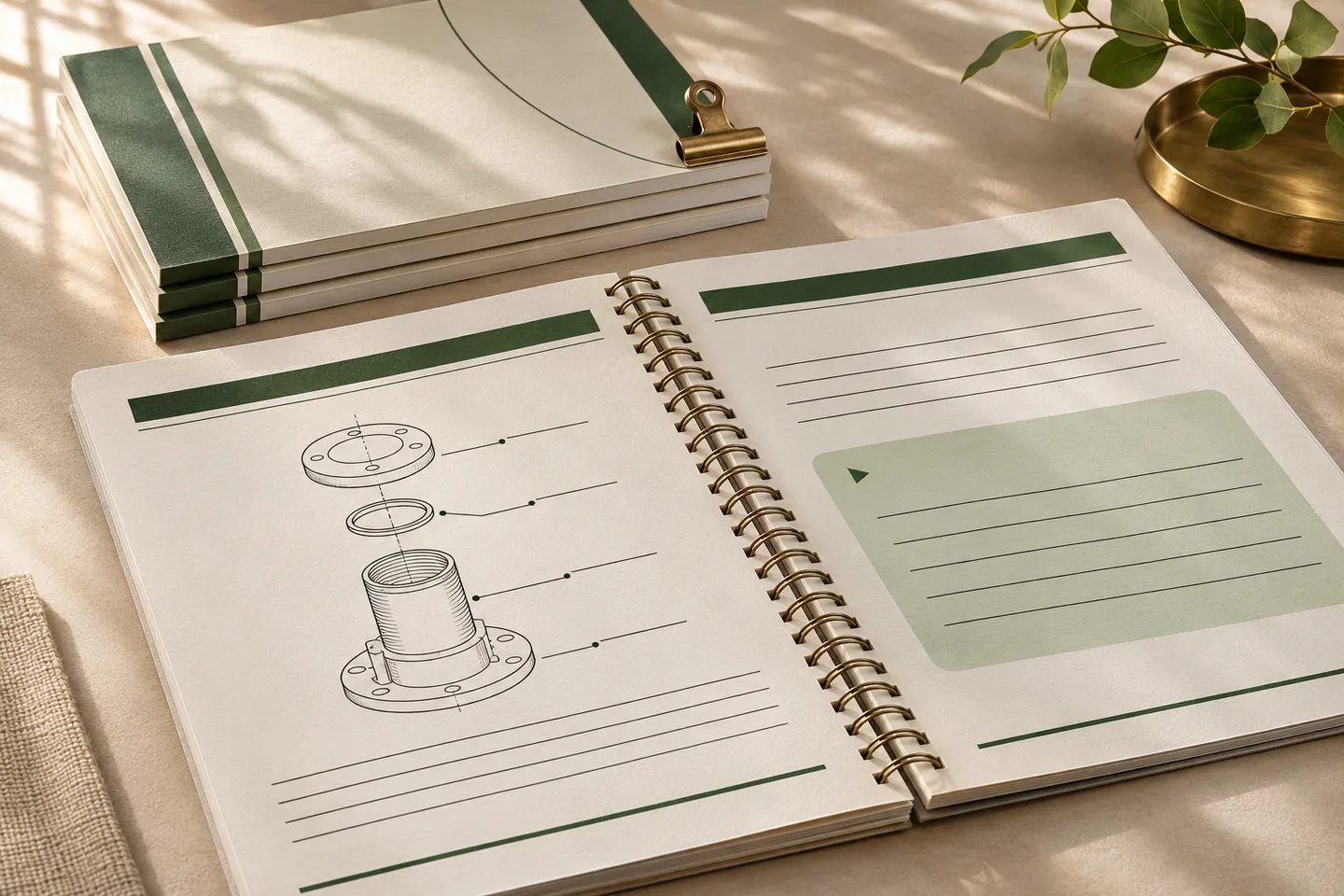
Lay out repeatable training editions with clear instructions, usable exercise space and a proof at the final trim size.
Explore workflowTell us what changes between runs and what the completed file needs to do. Bring an anonymised example to the first discussion.
Discuss a SampleChoose one that exercises the layout: a chapter opening, body copy, an image or table and any notes or activities you plan to reuse.
Review it once the interior’s page count and trim size are known, so the proportions reflect the intended format.
Marqius Engine can prepare a print or reading PDF, a cover file or an ebook. Check each export against its intended distributor or print partner.