1
Install
Install the compatible program alongside your current wkhtmltopdf.
curl -fsSL https://marqius.com/marqius-wkhtmltopdf.sh | bashSnappy and laravel-snappy hand HTML to a wkhtmltopdf executable. Set its path to Marqius and keep your Blade views and PDF calls.
curl -fsSL https://marqius.com/marqius-wkhtmltopdf.sh | bash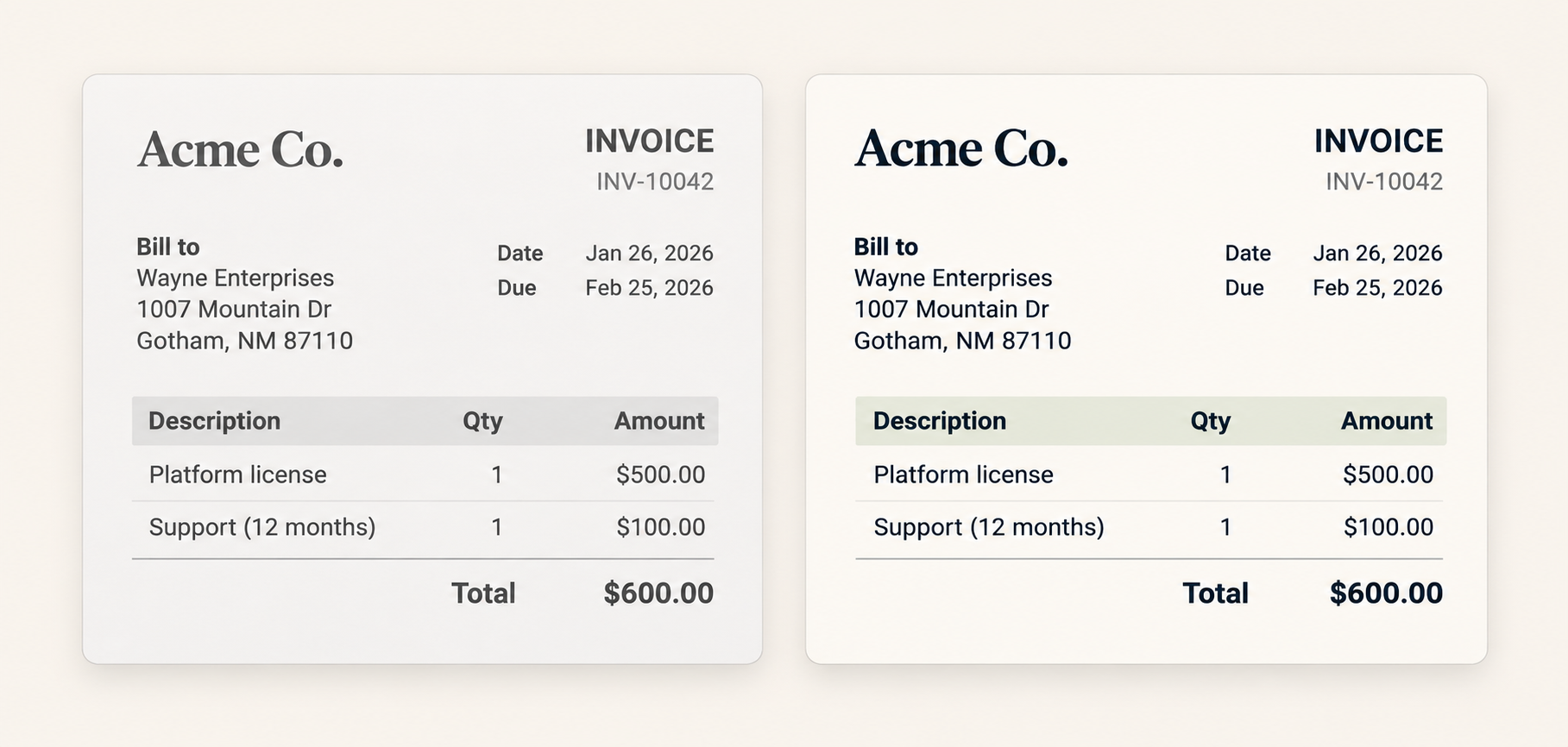
Install the compatible program alongside your current wkhtmltopdf.
curl -fsSL https://marqius.com/marqius-wkhtmltopdf.sh | bashSet the two binary paths in the environment used by config/snappy.php.
WKHTML_PDF_BINARY=/usr/local/bin/wkhtmltopdf
WKHTML_IMG_BINARY=/usr/local/bin/wkhtmltoimageRender a representative document and check the PDF before switching production.
marqius wkhtmltopdf invoice.html new.pdf
marqius compare old.pdf new.pdfuse Knp\Snappy\Pdf;
$snappy = new Pdf('/usr/local/bin/wkhtmltopdf');
$snappy->generateFromHtml($html, '/tmp/invoice.pdf', ['page-size' => 'A4']);Keep a known invoice or report PDF. Generate it with Marqius, then compare it before moving the server path.
No when Snappy runs a wkhtmltopdf executable. Keep your views and PDF calls, then point the binary setting to the installed program.
Test your existing header and footer HTML with the familiar command options and inspect the rendered pages before rollout.
Read the converter output for the missing input, asset or other specific error. Reproduce it with one HTML document before changing a production worker.
Those can use a browser-based rendering path rather than the wkhtmltopdf executable. Check the package integration before replacing a binary.