REUSABLE DESIGN
Keep the layout your team approved
Reuse approved layouts and shared sections as names, figures, product details and other source information change.
Explore featureKeep account statements, policy schedules and customer notices familiar as balances, coverage details and transaction histories change.
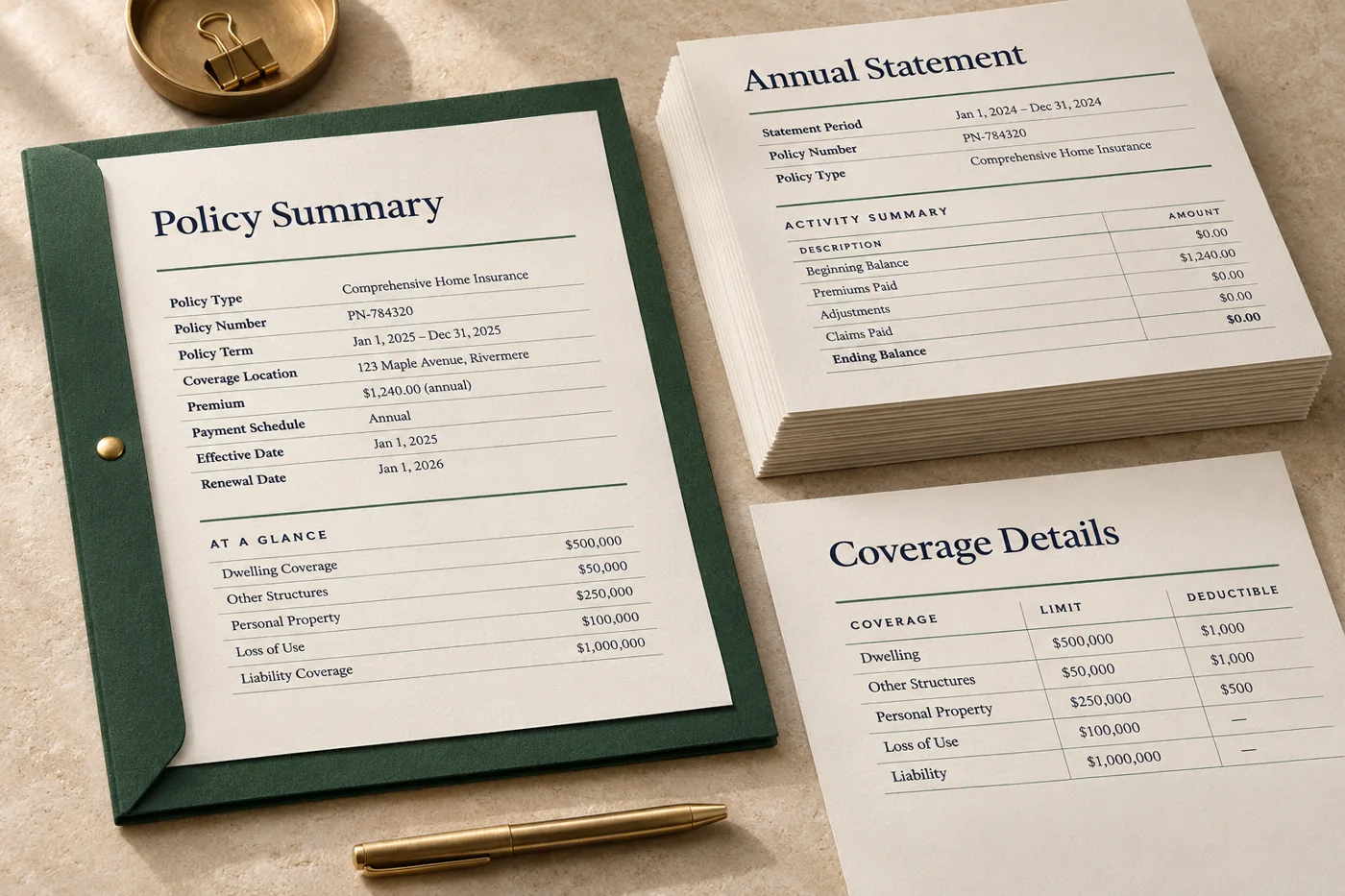 ILLUSTRATIVE CONCEPT
For a monthly statement, keep the account summary and contact details in predictable places. Populate the transaction table from the current period and let longer histories flow onto additional pages.
Reuse approved layouts and shared sections as names, figures, product details and other source information change.
Explore feature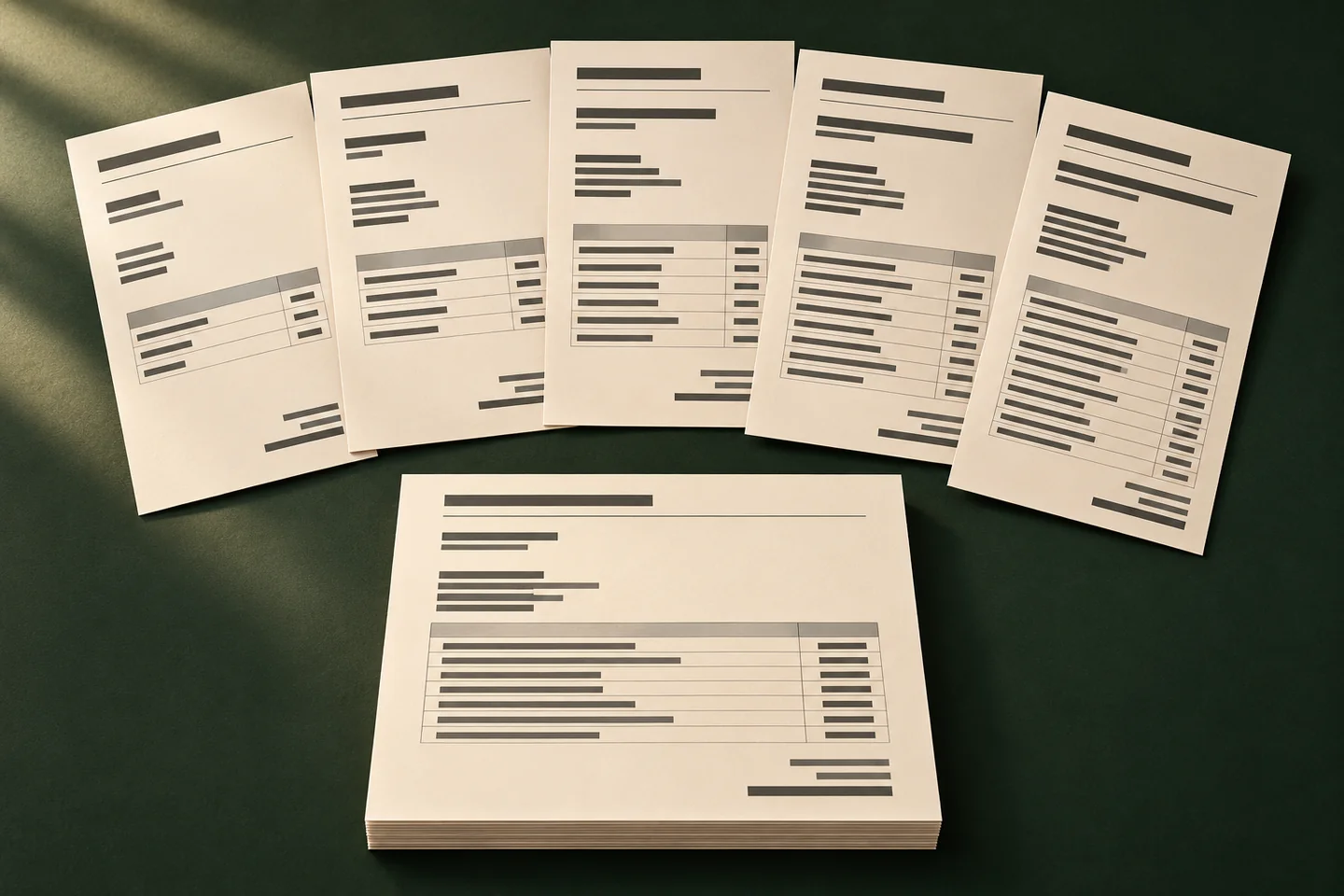
Use one approved layout and a fresh set of records to prepare statements, correspondence and other documents that vary from recipient to recipient.
Explore feature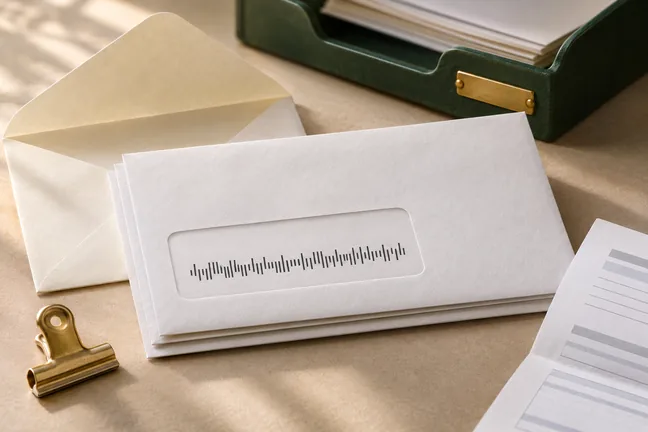
Build a personalised run one mail piece at a time. Generate USPS Intelligent Mail barcodes and add payment scan lines or inserter marks where the workflow requires them.
Explore feature
Apply a digital signature using a certificate, verify signatures, or set PDF permissions when the workflow needs more control over the file.
Explore featureKeep summaries, activity tables and contact information in a familiar order while figures and transaction histories change each period.
Explore workflow
Combine approved wording and recurring brand elements with changing recipient details, dates and instructions.
Explore workflowTurn structured records into consistent PDFs without manually replacing the names, values or details in each copy.
Explore workflowTell us what changes between runs and what the completed file needs to do. Bring an anonymised example to the first discussion.
Discuss a SampleUse one short and one long synthetic account history. Check balances against the source, repeated table headings and the order of pages.
Reuse shared elements such as branding, contact details and page numbering. Give renewal-specific fields and wording their own approved template where needed.
Bring an anonymised statement or policy schedule, sample field names and your print partner’s requirements. Leave out real account records.