1
Install fonts
A minimal container needs fonts. Add those used by your templates.
RUN apt-get install -y fonts-liberation2 fonts-dejavu-coreCopy the compatible Linux program into your own image and keep your application command. Install the fonts that your document expects.
FROM ubuntu:22.04

# Install fonts your PDFs use
RUN apt-get update && \
  apt-get install -y curl ca-certificates \
  fonts-liberation2 fonts-dejavu-core

# Add the compatible program
RUN curl -fsSL https://marqius.com/marqius-wkhtmltopdf.sh | bash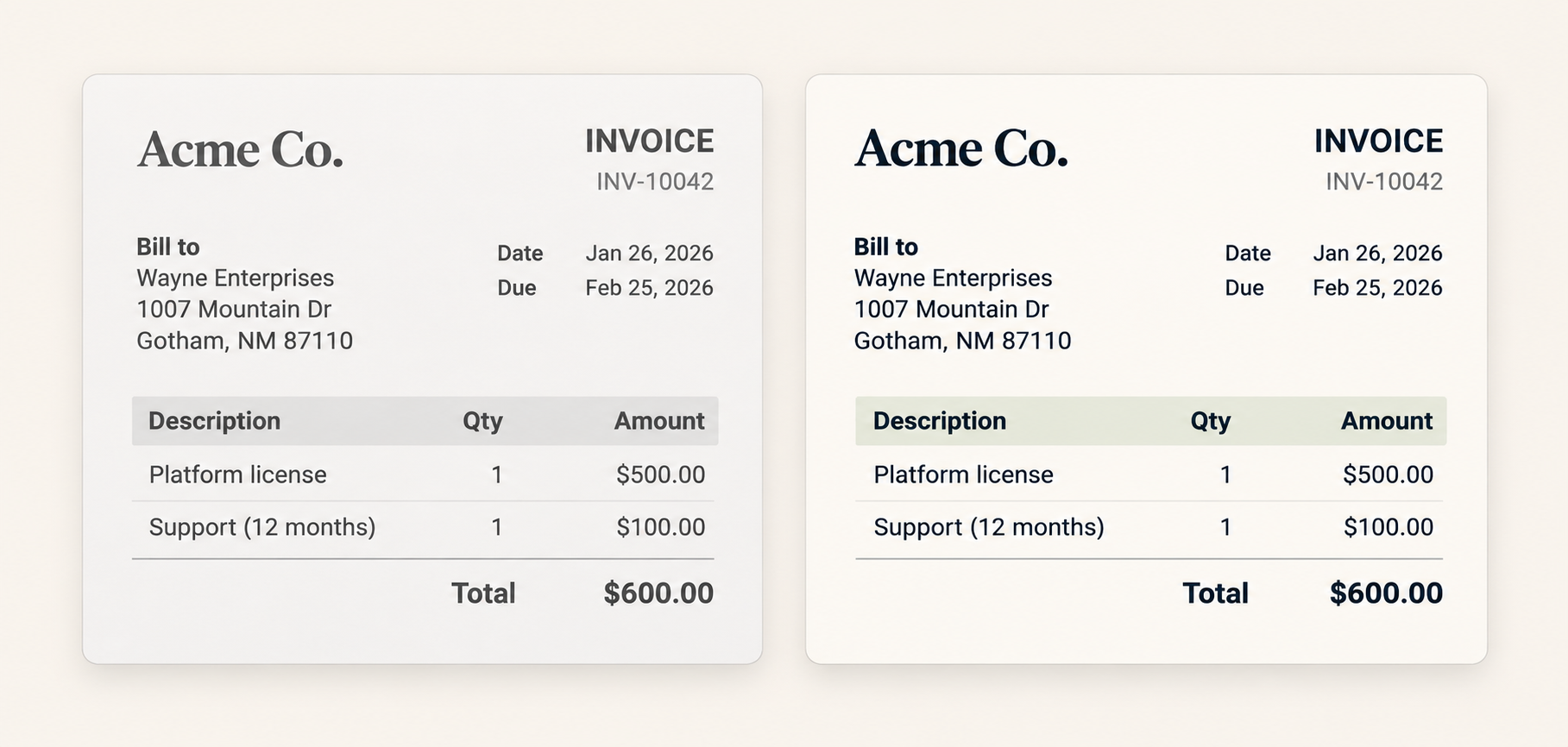
A minimal container needs fonts. Add those used by your templates.
RUN apt-get install -y fonts-liberation2 fonts-dejavu-coreUse the verified installer in the image you already operate.
curl -fsSL https://marqius.com/marqius-wkhtmltopdf.sh | bashRender and compare an actual document in the same image before rollout.
marqius wkhtmltopdf invoice.html new.pdf
marqius compare old.pdf new.pdfInstall at least one font in a minimal image, then add the same fonts used by your templates. Run an actual invoice, statement or report through both versions, compare the PDFs and keep the previous image tag for rollback.
Marqius can also be run as a PDF service. Package and operate it inside your own container and security boundary; review the Engine documentation for that separate deployment.
Use the verified Linux download inside your own image today. This site will link an official image if one is published.
Minimal images may have no fonts at all. Add at least one font and the exact families your templates use, or conversion and text wrapping may fail.
Yes. Retain the previous image tag until PDFs from the new image pass your review.
It removes the old Qt and X11 dependency, but your templates may still need fonts, images, network access or browser JavaScript. Test those resources in the final image.