1
Install
Install the compatible program alongside your current wkhtmltopdf.
curl -fsSL https://marqius.com/marqius-wkhtmltopdf.sh | bashRotativa starts a wkhtmltopdf program from your application folder. Put the Linux Marqius build there under the same name and keep your ViewAsPdf actions.
curl -fsSL https://marqius.com/marqius-wkhtmltopdf.sh | bash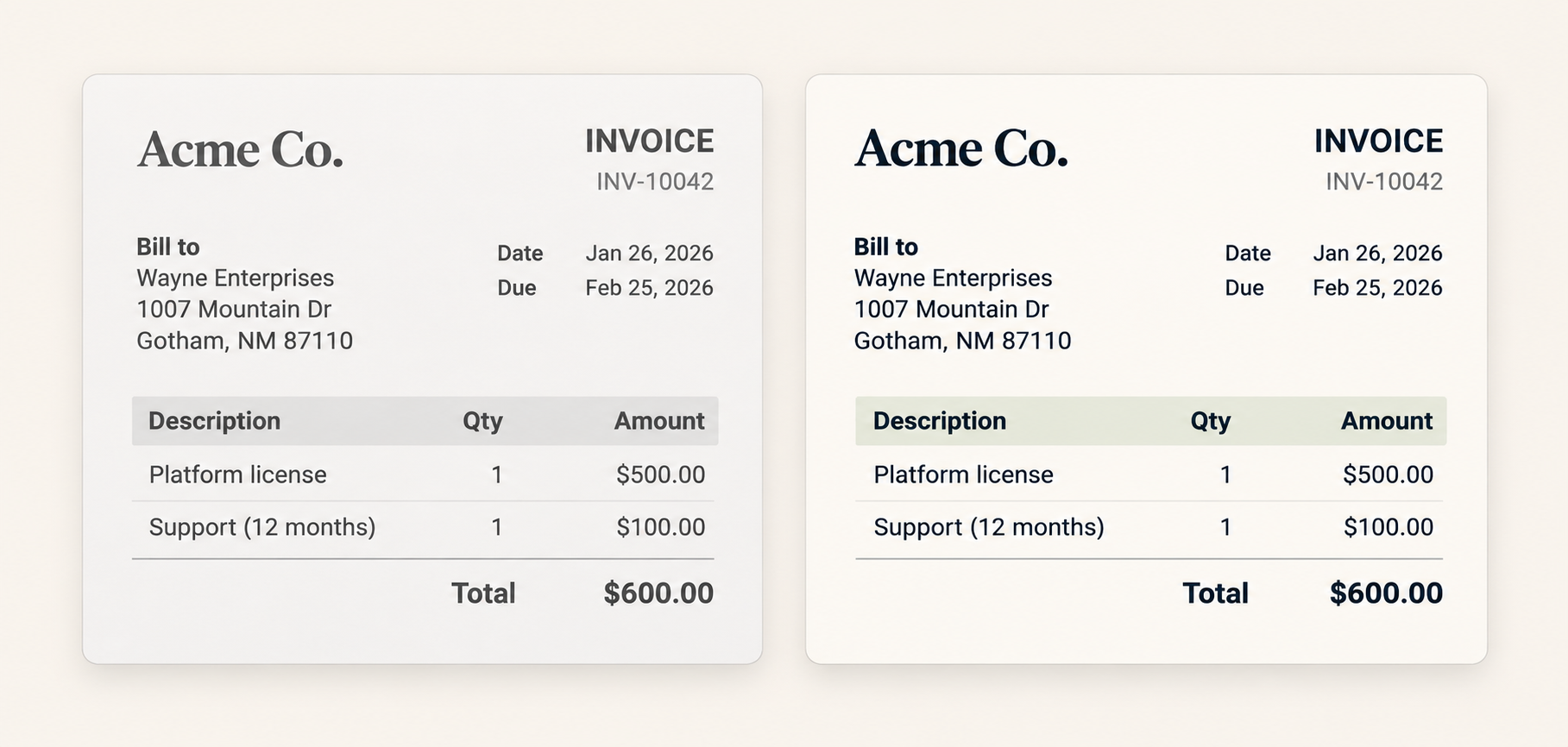
Install the compatible program alongside your current wkhtmltopdf.
curl -fsSL https://marqius.com/marqius-wkhtmltopdf.sh | bashOn Linux, place the installed program in the folder configured for Rotativa and make it executable.
cp /usr/local/bin/marqius wwwroot/Rotativa/wkhtmltopdf
chmod +x wwwroot/Rotativa/wkhtmltopdfRender a representative document and check the PDF before switching production.
marqius wkhtmltopdf invoice.html new.pdf
marqius compare old.pdf new.pdfPut the compatible executable in the folder named in your registration.
builder.Services.AddWkhtmltopdf("wkhtmltopdf");DinkToPdf and WkHtmlToPdf-DotNet load a native library rather than running wkhtmltopdf. This executable cannot replace that library. Windows builds also remain in testing.
The current compatible executable release is for Linux and Apple silicon macOS. Windows support is still being tested; use a Linux host for the current Rotativa path.
No. DinkToPdf loads libwkhtmltox directly instead of starting wkhtmltopdf, so it needs a separate library integration.
Rotativa can keep the same Razor views and command-line options. Test headers, footers and page breaks on your actual documents.
Use a supported Linux runtime, put the executable where the application expects it, install the required fonts and verify a PDF in that environment.