1
Install
Install the compatible program alongside your current wkhtmltopdf.
curl -fsSL https://marqius.com/marqius-wkhtmltopdf.sh | bashIf your package starts wkhtmltopdf, Marqius can take that executable name. Keep the calling code and test its output stream and error handling.
curl -fsSL https://marqius.com/marqius-wkhtmltopdf.sh | bash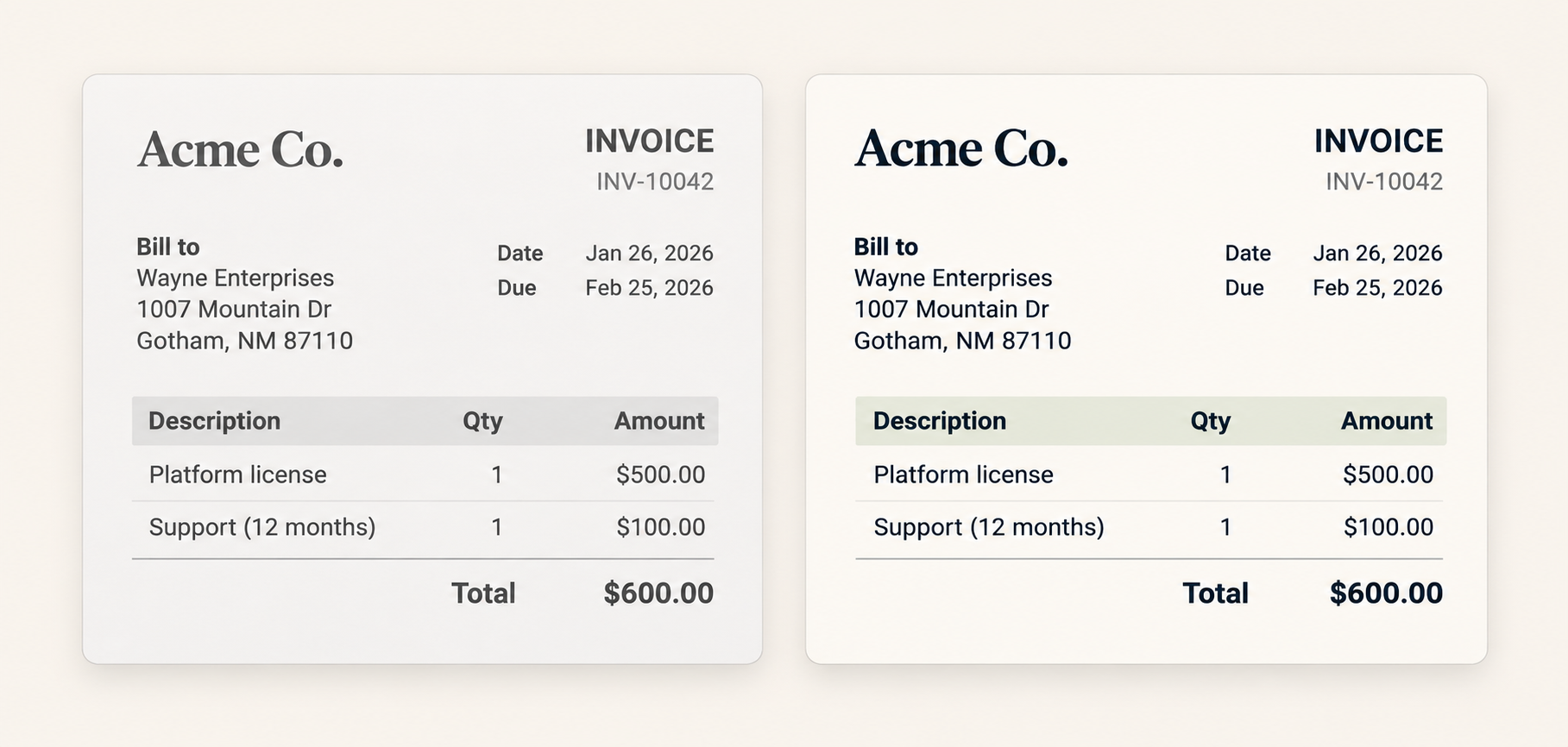
Install the compatible program alongside your current wkhtmltopdf.
curl -fsSL https://marqius.com/marqius-wkhtmltopdf.sh | bashKeep your calling code and update the executable path.
const wkhtmltopdf = require("wkhtmltopdf");
wkhtmltopdf.command = "/usr/local/bin/wkhtmltopdf";
wkhtmltopdf(html, { pageSize: "A4" }).pipe(fs.createWriteStream("report.pdf"));Render a representative document and check the PDF before switching production.
marqius wkhtmltopdf invoice.html new.pdf
marqius compare old.pdf new.pdfwkhtmltopdf.SetPath("/usr/local/bin/wkhtmltopdf")
pdfg, _ := wkhtmltopdf.NewPDFGenerator()
pdfg.AddPage(wkhtmltopdf.NewPageReader(strings.NewReader(html)))
_ = pdfg.Create()Exercise standard input/output, page options and the exit status your application expects. Use the switching manual as a checklist.
Usually no if it starts a wkhtmltopdf executable. Configure the path to the installed compatible program where your package pins one.
Test the standard input and output path your application already uses, including error handling and exit status.
Install the correct Linux build and the fonts used by your templates in the runner, then render and compare a test document.
An executable replacement will not work for a direct native-library binding. That integration needs a separate adapter.