WORKFLOW HANDOFF
Track jobs and route completed files
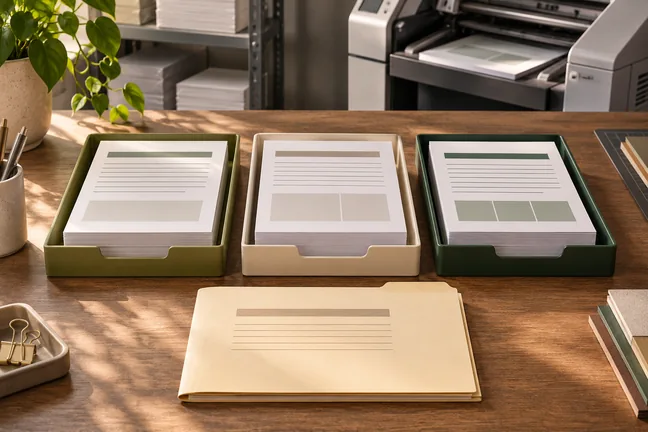
Follow a recurring run from the current data to the finished PDF. Agree where the result should go and what to review when a job needs attention.
Explore featureBuild repeatable layouts for operational summaries, order paperwork and delivery documents that must be easy to scan on paper.
 ILLUSTRATIVE CONCEPT
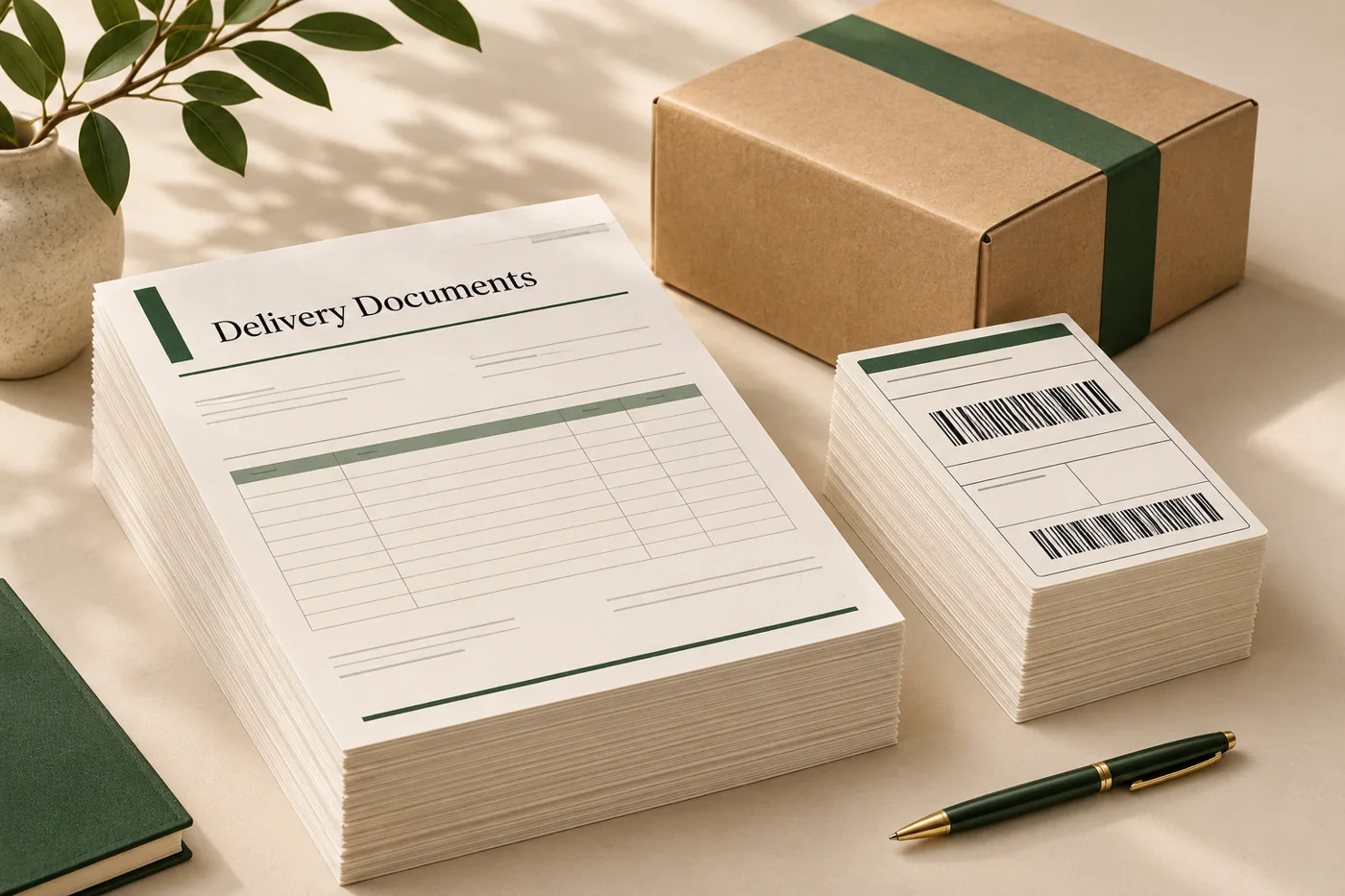
A dispatch summary can put references, dates and destinations first, followed by a consistent table of order details. Short and long jobs use the same visual logic.
Follow a recurring run from the current data to the finished PDF. Agree where the result should go and what to review when a job needs attention.
Explore feature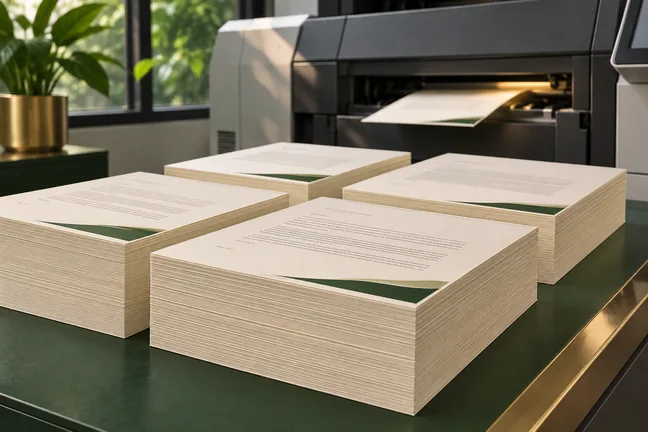
Keep deadline-driven runs moving: render independent jobs in parallel and reuse cached output when inputs haven’t changed.
Explore feature
Use press checks and page-level findings to review the file before release. Strict mode can stop a run when a check raises a warning, so the next step starts with a decision.
Explore feature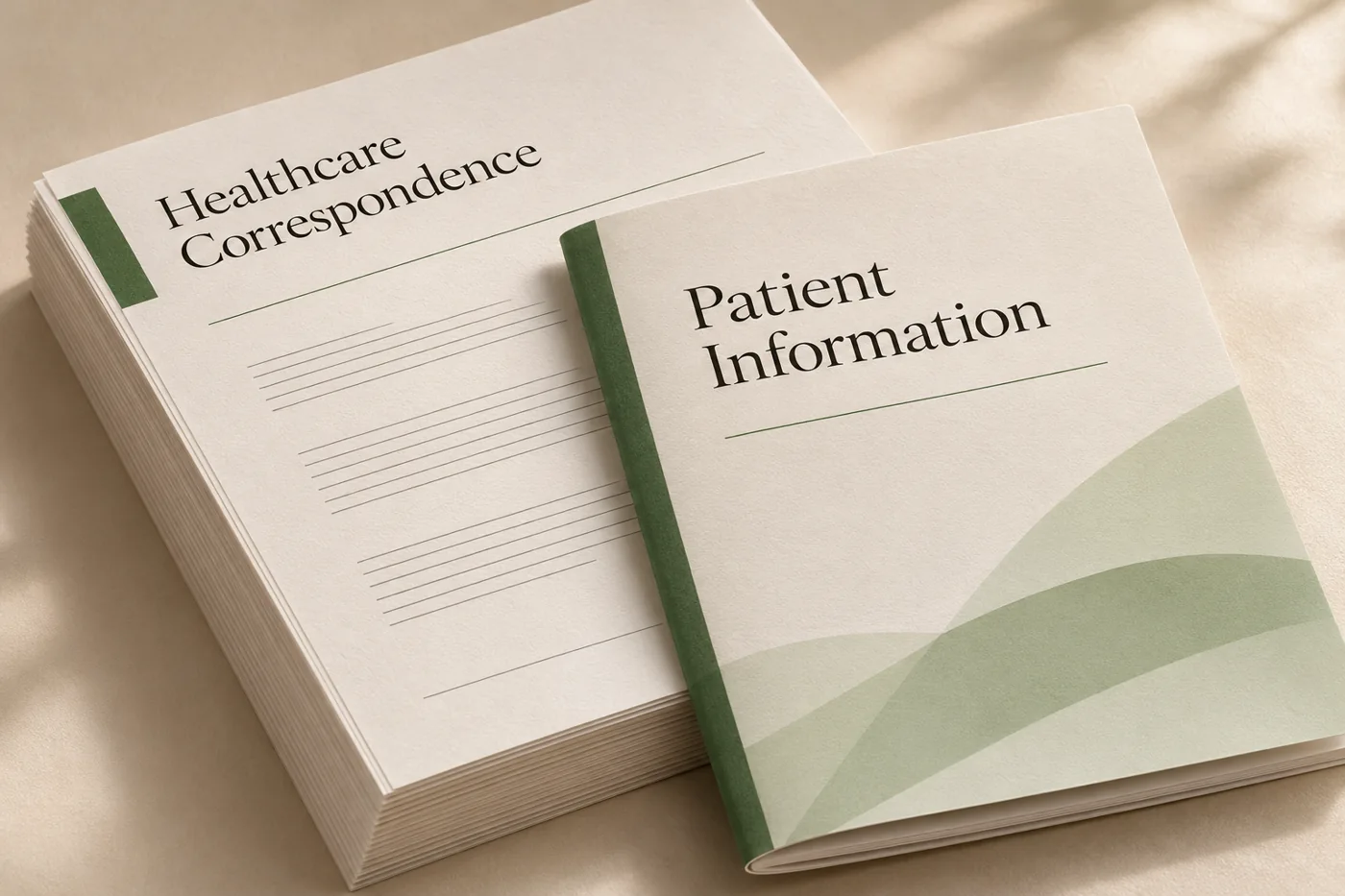
Combine approved wording and recurring brand elements with changing recipient details, dates and instructions.
Explore workflow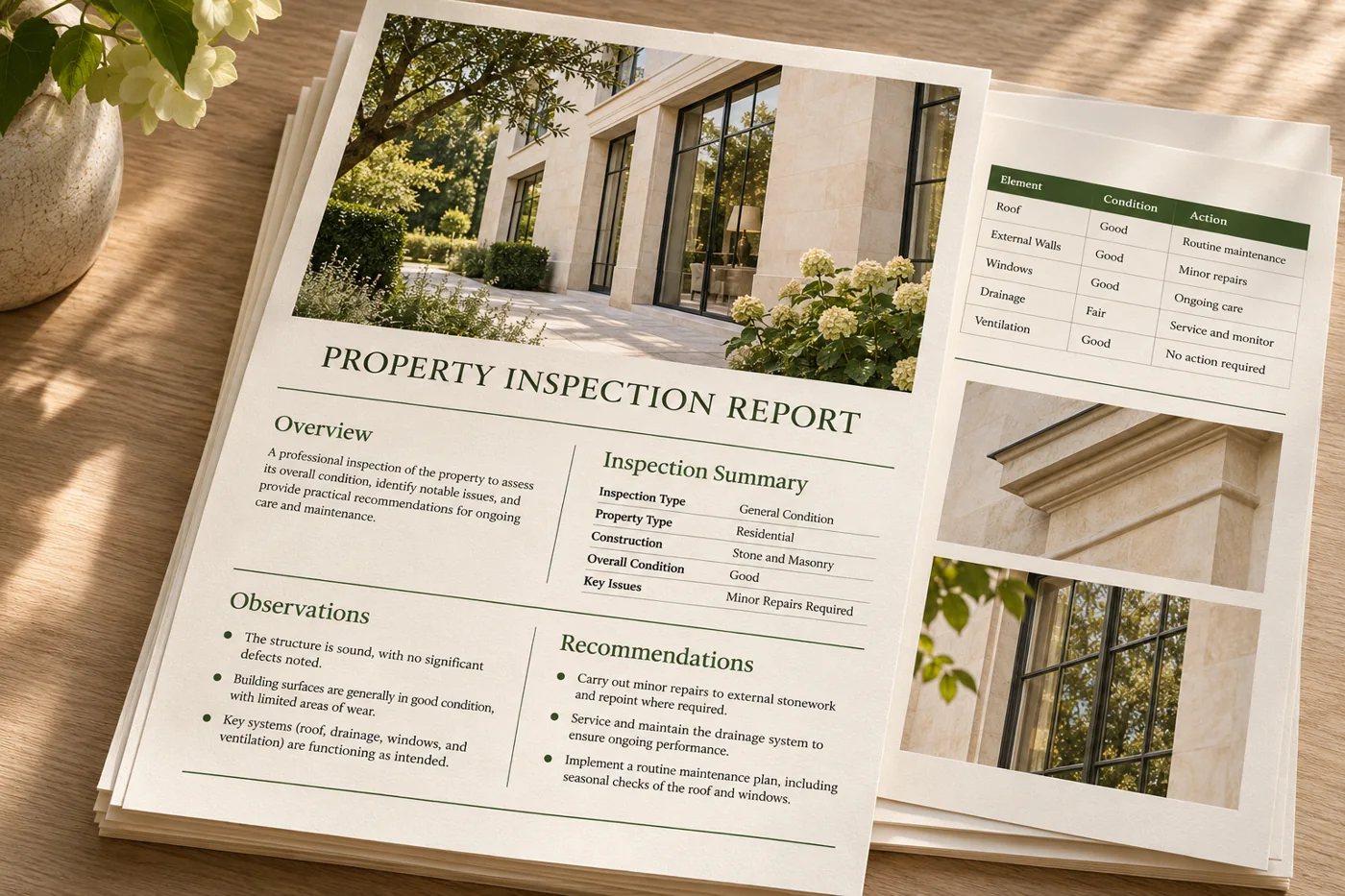
Give repeat reports clear headings, consistent page numbering and tables that remain readable as source data grows.
Explore workflow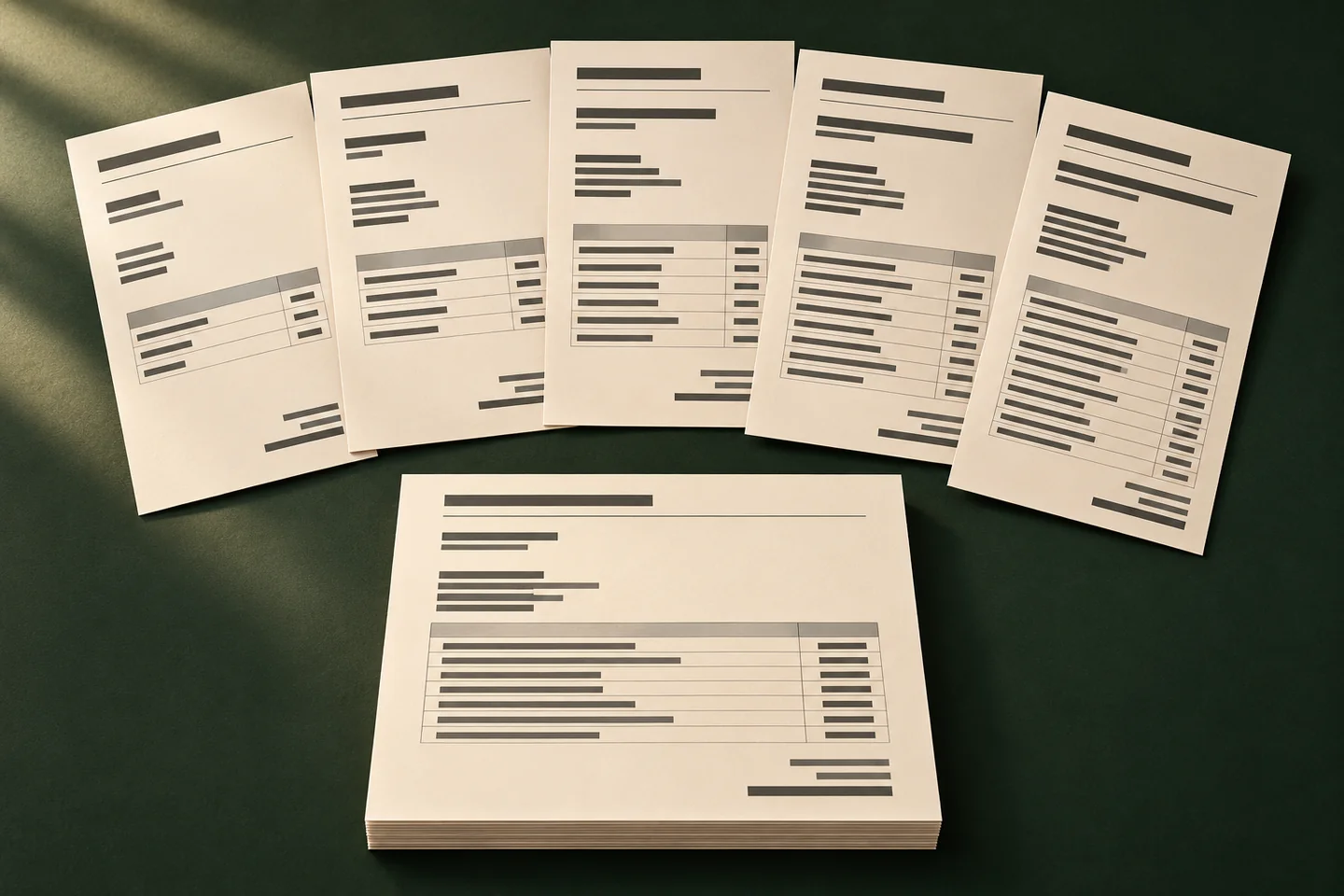
Turn structured records into consistent PDFs without manually replacing the names, values or details in each copy.
Explore workflowTell us what changes between runs and what the completed file needs to do. Bring an anonymised example to the first discussion.
Discuss a SamplePut the information needed to identify the job up front: reference, date and destination. Check the order with the people who use the document.
Use a dispatch or order sample with enough rows to cross several pages. Review the headers, totals and job reference on each continuation page.
List who receives the PDF, where it lands and who checks jobs that need attention. Walk through the handoff with an anonymised example.