1
Install
Install the compatible program alongside your current wkhtmltopdf.
curl -fsSL https://marqius.com/marqius-wkhtmltopdf.sh | bashpdfkit runs the wkhtmltopdf command. Install Marqius under that name, and your Python PDF calls can stay the same.
curl -fsSL https://marqius.com/marqius-wkhtmltopdf.sh | bash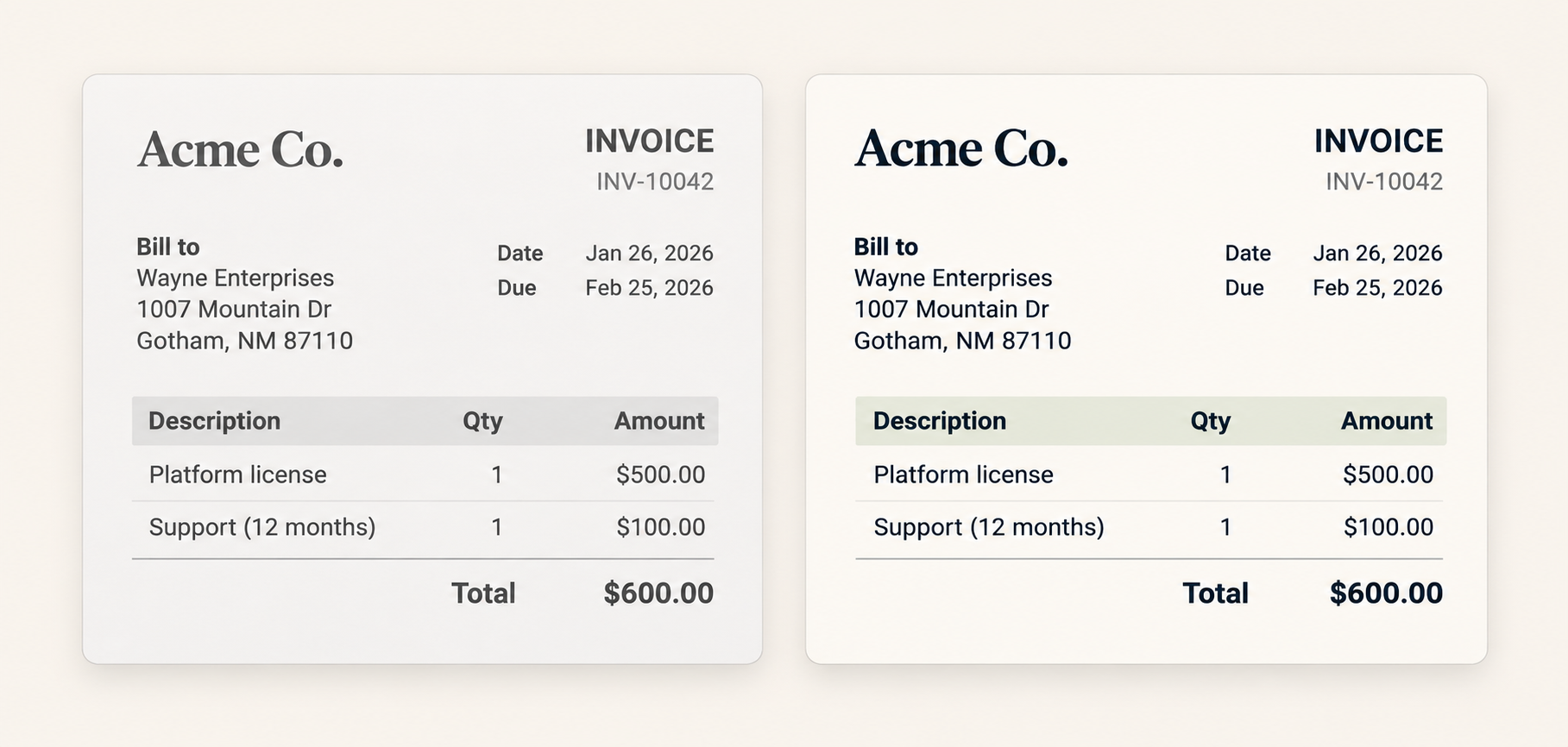
Install the compatible program alongside your current wkhtmltopdf.
curl -fsSL https://marqius.com/marqius-wkhtmltopdf.sh | bashIf wkhtmltopdf is already on PATH, leave your code as it is. If you configured an absolute path, point it to the installed program.
import pdfkit
pdfkit.from_file("invoice.html", "invoice.pdf", options={"page-size": "A4"})

config = pdfkit.configuration(wkhtmltopdf="/usr/local/bin/wkhtmltopdf")Render a representative document and check the PDF before switching production.
marqius wkhtmltopdf invoice.html new.pdf
marqius compare old.pdf new.pdfSet WKHTMLTOPDF_CMD only when the executable is outside PATH. imgkit can use the wkhtmltoimage name installed beside it.
WKHTMLTOPDF_CMD = "/usr/local/bin/wkhtmltopdf"

config = imgkit.config(wkhtmltoimage="/usr/local/bin/wkhtmltoimage")marqius wkhtmltopdf invoice.html new.pdf
marqius compare old.pdf new.pdfNo. Install Marqius beside it, run a representative HTML document and compare the PDF first. Change the executable path when you are ready.
A job that launches pdfkit can point to the compatible executable in the same way as a web process. Make sure the worker environment has the program and fonts, then test its actual job.
Put the installed wkhtmltopdf-compatible executable on PATH or set its absolute path with pdfkit.configuration.
They launch wkhtmltopdf or wkhtmltoimage commands. Configure the installed executable path where your deployment needs an explicit path, and test both PDF and image output.
Check a representative template. Marqius and the old WebKit engine can lay out some CSS differently; comparison on your documents is the safest way to decide.