1
Install
Install the compatible program alongside your current wkhtmltopdf.
curl -fsSL https://marqius.com/marqius-wkhtmltopdf.sh | bashKeep your render pdf calls and views. Give wicked_pdf or PDFKit the new executable path, then compare a representative PDF.
curl -fsSL https://marqius.com/marqius-wkhtmltopdf.sh | bash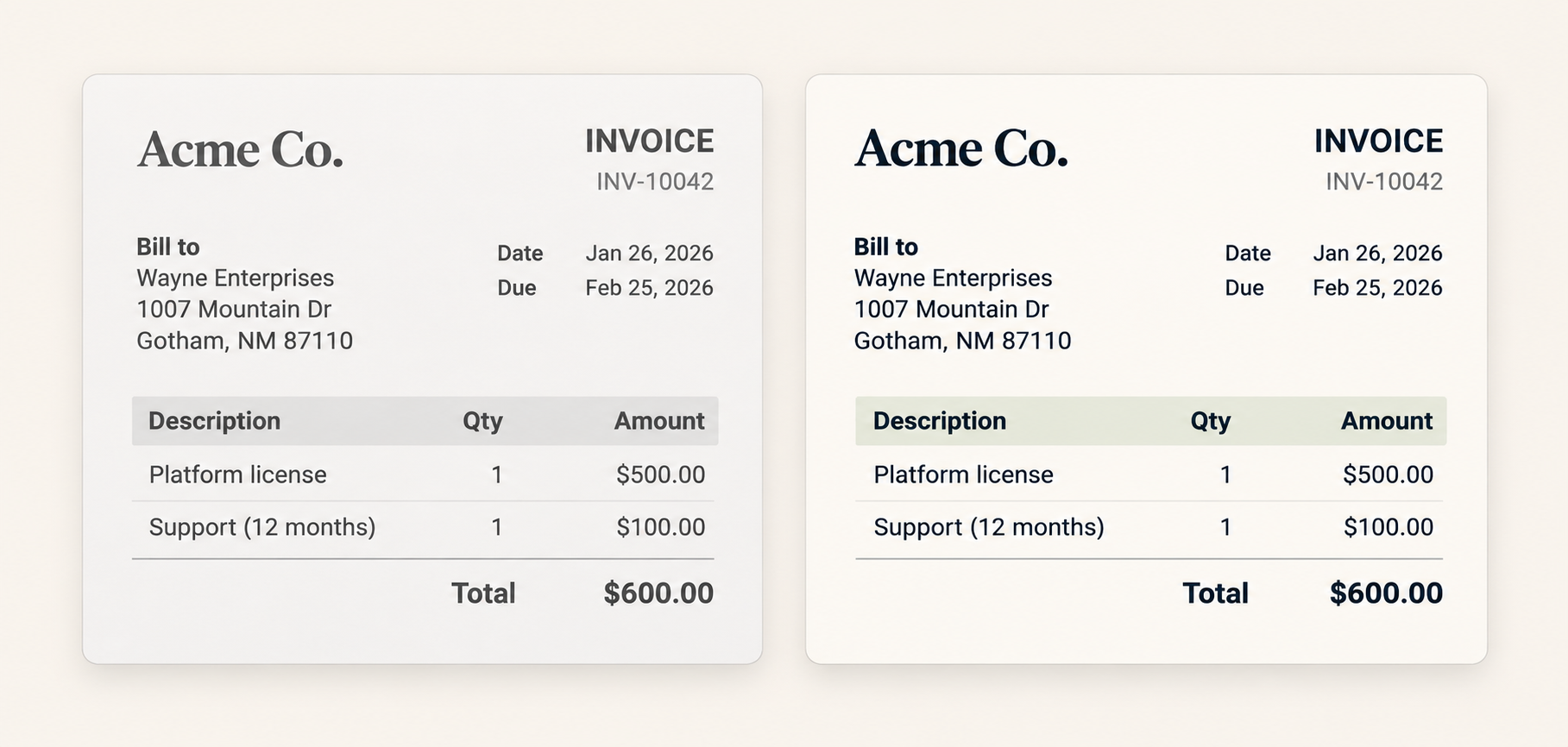
Install the compatible program alongside your current wkhtmltopdf.
curl -fsSL https://marqius.com/marqius-wkhtmltopdf.sh | bashIf your Gemfile includes wkhtmltopdf-binary, remove it before setting the new executable path.
WickedPdf.config = { exe_path: "/usr/local/bin/wkhtmltopdf" }

render pdf: "invoice", template: "invoices/show", layout: "pdf"Render a representative document and check the PDF before switching production.
marqius wkhtmltopdf invoice.html new.pdf
marqius compare old.pdf new.pdfPDFKit.configure { |config| config.wkhtmltopdf = "/usr/local/bin/wkhtmltopdf" }Exercise headers, footers, tables of contents and longer text. Compare the rendered pages before you switch a production job.
The helpers prepare HTML in Rails. Keep them and configure wicked_pdf to run the installed wkhtmltopdf-compatible executable, then compare the PDF.
If the gem supplies the old executable, remove or stop using it and set exe_path to the Marqius-compatible program you installed.
Test a document that uses your current toc options, links and page numbers. Review the complete PDF before switching.
Set exe_path to the installed program, confirm the process can execute it, and try a small Rails view.