PRINT FIDELITY
Control how pages go to press
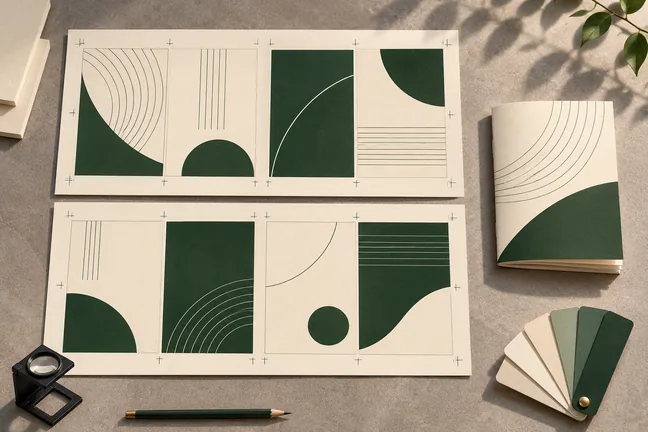
Set the colour profile, bleed, trim marks and sheet layout for the way you print. Inspect the actual finish with your print partner before the full run.
Explore featureBring page arrangement, trim marks and space around the page edges into the same conversation as the document layout.
 ILLUSTRATIVE CONCEPT
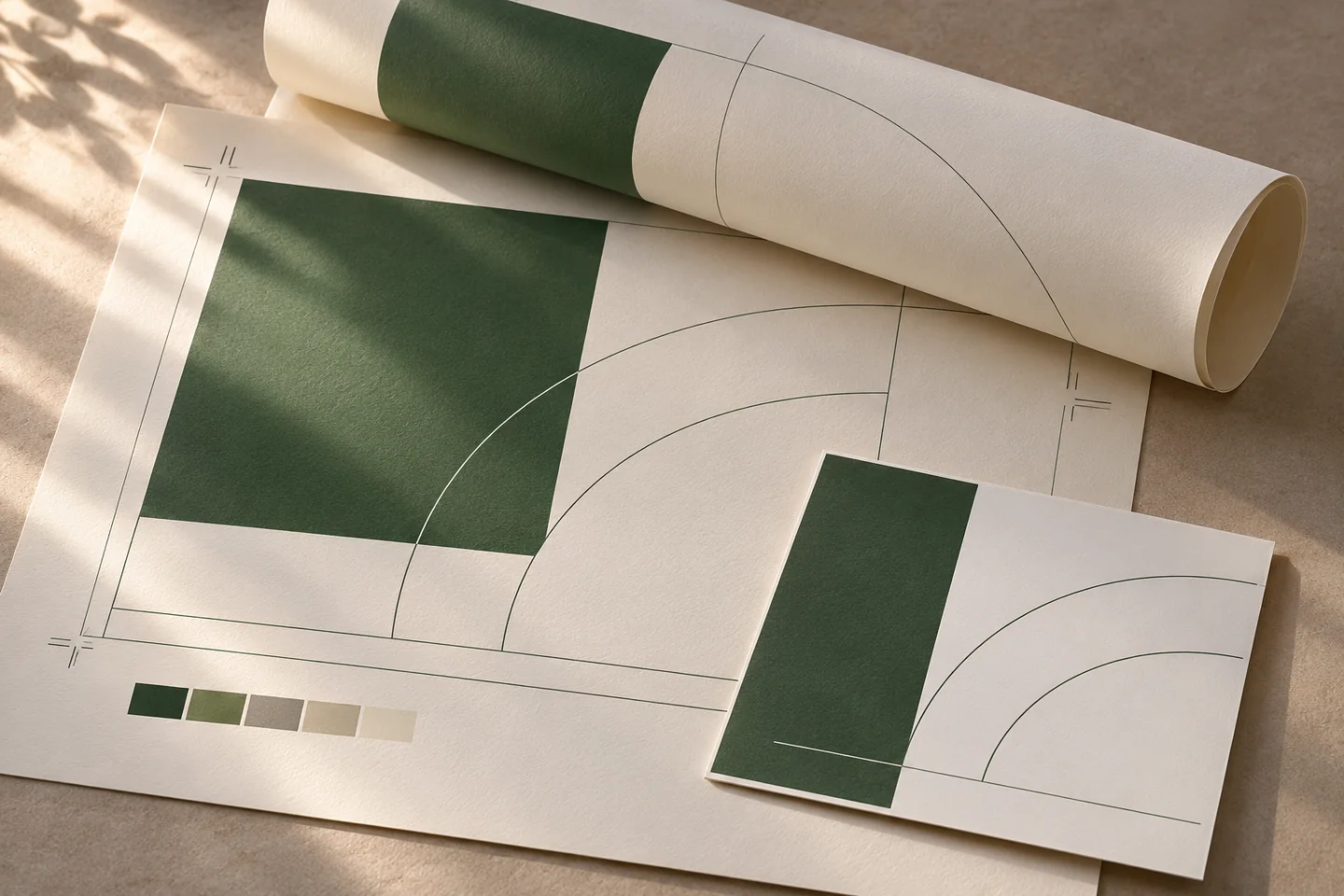
A brochure with artwork near the edge needs different attention from a text-only statement. Review the pages at the intended size and verify how artwork sits relative to the cut.
Set the colour profile, bleed, trim marks and sheet layout for the way you print. Inspect the actual finish with your print partner before the full run.
Explore feature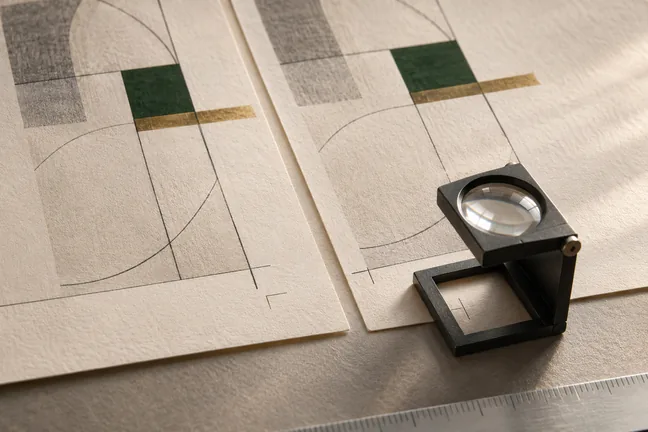
Use press checks and page-level findings to review the file before release. Strict mode can stop a run when a check raises a warning, so the next step starts with a decision.
Explore feature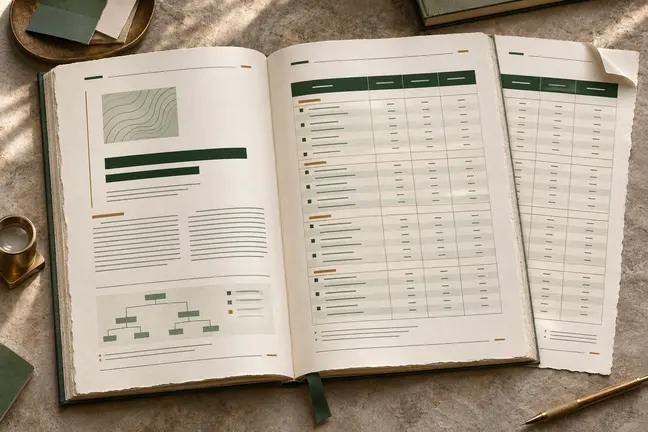
Control page size and margins, tables, running heads, footnotes and cross-references. Review the longest sections so the document reads as well at the end as it does at the start.
Explore feature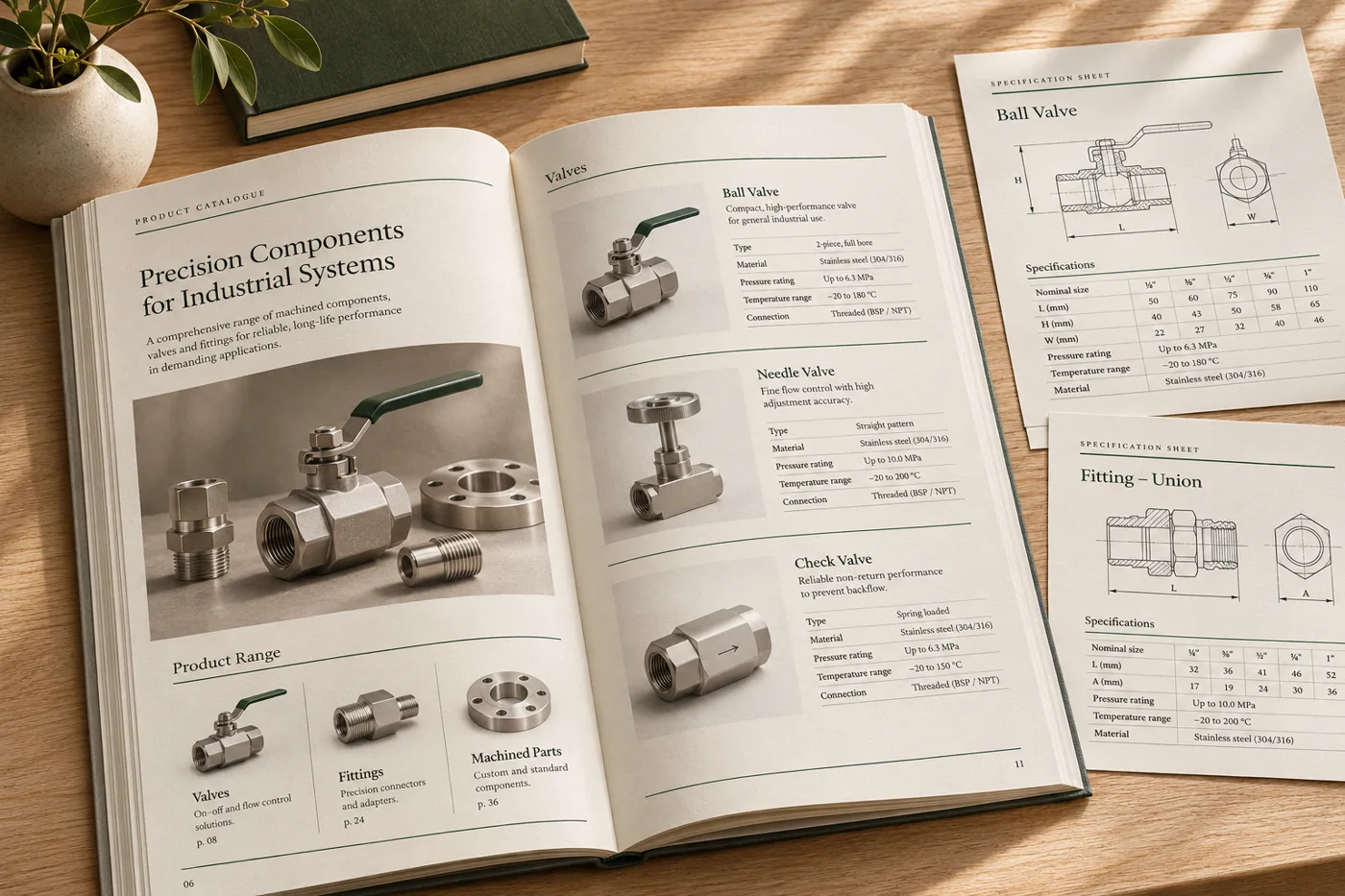
Turn changing product details, images and specifications into consistent catalogues, price lists and technical sheets.
Explore industry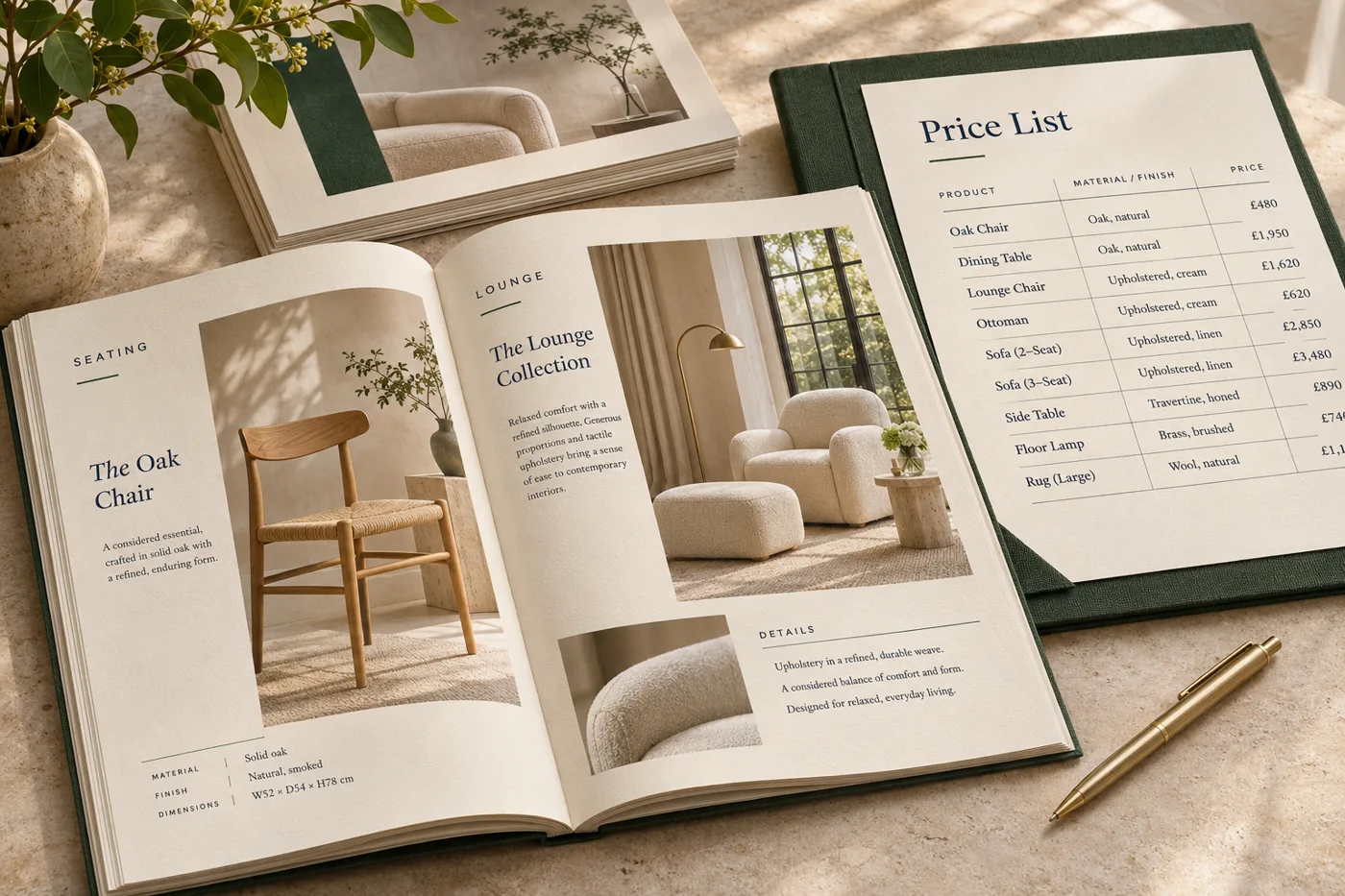
Use approved layouts for promotion sheets, seasonal catalogues and local price lists, with room for the details that change by location.
Explore industry
Shape book interiors, workbooks and training material with considered typography, a clear chapter structure and a proof sized for the intended edition.
Explore industryTell us what changes between runs and what the completed file needs to do. Bring an anonymised example to the first discussion.
Discuss a SampleAsk for the finished size, the extra space they need at the edges, and any marks or file settings they expect.
Choose both a typical page and one most likely to expose a problem, such as edge-to-edge artwork or a dense table.
The intended printer or production team should check the PDF against the job requirements before release.