REUSABLE DESIGN
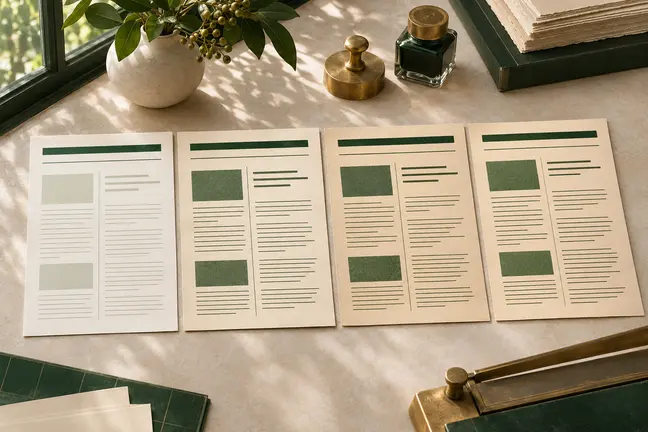
Keep the layout your team approved
Reuse approved layouts and shared sections as names, figures, product details and other source information change.
Explore featureKeep summaries, activity tables and contact information in a familiar order while figures and transaction histories change each period.
 ILLUSTRATIVE CONCEPT
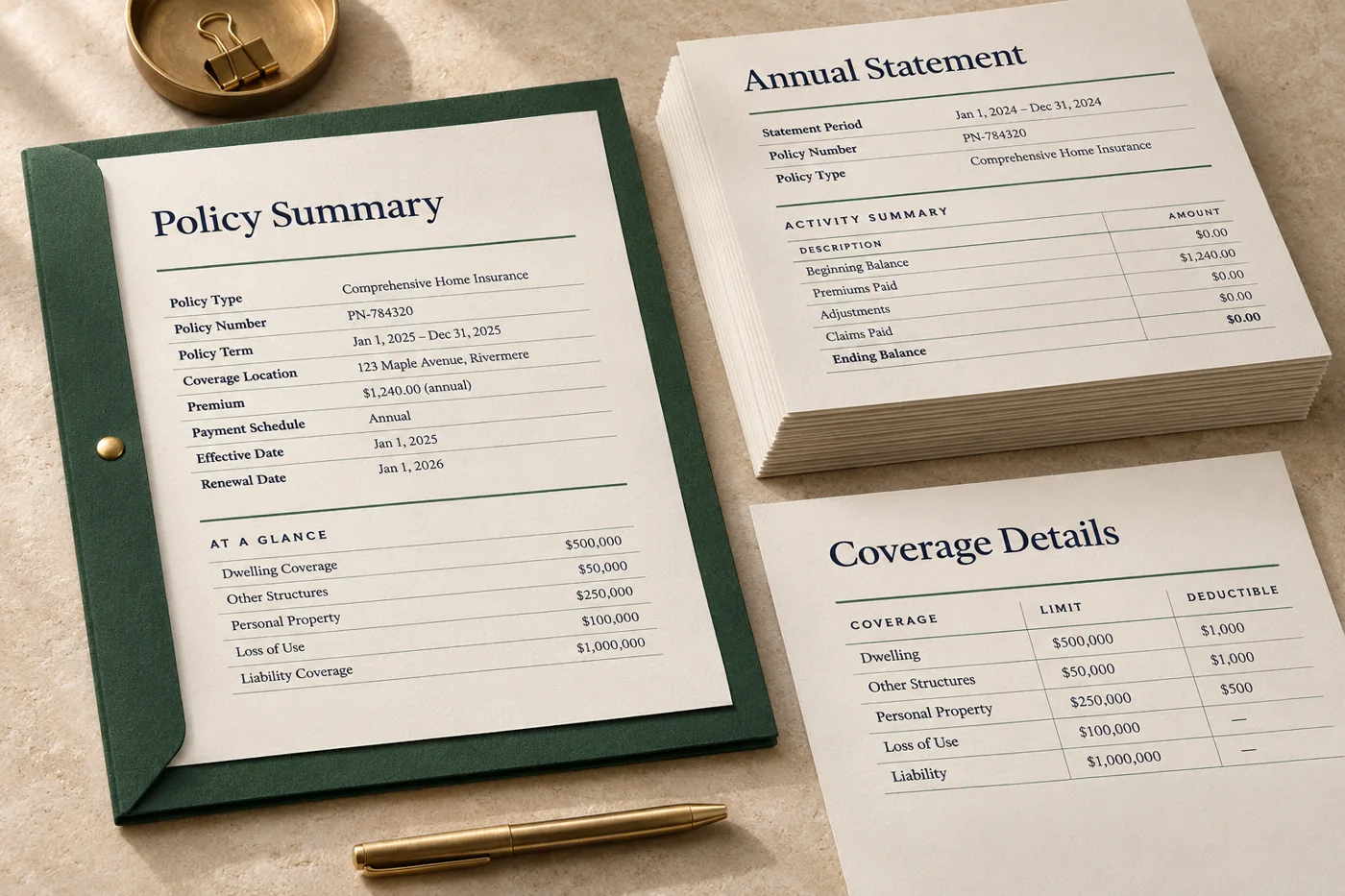
Use one record with a quiet month and one with several pages of activity. The look stays consistent, while the amount of space each record needs can change.
Reuse approved layouts and shared sections as names, figures, product details and other source information change.
Explore feature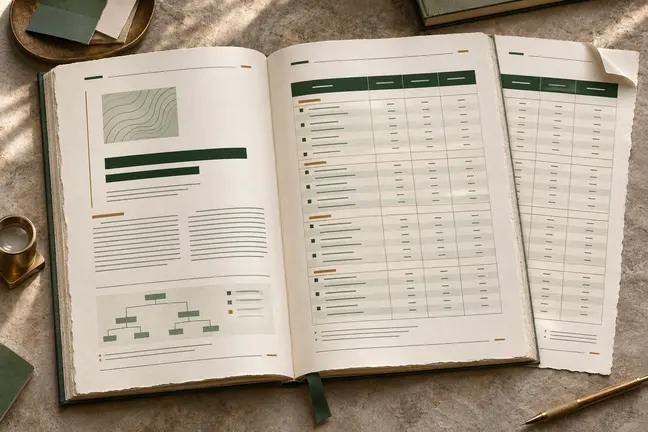
Control page size and margins, tables, running heads, footnotes and cross-references. Review the longest sections so the document reads as well at the end as it does at the start.
Explore feature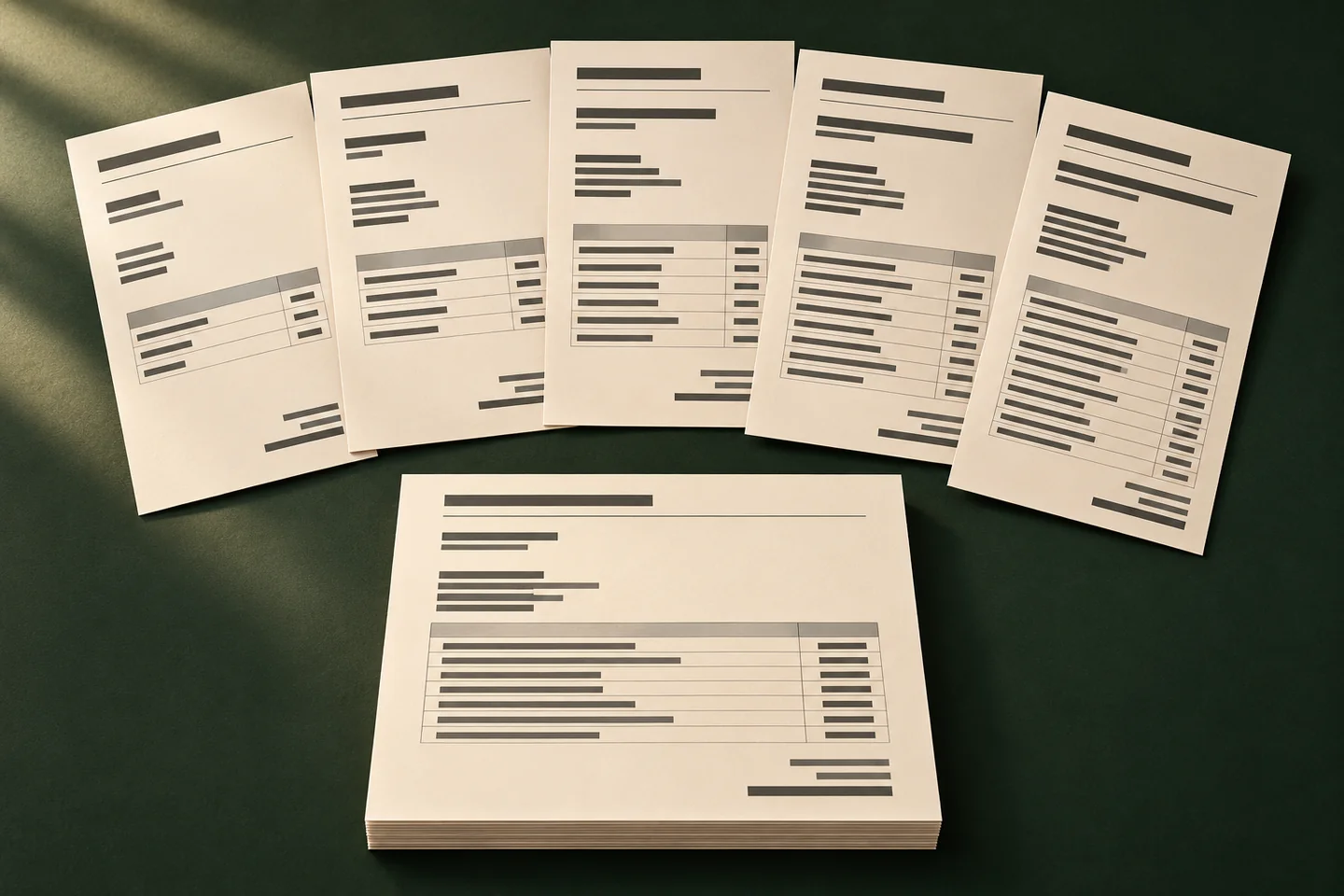
Use one approved layout and a fresh set of records to prepare statements, correspondence and other documents that vary from recipient to recipient.
Explore feature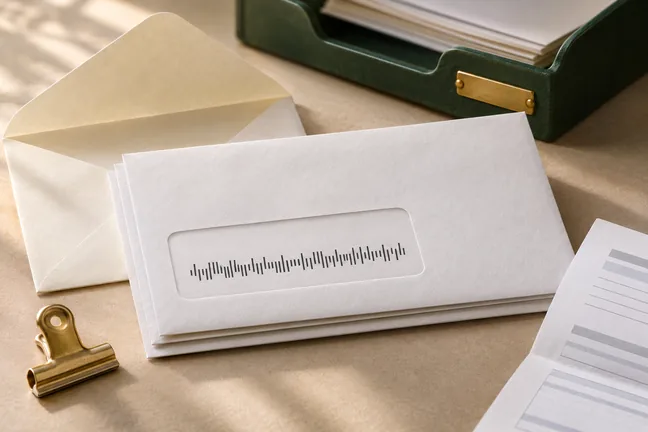
Build a personalised run one mail piece at a time. Generate USPS Intelligent Mail barcodes and add payment scan lines or inserter marks where the workflow requires them.
Explore featureTell us what changes between runs and what the completed file needs to do. Bring an anonymised example to the first discussion.
Discuss a SampleYes. Use an anonymised copy to identify the approved structure and the information that changes.
Verify where the table continues, how its headings repeat and which details identify the account and reporting period.
Compare representative balances and totals to the source, then check page order and the agreed delivery destination.