
BOOK PRODUCTION
Set the interior from a manuscript
Choose a book design and trim size, then prepare a manuscript with chapter openers, front matter, running heads and page numbers.
Explore featureLay out repeatable training editions with clear instructions, usable exercise space and a proof at the final trim size.
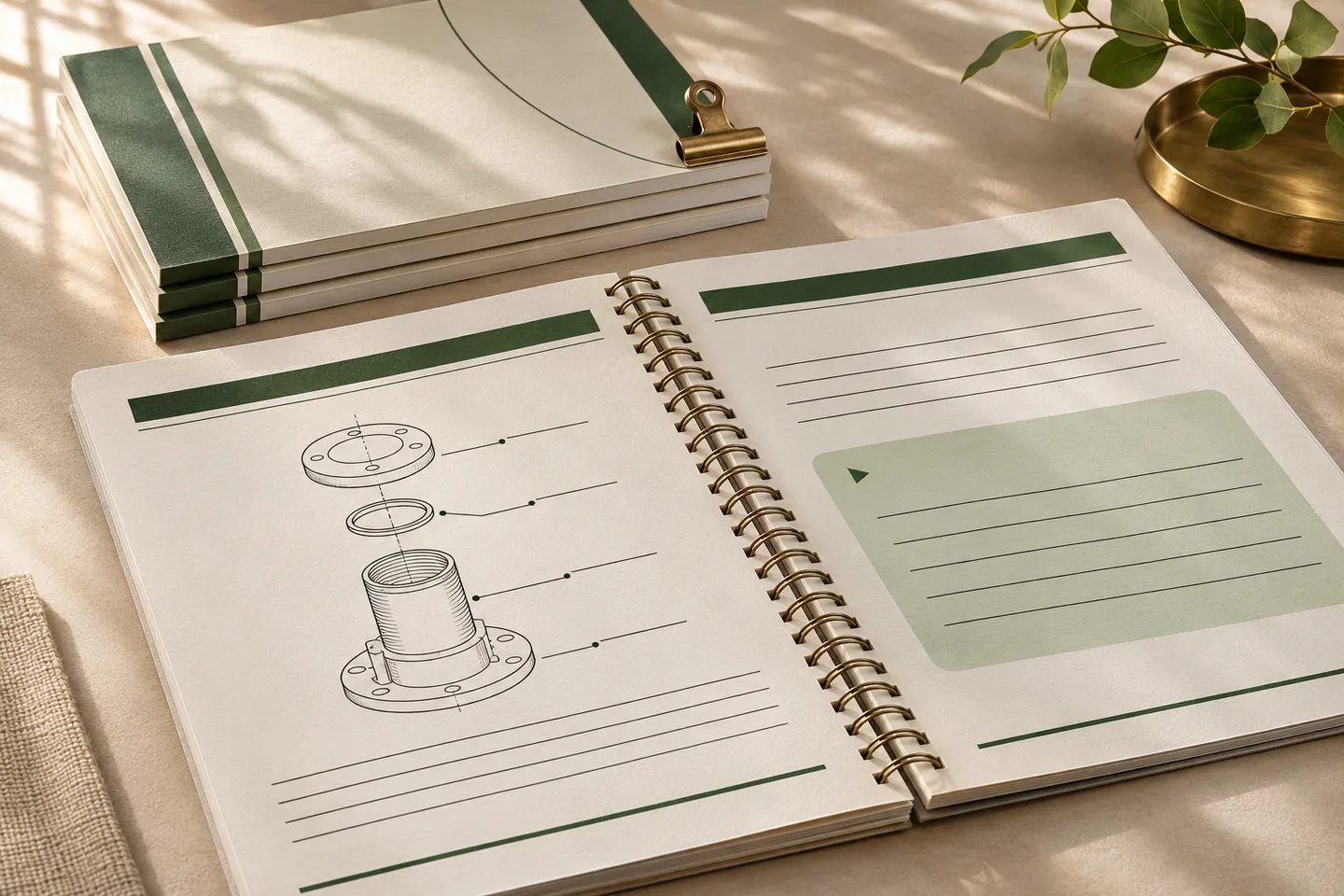 ILLUSTRATIVE CONCEPT
For a staff training workbook, prove one diagram-heavy lesson and one activity page with long instructions. Confirm the illustration and its caption stay together, and check the writing area at actual size.
Choose a book design and trim size, then prepare a manuscript with chapter openers, front matter, running heads and page numbers.
Explore feature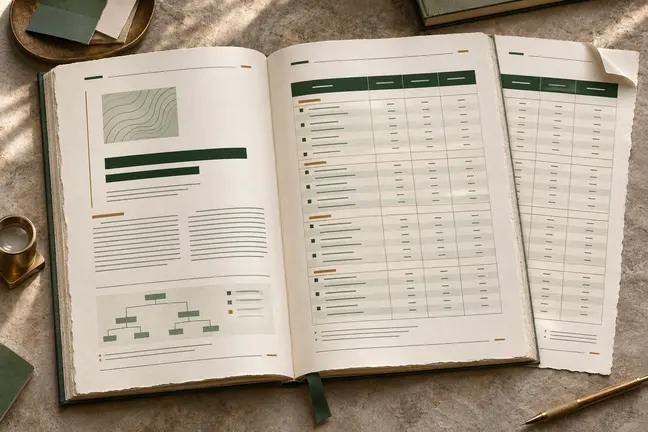
Control page size and margins, tables, running heads, footnotes and cross-references. Review the longest sections so the document reads as well at the end as it does at the start.
Explore feature
Set the colour profile, bleed, trim marks and sheet layout for the way you print. Inspect the actual finish with your print partner before the full run.
Explore feature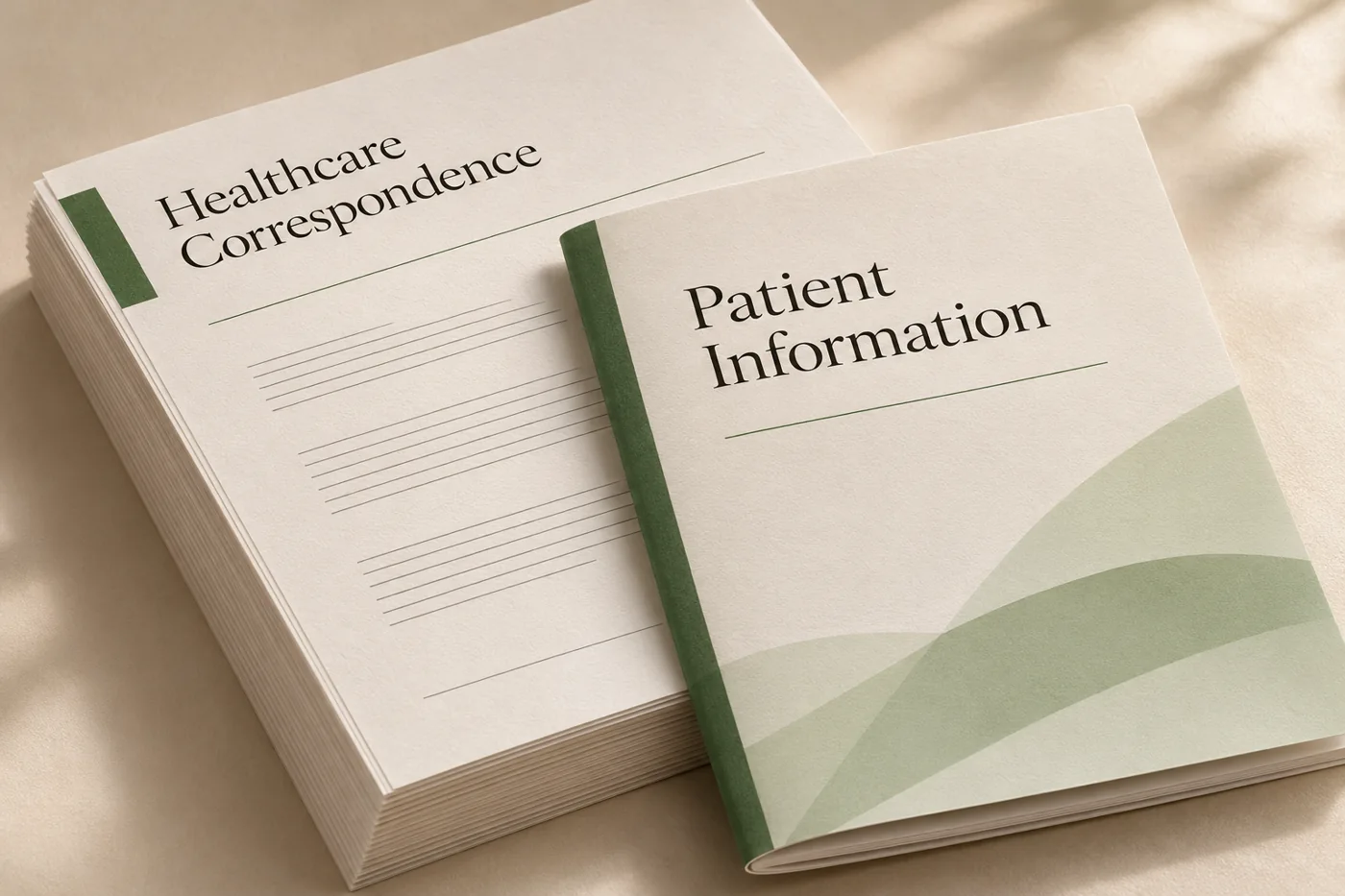
Build readable appointment letters, administrative notices and information packs around templates your team can review and reuse.
Explore industry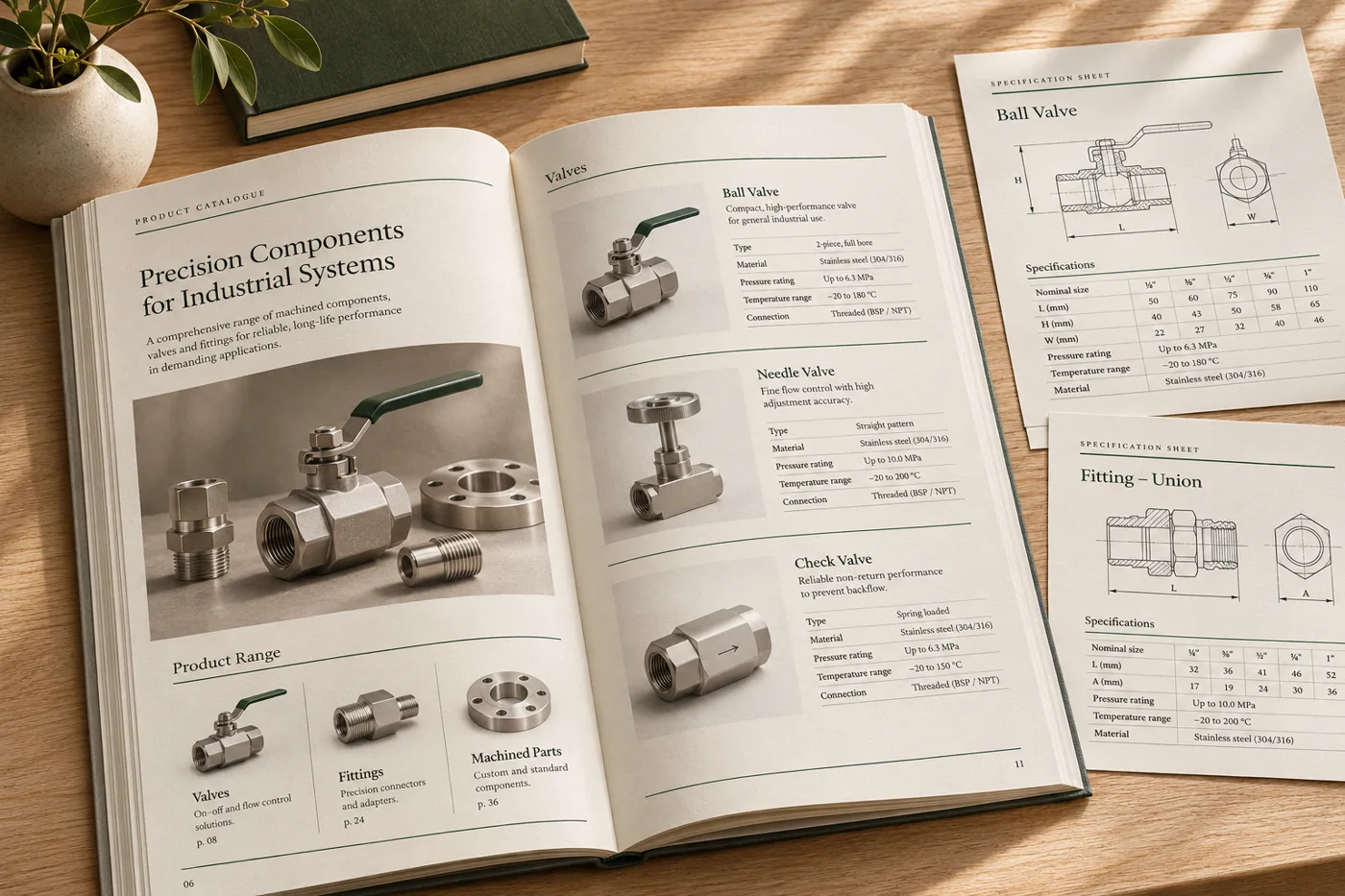
Turn changing product details, images and specifications into consistent catalogues, price lists and technical sheets.
Explore industryShape book interiors, workbooks and training material with considered typography, a clear chapter structure and a proof sized for the intended edition.
Explore industryTell us what changes between runs and what the completed file needs to do. Bring an anonymised example to the first discussion.
Discuss a SampleChoose a unit opener, a dense instructional page and an exercise with space for written answers. Print the proof at the intended size to check margins and usability.
Keep the diagram and caption together in the source layout, then inspect the pagination when a lesson runs long. Check that the instructions still point to the correct figure.
Rebuild the affected edition from the revised source. Check the contents, page references and revised activities, then confirm that any shift in page count still suits the binding.