What to send your printer before a repeat run
Agree on trim, bleed and the file the printer expects before you build the full batch.
Marqius
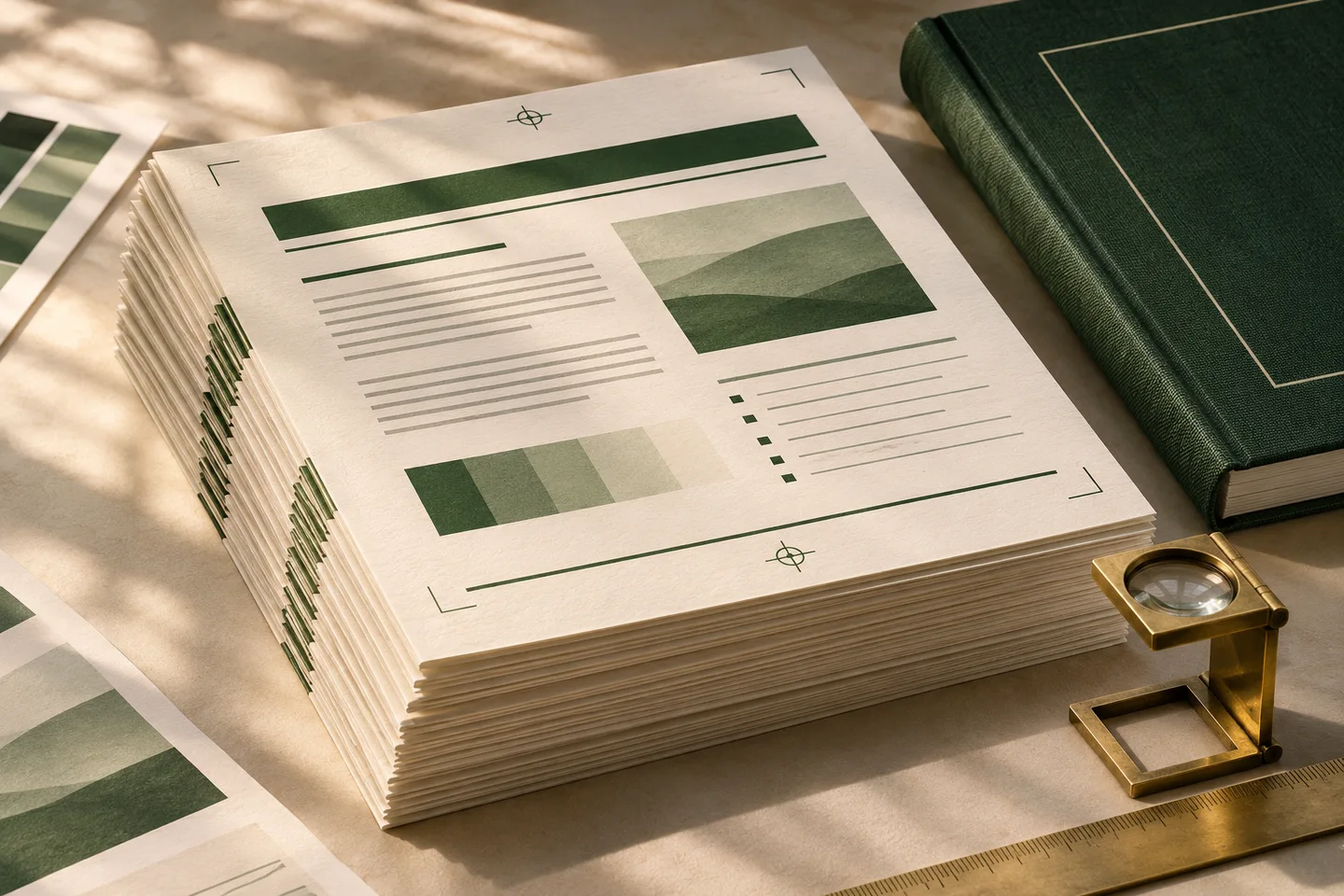
A repeat print run starts with a file your print partner can use. Send the intended finished size, the finishing method and one representative proof early enough for changes to be made in the source.
Agree on the finished page
Confirm the size after trim, the binding or fold, and the required space beyond the cut. Ask whether the printer wants individual pages or a sheet with pages already imposed. Keep the answer with the approved layout so the next production team can use it.
Choose pages that are hard to print
Use an ordinary page and one with artwork near the trim, a dense table, or fine type. Review the proof at the intended size. If the job will be folded or bound, check page order and the space around the fold on a physical sample.
Send a file the printer can identify
Name the edition and revision clearly, include the expected page count and record who approves the proof. When a correction comes back, make it in the source and issue a new proof with an updated revision.
Reader questions
Should I send imposed sheets?
Ask the printer first. Some workflows need individual pages so the printer can arrange them for its equipment and finishing process.