Measure the speed of a PDF batch
Measure preparation, rendering and review separately to see what is holding up a print run.
Marqius
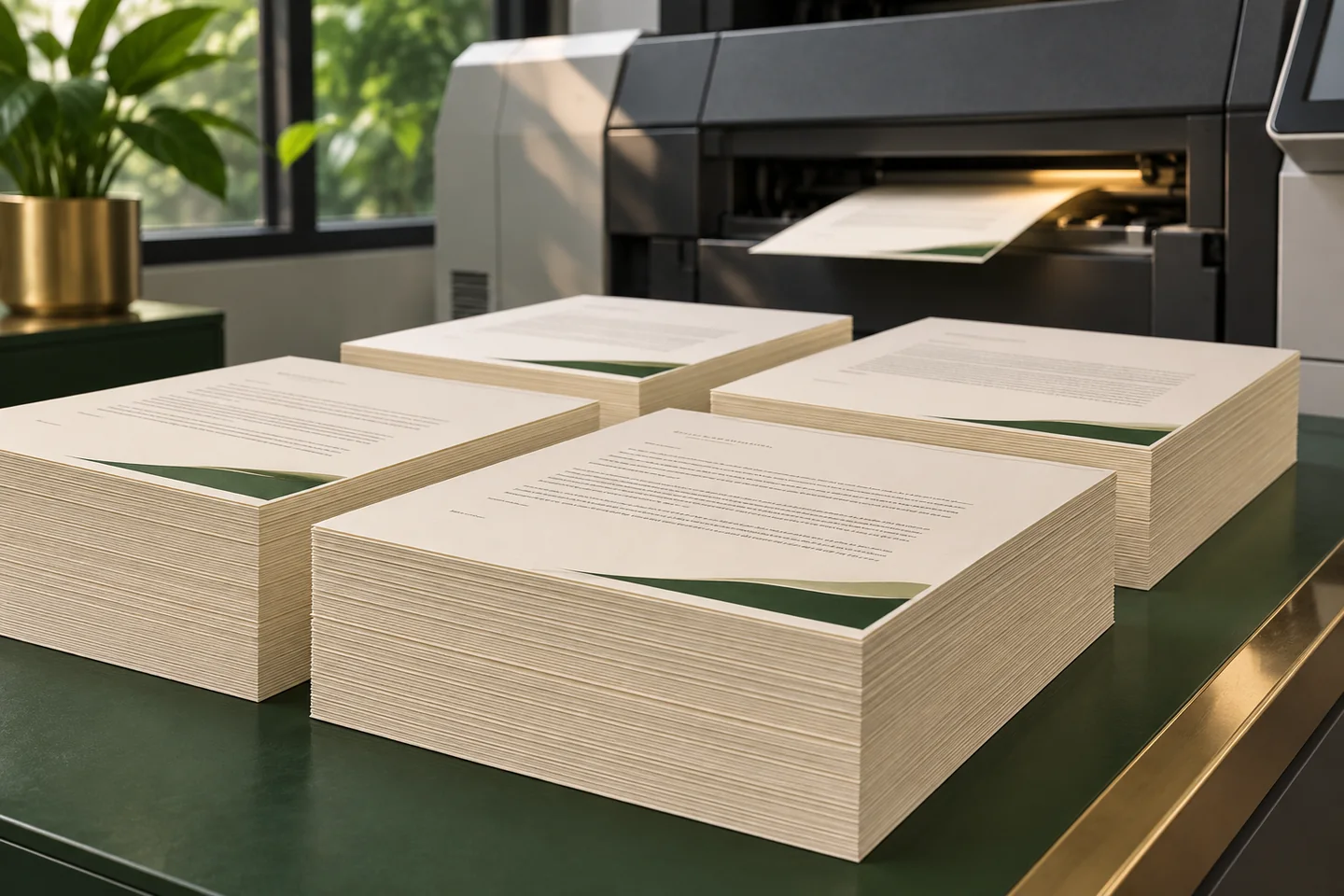
Production speed is the time from approved inputs to a file the next team can use. Measuring only when the renderer starts and stops tells you how the renderer behaved. Measure the full job as well so you can see where the team waits.
Pick a batch you recognise
Use a set that includes your smallest file, a long document and one with several large images. Write down the input count, the expected output count and the files that must be ready for the next handoff.
Measure a fresh run and a repeat
Run the full batch first, then try a repeat with unchanged inputs. Change one source and run it again. Confirm that the new file reflects the change and that the others can reuse their previous output. When jobs are independent, compare a sequential run with a parallel one.
Put the clock beside the proof
Record time to the last reviewed PDF, time spent correcting warnings, and the count of files accepted on the first pass. A shorter run matters when it gives the team a usable batch before the deadline.
Reader questions
What should I measure if a job is already fast to render?
Measure how long the file waits for review and handoff. A queue or a repeated correction can cost more production time than PDF generation.